2-14 • Installing BSC hardware 8018653 1.1
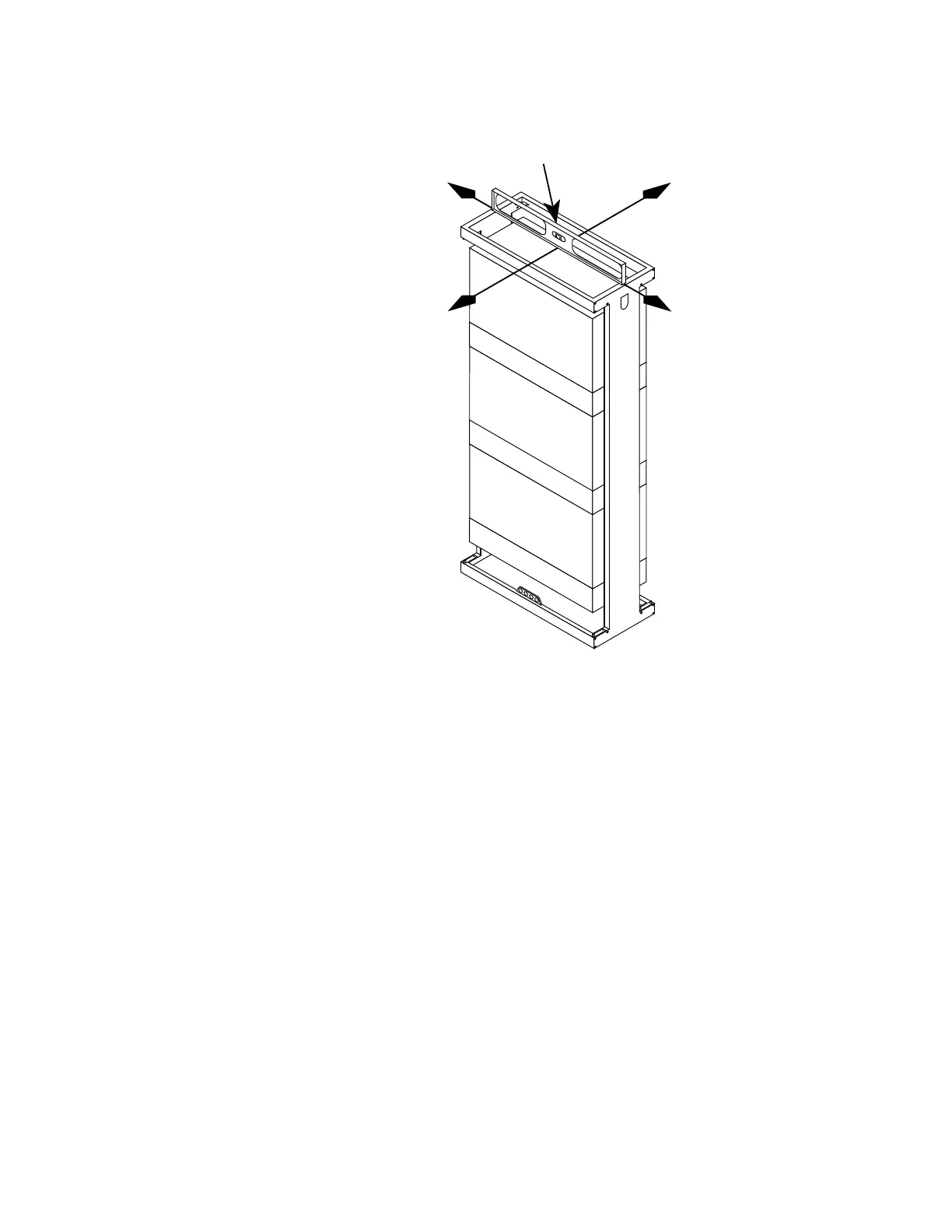
Y-AXIS
X-AXIS
LEVEL MUST BE USED IN
BOTH AXES: X AND Y
Figure 2-9. Verifying that the BSC rack is plumb
16. If there are no expansion BSC racks to install, continue on to
section 2.5, “Installing BSC input power and ground cables.”
Otherwise, repeat steps 1 through 15 to install the expansion
racks, then go to section “Anchoring multiple BSC racks.”


 To Next Page
 Loading...