8018653 1.1 Installing BSC hardware • 2-9
CHASSIS
1
CIRCUIT B
CHAS
S
IS
2
CHASSIS 3
CHASSIS
1
CIRCUIT A
CHASSIS
2
CHA
SS
IS 3
Subsidiary of
Hughes Aircraft Company
HUGHES
NETWORK SYSTEMS
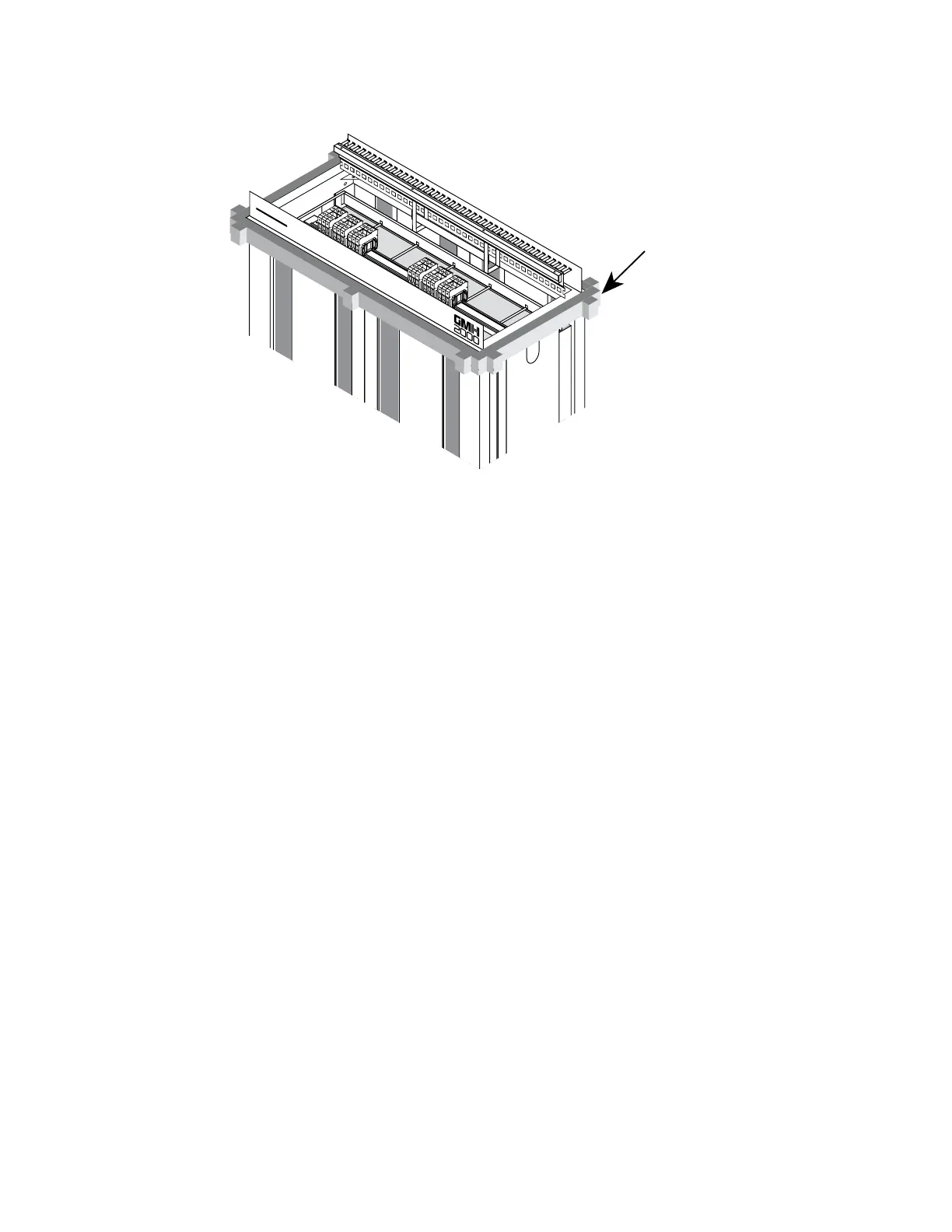
FOAM SLEEVE
BRACE
Figure 2-4. Foam brace removal
6. Remove the foam brace from the BSC rack (see figure 2-4).
7. Using a socket wrench with a 1/4-inch socket (or metric
equivalent), remove the lag bolts attaching the three front sleeve
braces to the pallet (see figure 2-5).
Note
The front sleeve braces are located on the side of
the BSC rack that has the Hughes Network
Systems and GMH 2000 logos on it).


 To Next Page
 Loading...