3-4 • Operation and shutdown 8018653 1.1
3.2
BSC rack shutdown
Perform the following procedure to deactivate the entire BSC rack:
1. Open the front doors on the BSC rack.
2. Set the following PDU power switches to OFF:
• CIRCUIT A CHASSIS 1 switch
• CIRCUIT A CHASSIS 2 switch
• CIRCUIT A CHASSIS 3 switch
• CIRCUIT B CHASSIS 1 switch
• CIRCUIT B CHASSIS 2 switch
• CIRCUIT B CHASSIS 3 switch
3. Verify that the OK lamps on all circuit modules are extin-
guished.
4. Verify that the fans stop turning.
The BSC rack is now deactivated. If you need to restart it again, refer to
section 3.4, “Restarting the BSC rack” to do so.
3.3
BSC chassis assembly
shutdown
Perform the following procedure to deactivate a BSC chassis assembly:
1. Open the front doors on the BSC rack.
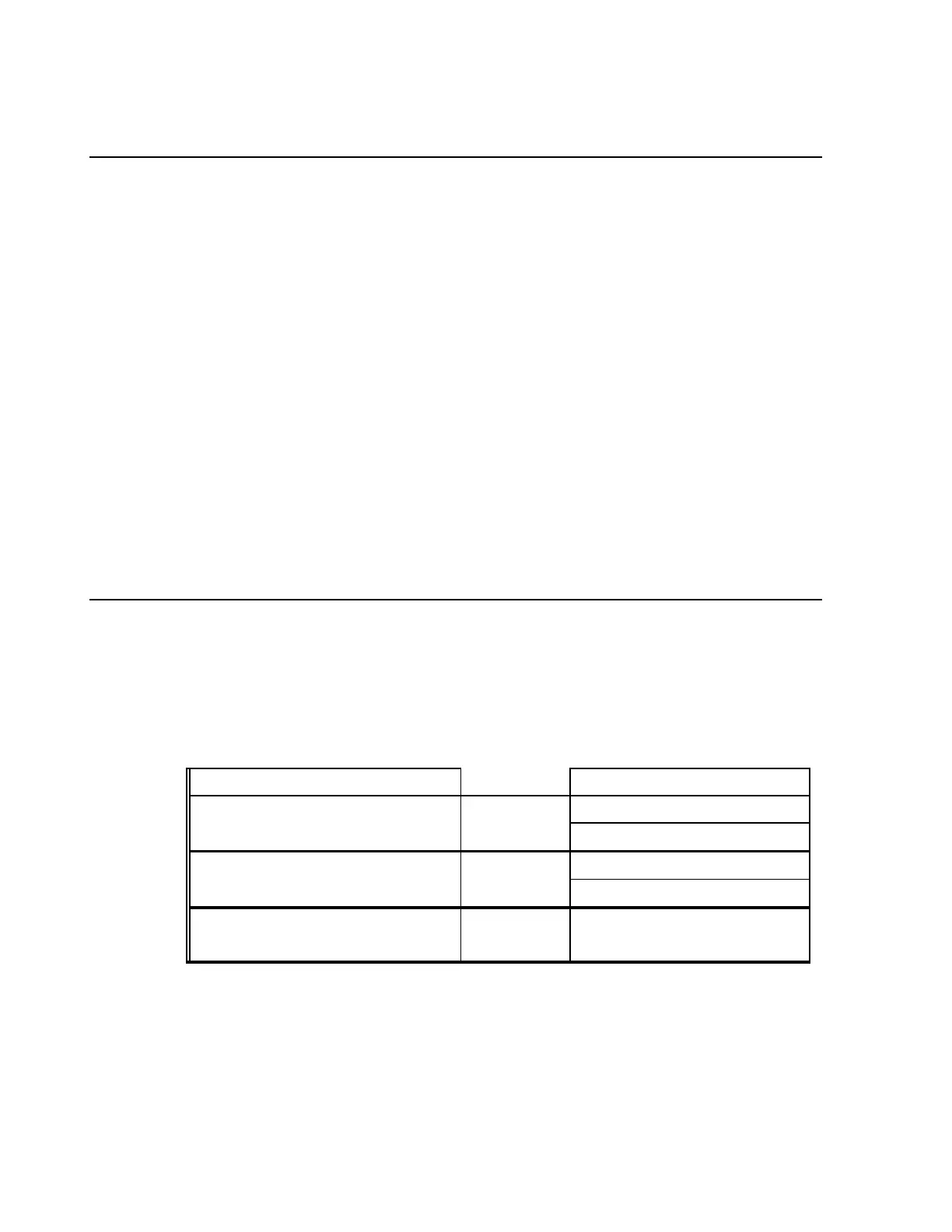
2. Refer to table 3-3 to determine which PDU power switches to
set to OFF.
Table 3-3. BSC rack power control
BSC chassis assemblies PDU power switches
Top BSC chassis assembly is controlled by CIRCUIT A CHASSIS 1 switch
CIRCUIT B CHASSIS 1 switch
Middle BSC chassis assembly is controlled by CIRCUIT A CHASSIS 2 switch
CIRCUIT B CHASSIS 2 switch
Bottom BSC chassis assembly is controlled by CIRCUIT A CHASSIS 3 switch
CIRCUIT B CHASSIS 3 switch


 To Next Page
 Loading...