38
2
INSTALLATION PROCEDURE
302.061
2.2. ERRORS - CAUSES - SOLUTIONS
The display may signal the occurrence of errors during the calibration of the bar feeder or the machining of pieces.
These errors may be the result of incorrect programming, operational errors, or mechanical or electrical faults.
When errors are detected, the bar feeder stops. To restore automatic cycle proceed as follows:
– Restore the manual cycle.
– Eliminate the cause of the error.
– Restore the automatic cycle.
The table below lists the error messages, their possible causes and the corresponding solutions.
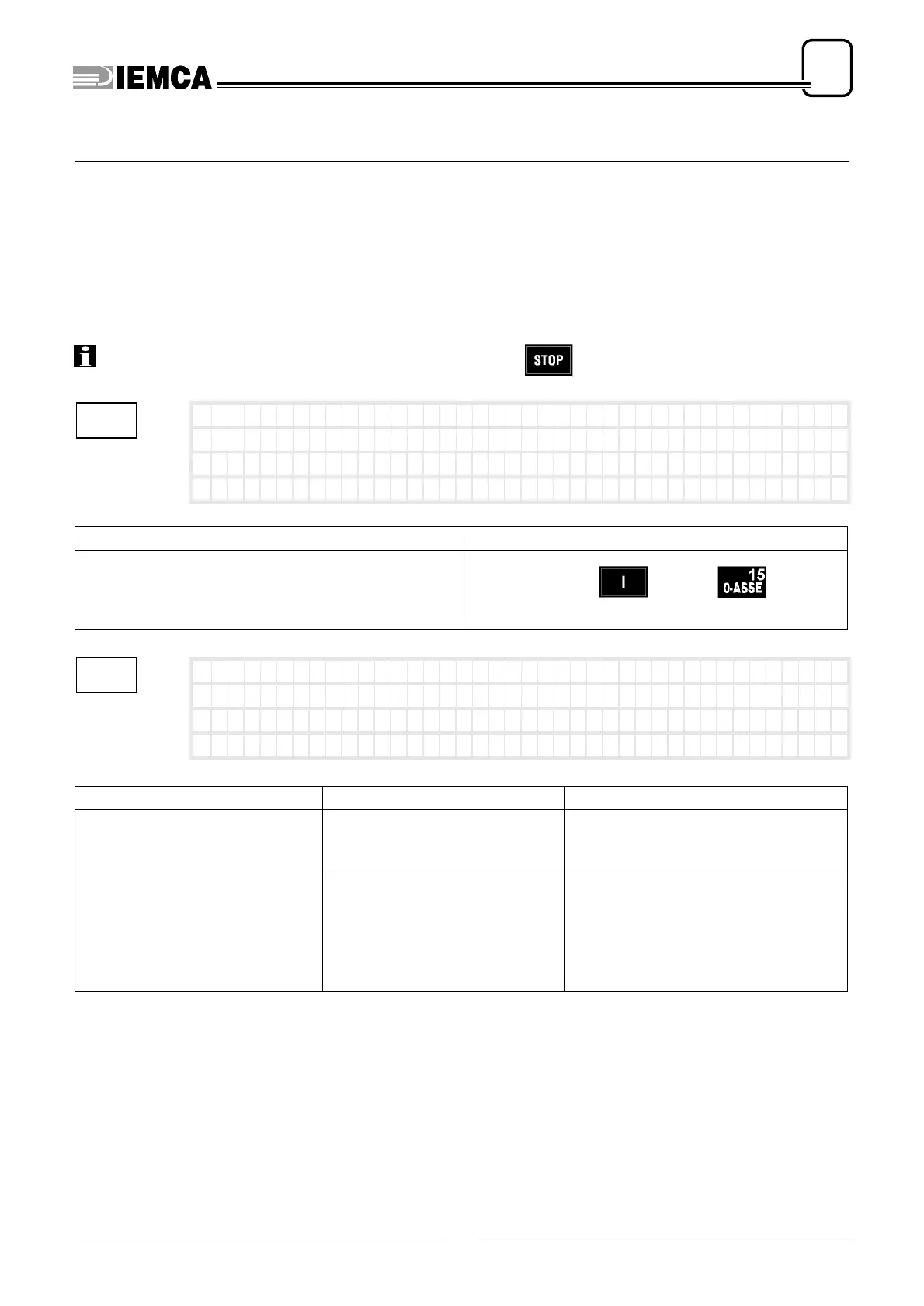
INFORMATION: All error signals must be reset by pushing the key.
CAUSE SOLUTION
A ZERO AXIS was attempted without first pressing the
start button.
Press push-button and key at the
same time to start the bar feeder.
ERROR CAUSE SOLUTION
The bar pusher or the 1st feeding
carriage motion does not perform
the stroke within the set time.
The bar pusher or the first feeding
carriage are not moving correctly.
Check the free and unimpeded move-
ment of bar pusher, first feeding car-
riage and chains.
Encoder fault.
Check that the encoder is driven cor-
rectly.
Check on the display the position of the
bar pusher carriage, and verify that the
position change indicated corresponds
to the actual movement.
1
Press start f irst
2
Er ror :wrong ba r push
er movement






 To Next Page