53
2
INSTALLATION PROCEDURE
302.061
2.3. PROGRAMME IDENTIFICATION DATA - Displaying
procedures
The four programs installed in the bar feeder are as follows:
- Push-button panel Firmware;
- Push-button panel Software;
- PLC/CN Software.
- PLC/CN Firmware.
For various reasons (e.g., request for assistance) it may be useful to display
the identification data of the first three programs listed, according to the fol-
lowing procedure. As regards the “PLC/CN Firmware” displaying the identifi-
cation data is not particularly important.
❑
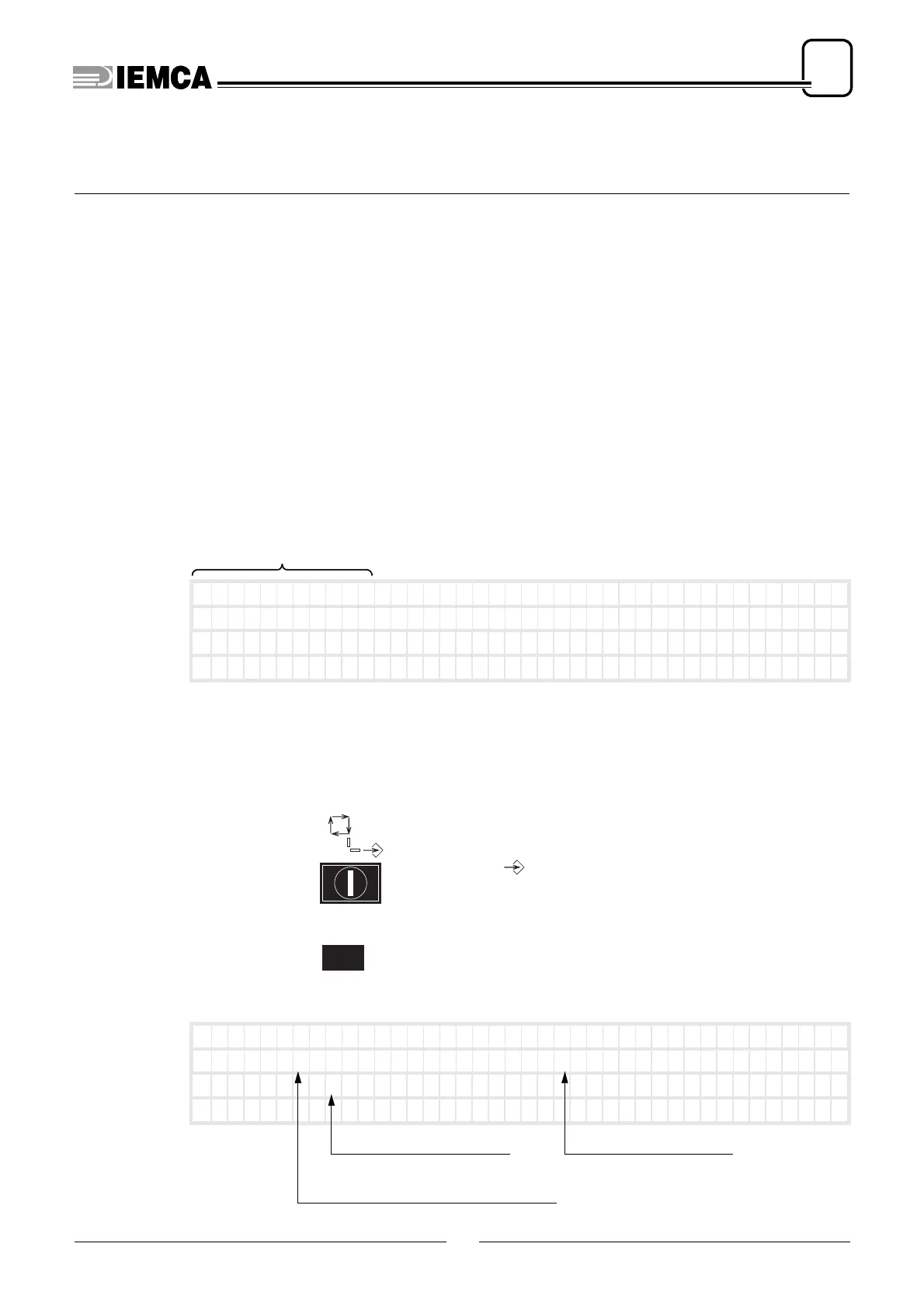
To display “Push-button panel Firmware” identification data
Disconnect power supply
Connect power supply again
it appears for a
few seconds:
❑
To display “Push-button panel Software” and “PLC/CN Software” and “PLC/CN Fir-
mware” identification data
turn the selector: onto position
press and keep pressed
it appears:
identification data of the push-button
panel firmware
OPERAT ION MODE
Un i OP XX . XX
+/-
F( )
|
SwOP : XXXXXX &
SwCNC : XXXXXX
|
––––––––––– [ XXXXX
XR.XX ]–––––––––––
––––––––––––––––––
––––––––––––––––––
|
Fw : v . XXXX
|
identification data of the push-button
panel software
identification data of the
PLC software
identification data of the
PLC firmware






 To Next Page