EasyManua.ls Logo

IEMCA VIP 80 - Accessing Protected Parameters

Default Icon
152 pages
Print Icon
To Next Page IconTo Next Page
To Previous Page IconTo Previous Page
Loading...
56
3
SETUP INFORMATION
302.061
❑
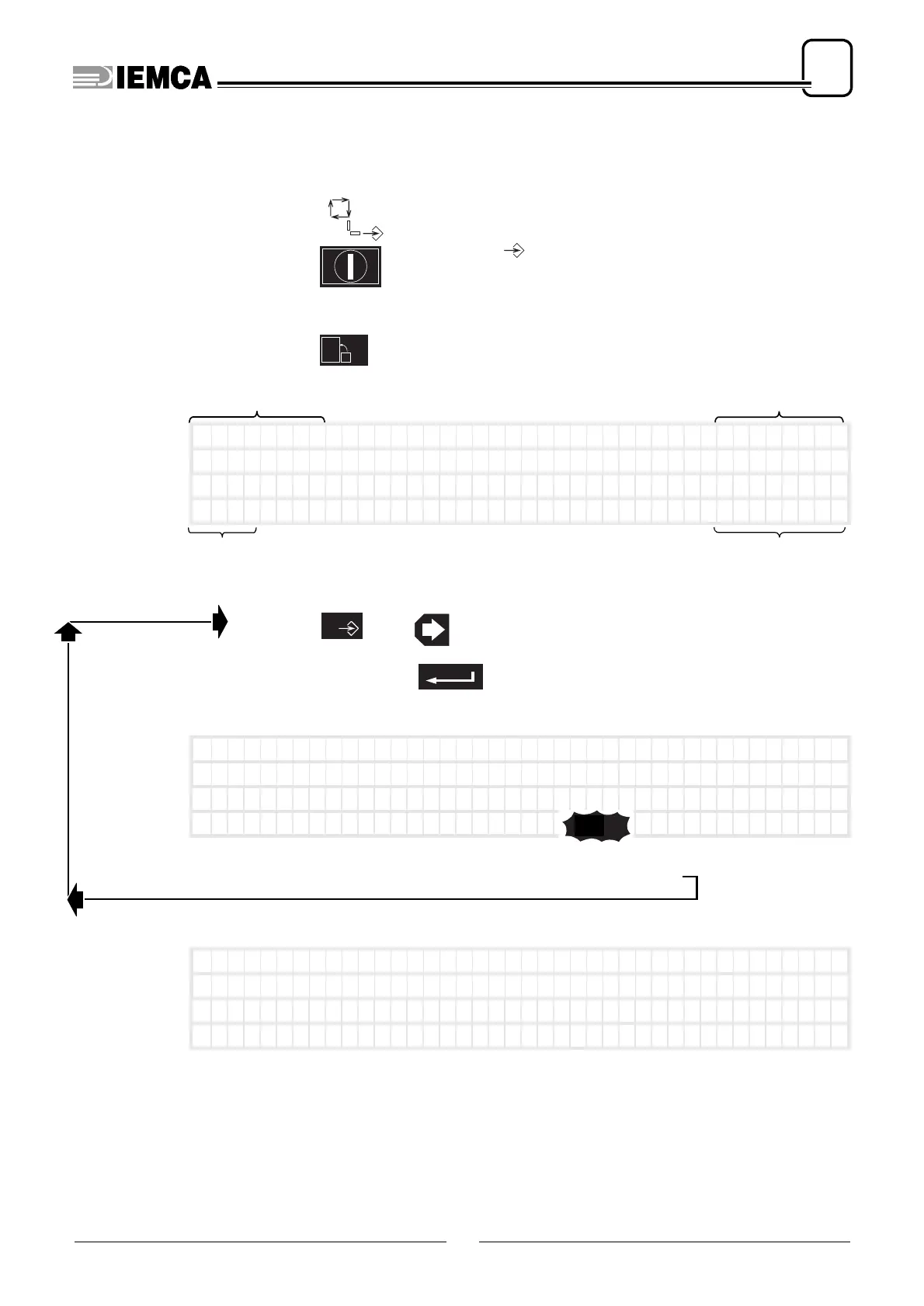
Accessing the setup protected parameters
Access the data entering mode
turn the selector: onto position
recall “MAIN MENU”
press:
it appears:
press:
type access code:
if code is
wrong, it
appears:
wait a few seconds and repeat
if the code is
correct, the first
protected para-
meter appears:
20
MAIN
date time
language in which information
is displayed
operations that can
be carried out
*** MEN
U***
5-02-00
12:09:40
(GB) (Par . 0) (Cod
e0)
→
)
Mo v e
––––––––––––––––––––
––––––––––––––––––––
0
plus
0510
plus
*** ME
NU ***
5-02-00
12:09:40
(GB) (Par . 0 ) (Co
d e XXXX )
→
)
Mo v e
––––––––––––––––––––
––––––––––––––––––––
1
****
RETURN
n.46 PHASE 1

Table of Contents