9
1
GENERAL INFORMATION
302.061
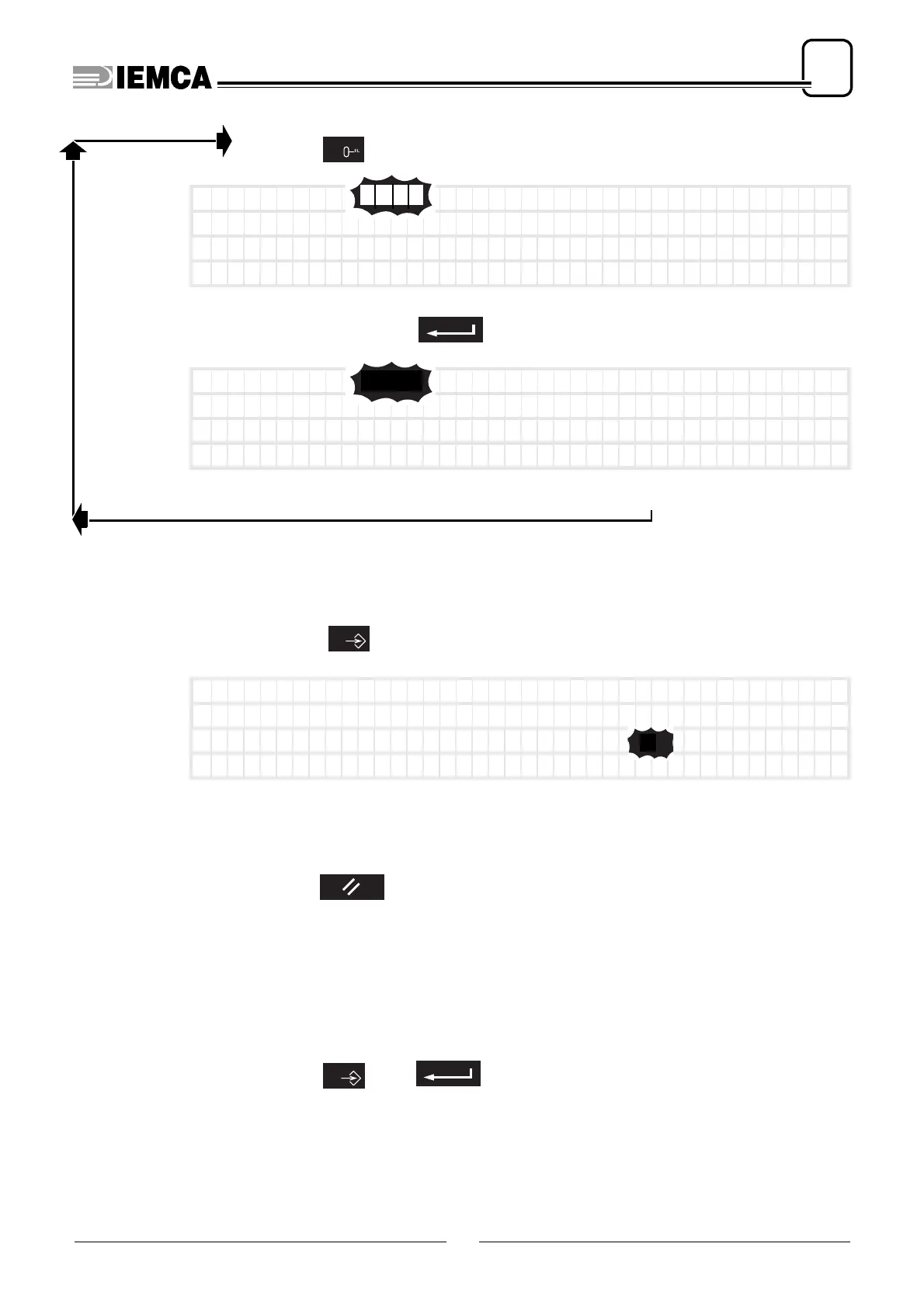
Press:
it appears:
type password
(not displayed):
if code is
wrong
it appears:
wait for some seconds and repeat.
if code is correct, the last screenful displayed appears.
Press:
it appears:
To stop the reset function
press:
the parameter value stops blinking. Besides, if the value has been modified but
the modification has not been saved, the valid value is the one preceding the
modification.
To start the reset function
press:
6
PASSWORD :
15.0
0510
plus
PASSWORD :
15.0
****
0
Pos i t i on f rom ‘ F ’ id
eal 144.66(mm)
Pos i t i on f rom ‘ 0 ’
3.34(mm)
Spe ed
0(mm/sec)
To t a l workp i e c e s
50
1
5 0
plus
0






 To Next Page