30 Programming the control panel
Anti-intrusion control panels
“Cloud Mode”
If enabled, this option will apply a preset of some of
the control panel parameters that would otherwise
have to be programmed individually for connection to
the Inim Cloud service.
Refer to paragraph 4-4 “Cloud mode” preset.
Not available
Date/Time
Editable field for the system date and time.
User functions, Set
date/time
Set local time
This button sets the local time of the PC in use. Not available
Write on control
panel
This button writes the local time of the PC on the
control panel.
Not available
Table 4-2: Control panel definition
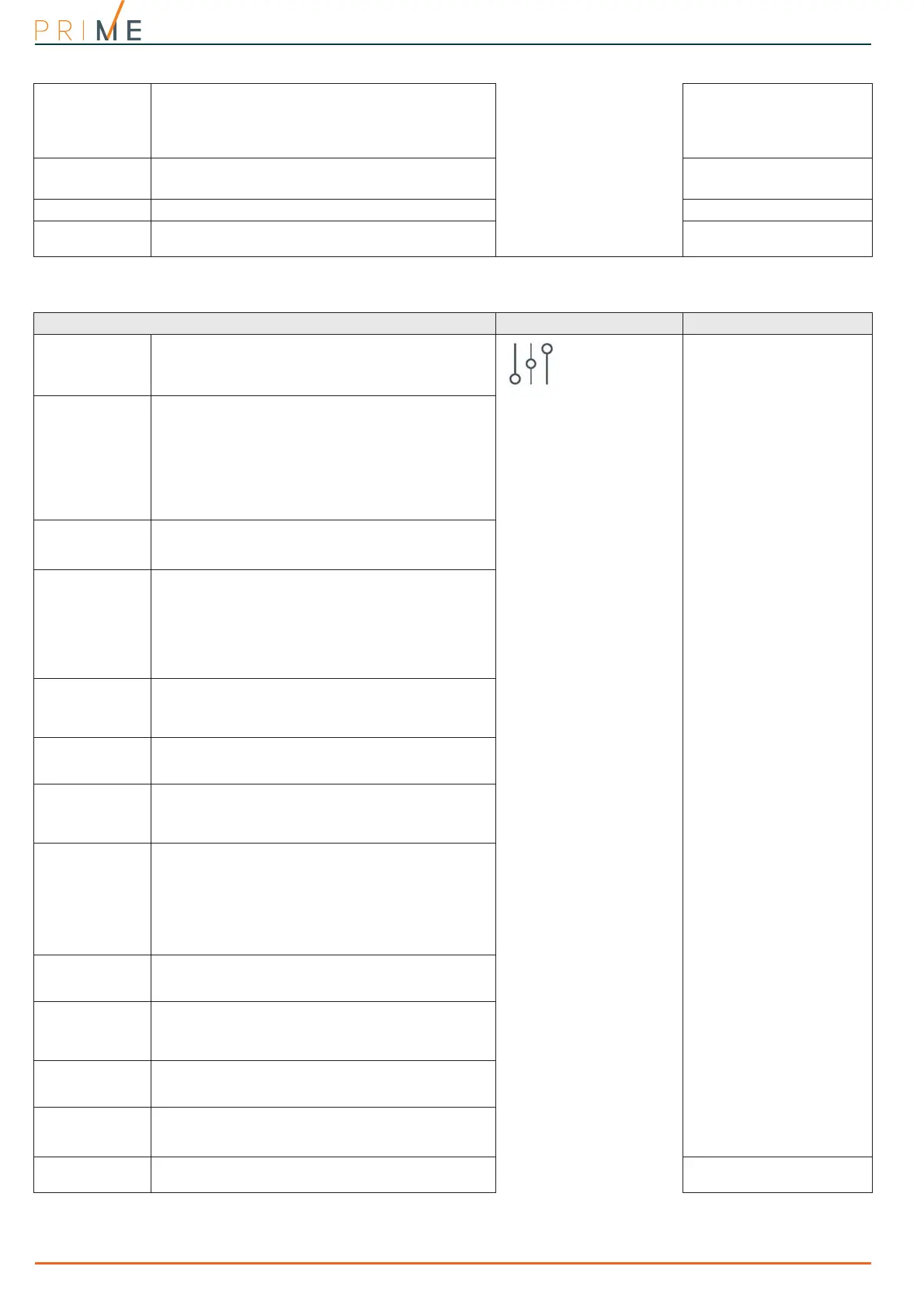
Table 4-3: Control panel options
Parameter Software section Installer menu section
Restart
monostable out-
puts
If activated, each event which activates a monostable
output refreshes the programmed “Monostable time”.
Control panel
parameters
Parameters
RefreshMnstblOut
Does not arm if
any of the zones
are not ready
The control panel will not arm the partition if it
detects any zones that are not in stand-by status.
If there are zones with the “Auto-bypassable” or
“NoArmIfNotReady” attribute amongst the open-
zones (refer to paragraph 6-1 Zones/Inputs), they
will be shown on the keypad as Not ready. If the user
goes ahead with the arming operation, these zones
will be bypassed automatically and the partition will
arm.
OpenZonesArmLock
Bypass tamper
in the event of
bypassed zones
If a zone is bypassed (disabled), it will also be unable
to generate terminal tamper.
BypassAlsoTamper
Prevents the
deletion of tam-
per memory by
user code
No user will be allowed to delete of the following
events:
• terminal tamper
• control panel open-tamper
• control panel dislodgement-tamper
•peripheral tamper
• peripheral loss
•false key
NoUserTamp.reset
Instant reset of
wireless mag-
netic contact
If this option is enabled, reset of the magnetic reed
sensor of wireless detectors will be signalled instantly
(otherwise signalling has a maximum delay of 10
seconds).
Instant restoral
Lock installer
code
If this option is enabled, all the control panel
parameters with the exception of the installer PIN will
reset to the factory default settings after reset.
LockInstall.Code
Automatic Day-
light Saving
Time (DST)
The control panel clock will go back automatically one
hour at 03:00 the first Sunday in October, and it will
go forward automatically one hour at 02:00 the last
Sunday in March.
DayLightSav.time
Maintenance
The installer can start the maintenance session from
the keypad without opening the control panel or
moving the jumper. On exiting the Installer menu, it
will be possible to operate on the system in the same
way as when the control panel is placed in
maintenance mode by means of the jumper.
In order to place the control panel in “RUN” mode,
this option must be disabled.
Maintenance
Check horn
The control panel will generate a “Sounder/flasher
tamper” event when the passive horn disconnects
from the relay (wire cutting tamper).
Tamper siren
Squawk
This option activates the sounder for a brief period
during partition stay/away arming and disarming
operations. This audible signal indicates that these
operations have been executed successfully.
Squawk on arming
Sound alarm on
keypad
If enabled, all the system keypads will emit an
audible signal in the event of an alarm or tamper
event on any one of the partitions they belong to.
Alarm on keypads
Enable control
panel tamper
protection
This option, enabled by default, provides protection
against control panel tamper (dislodgement and tilt
detection).
PanelTamp.enable
Clear memory on
code recognition
If enabled, this option clears the alarm memory on
recognition of a valid code.
Valid code=Reset



 To Next Page