102 Shortcuts by default
Anti-intrusion control panels
Appendix
B
Shortcuts by default
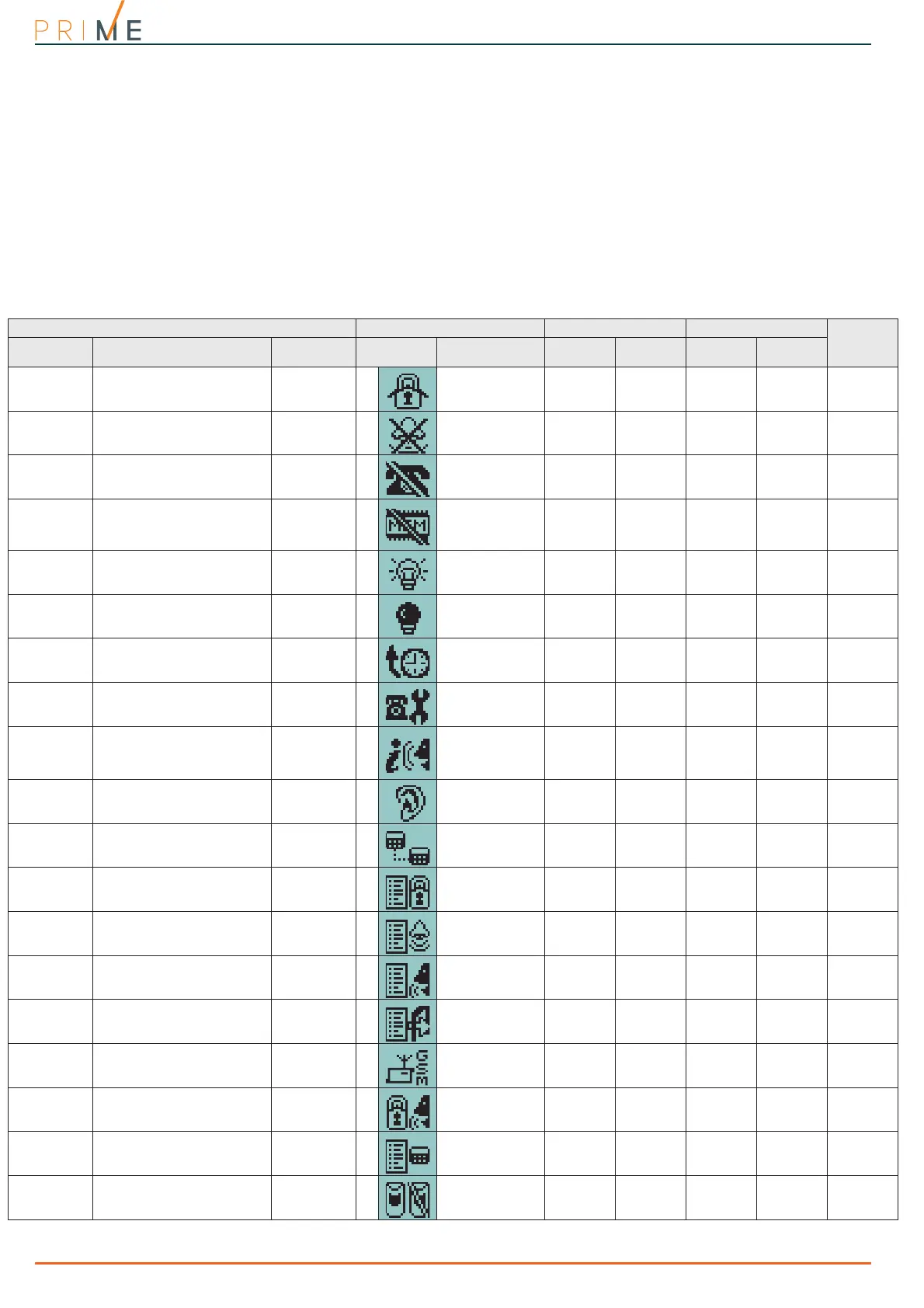
Table 22-6: Shortcut list
Shortcut on keypad on code on reader on keys
description function parameter icon String via keypad
over-the-
phone
stand alone via keypad
Arm/Disarm
Applies a pre-set scenario which scenario
1
Arm/Disarm
Available Available Available Available Available
Stop alarms
Immediately deactivates the out-
puts relating to alarm and tamper
events
2
Stop alarms
Available Available Available Available Available
Clear call
queue
Cancels the entire call queue and
stops ongoing calls (if any).
3
Clear call queue
Available Available Available Available Available
Delete mem-
ory
Implements a “Stop alarms” opera-
tion and at the same time deletes
memory of system and partition
alarm and tamper events.
4
Delete memory
Available Available Available Available Available
Activate out-
put
Activates one of the programmed
outputs.
which output
5
Activ. output
Available Available Available Available Available
Deactivate
output
Deactivates one of the programmed
outputs.
which output
6
Deactiv. output
Available Available Available Available Available
Overtime
Delays auto-arming time of parti-
tions by 30 minutes.
7
Overtime
Available Available Available Available Available
Settings menu
Accesses the user menu section:
Settings
Reference code
(on reader and
key)
8
Settings menu
Available Not available Not available Available Available
StartVoiceNo-
tifier
Plays a recorded voice message
which announces the shortcuts
assigned to the number keys.
9
Voice menu
Available
(only for
number
keys)
Available Not available Not available Not available
Listen-in
Allows listen-in over-the-phone by
means of a keypad microphone.
Keypad
10
Listen-in
Not available Available Not available Not available Not available
Intercom Call
Accesses the user menu section:
Voice functions / Intercom
Reference code
(on reader and
key)
11
Intercom Call
Available Not available Not available Available Available
Arm/disarm
menu
Accesses the user menu section:
Arm/Disarm op.
Reference code
(on reader and
key)
12
Arm/disarm menu
Available Not available Not available Available Available
Alarm man-
agement
menu
Accesses the user menu section:
Alarm management
Reference code
(on reader and
key)
13
Alarm menu
Available Not available Not available Available Available
Voice func-
tions menu
Accesses the user menu section:
Voice functions
Reference code
(on reader and
key)
14
Voice func. menu
Available Not available Not available Available Available
Activations
menu
Accesses the user menu section:
Activations
Reference code
(on reader and
key)
15
Activations menu
Available Not available Not available Available Available
View Nexus-
Status
Accesses the user menu section:
View / Nexus status
Reference code
(on reader and
key)
16
View NexusStatus
Available Not available Not available Available Available
Arming status
Announces information regarding
the armed/disarmed status of the
partitions.
Reference code
(on reader and
key)
17
Arming status
Available Available Not available Not available Not available
Keypad set-
tings
Accesses the user menu section:
Keypad settings
Reference code
(on reader and
key)
18
Keypad sett.menu
Available Not available Not available Available Available
Zone activa-
tions menu
Accesses the user menu section:
Activations / Zones
Reference code
(on reader and
key)
19
ZoneBypass menu
Available Not available Not available Available Available



 To Next Page