84 User functions for the installer
Anti-intrusion control panels
Chapter
18
User functions for the installer
The installer menu on the keypad contains a section that provides the installer with the
functions shared with the user.
Via keypad 1. Access the “User Functions” section of the installer menu:
Type-in Code
(Installer),
PROGRAMMING User functions
The options available are:
• Activations
•View
•Outputs ON/OFF
•Set date/time
2. Use keys and to select the required function then press OK.
ACTIVATIONS
This section provides the “Cloud enrollment” option for connection of the Prime control panel
to the INIM Electronics cloud services.
VIEW
• Events log - allows you to view all the events saved to the log.
• Alarms log - allows you to view all the events relating to zone/partition alarm and tamper
saved to the log.
• Faults log - allows you to view all the fault events saved to the log.
• Arm/Disarm ops. - allows you to view all the arm/disarm operations saved to the log.
• Nexus status - allows you to view (on the display) the following parameters of the Nexus
device:
• System voltage - allows you to view the supplied voltage and current:
- measured on the battery
- power-supply of the control panel
- measured on all 3 “AUX x” terminals of the control panel
- measured on terminal “+” of the I-BUS
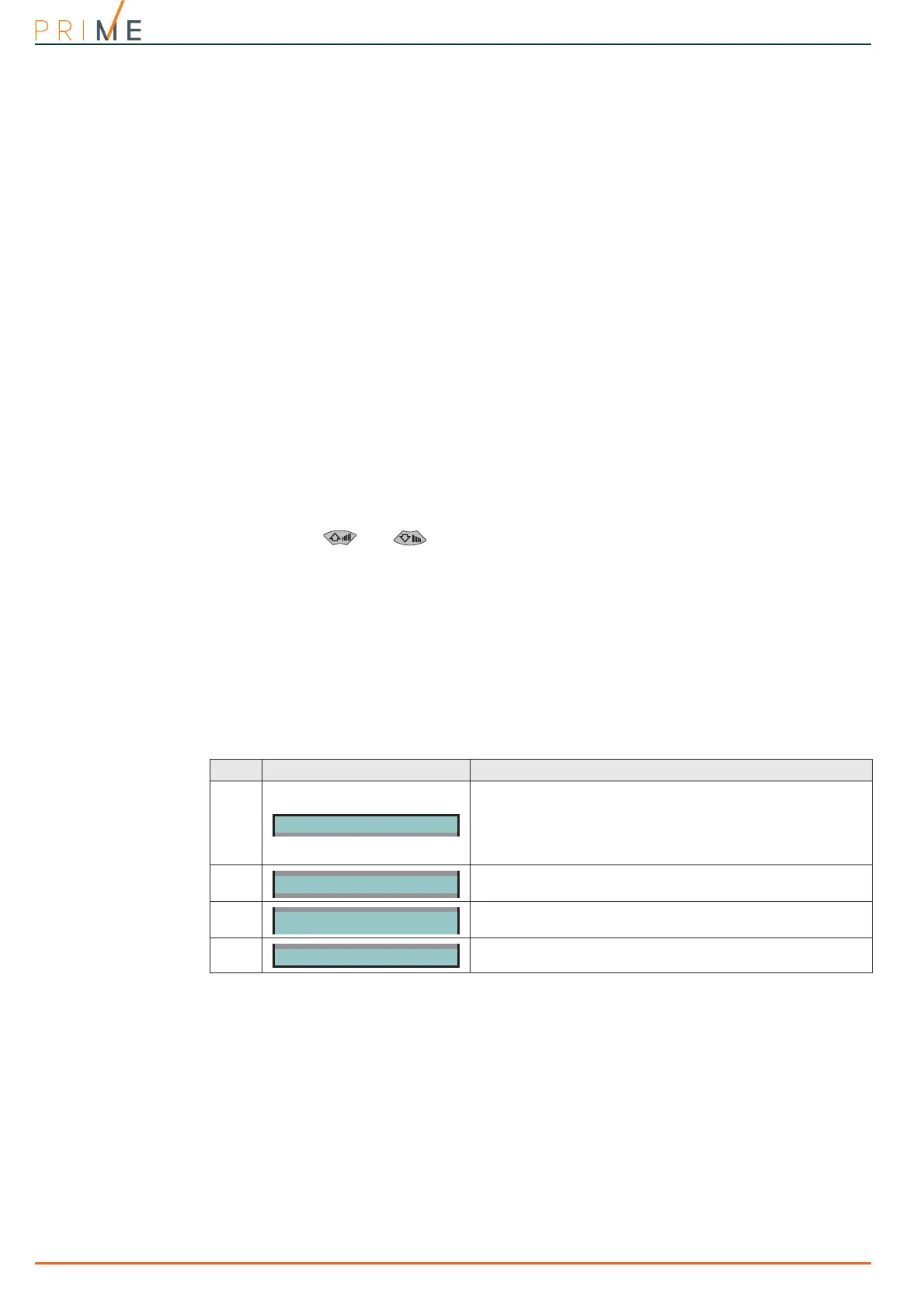
Table 18-1: View Nexus status on the keypad
Line Display View
1
• Mobile network provider (on the left side)
• “--” means that the Nexus is connected to the BUS
• “C” means that data transfer is in progress
• data network technology (on the right side), “G” GPRS
service, “3G” UMTS service, “H” HSPA service, “4G” LTE
service
2
GSM signal reception (value between 1 and 100)
3
Credit balance, at the last operation (expressed in the local
currency)
4
Faults present, in this case it is necessary to access the “View-
Faults” section for details.



 To Next Page