Programming manual
Programming the control panel 29
Chapter
4
Programming the control panel
4-1
Installer code
The installer code allows the installer to access the programming phase of the Prime system.
In fact, the system will request the PIN before allowing any programming from a keypad via
the installer menu or before allowing any reading or writing operations from the Prime/
STUDIO software, that is, if it has not already been entered in the appropriate field.
The installer can program 2 installer codes (one personal and one other) exclusively by
accessing the installer menu via a keypad:
Via keypad
Type-in a valid code
(Installer),
PROGRAMMING Installer code
Code PINs must comprise 4, 5 or 6 digits.
Note
In this section, the secondary installer code can access the Installer code PIN 2 section only.
Via softwareReading operations from the Prime system or writing operations to the Prime system relating
to a software solution can occur only when the installer code has been entered correctly
This option is made available by clicking on the Panel parameters button in the section on
the left and accessing the “Programming - Installer code” section on the right.
4-2
Prime control panel
Table 4-1: Installer code parameters
Parameter Installer menu section
ChangeInst. 1
Program the PIN of the primary installer code by
entering it twice.
The PIN is “9999” by default.
Installer Code
ChangeInst. 2
Program the PIN of the secondary installer code by
entering it twice.
The PIN is “9998” by default.
Inst.code access
2
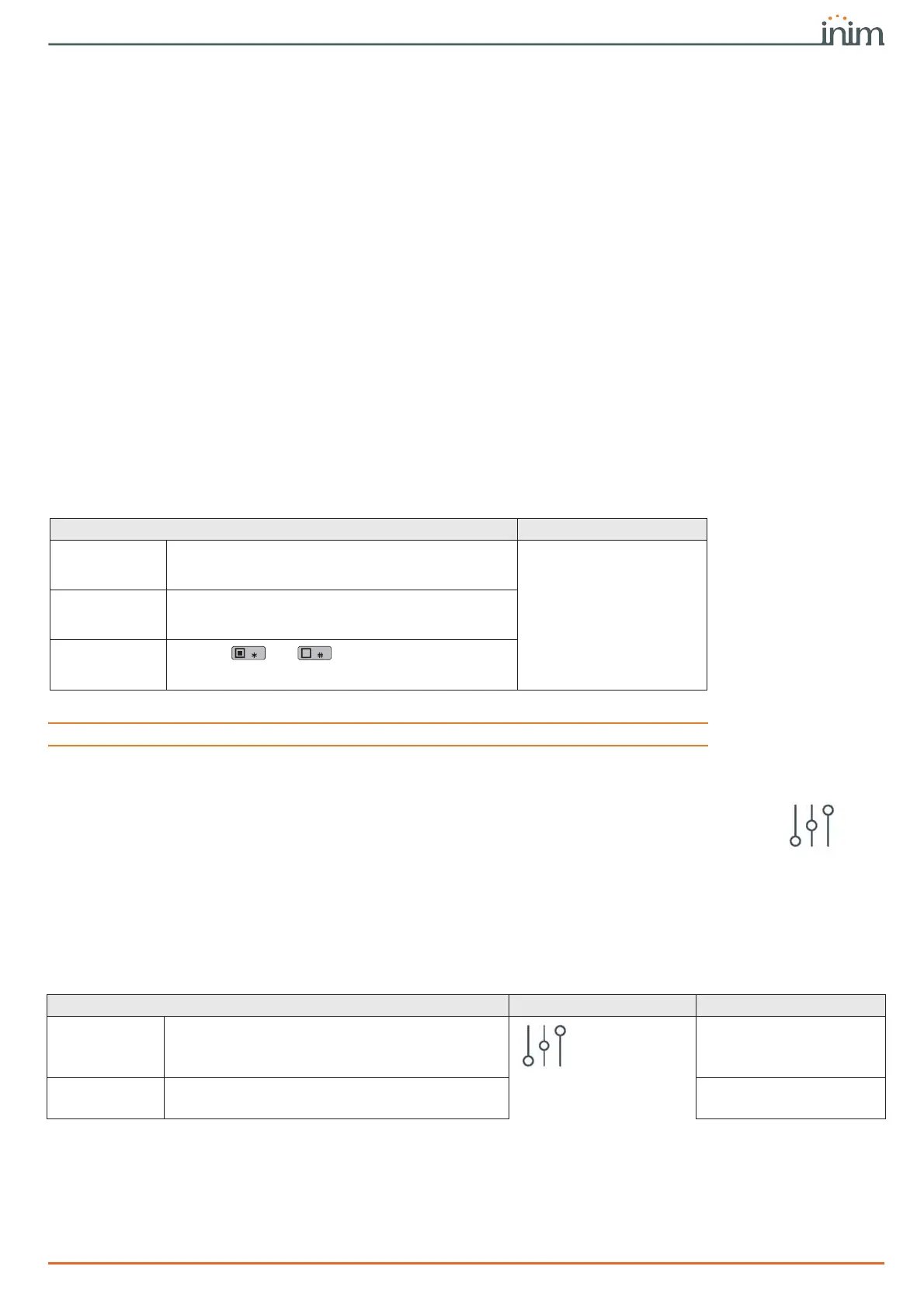
Use keys and to enable/disable the
sections of the installer menu that the secondary
installer code can access.
Table 4-2: Control panel definition
Parameter Software section Installer menu section
Control panel
description
Edit field for the description of the control panel (max
50 alphanumeric characters).
Control panel
parameters
Not available
Serial number
Section where you can view the univocal serial
number of the control panel.
Other parameters, Seri-
al number



 To Next Page