Programming manual
Voice messages 77
Chapter
14
Voice messages
The Prime provides a programming section where you can record and play all the voice
messages.
The Table in the Appendix shows all the pre-recorded messages provided by the
SmartLogos30M voice board (Appendix D, Voice messages).
Via softwareBy clicking-on the Voice messages button on the menu on the left, the section on the right
will give access to several sections:
• Messages list, this section is where all the available voice messages and their parameters
are listed.
The "Message category" checkbox at the top implements a filter on the display of
messages, depending on the category it belongs to.
Selecting one of these items will allow you to set up the single message by clicking on the
button or listen to it by means of the relative button .
• Voice board maintenance, section for formatting the SmartLogos30M voice board.
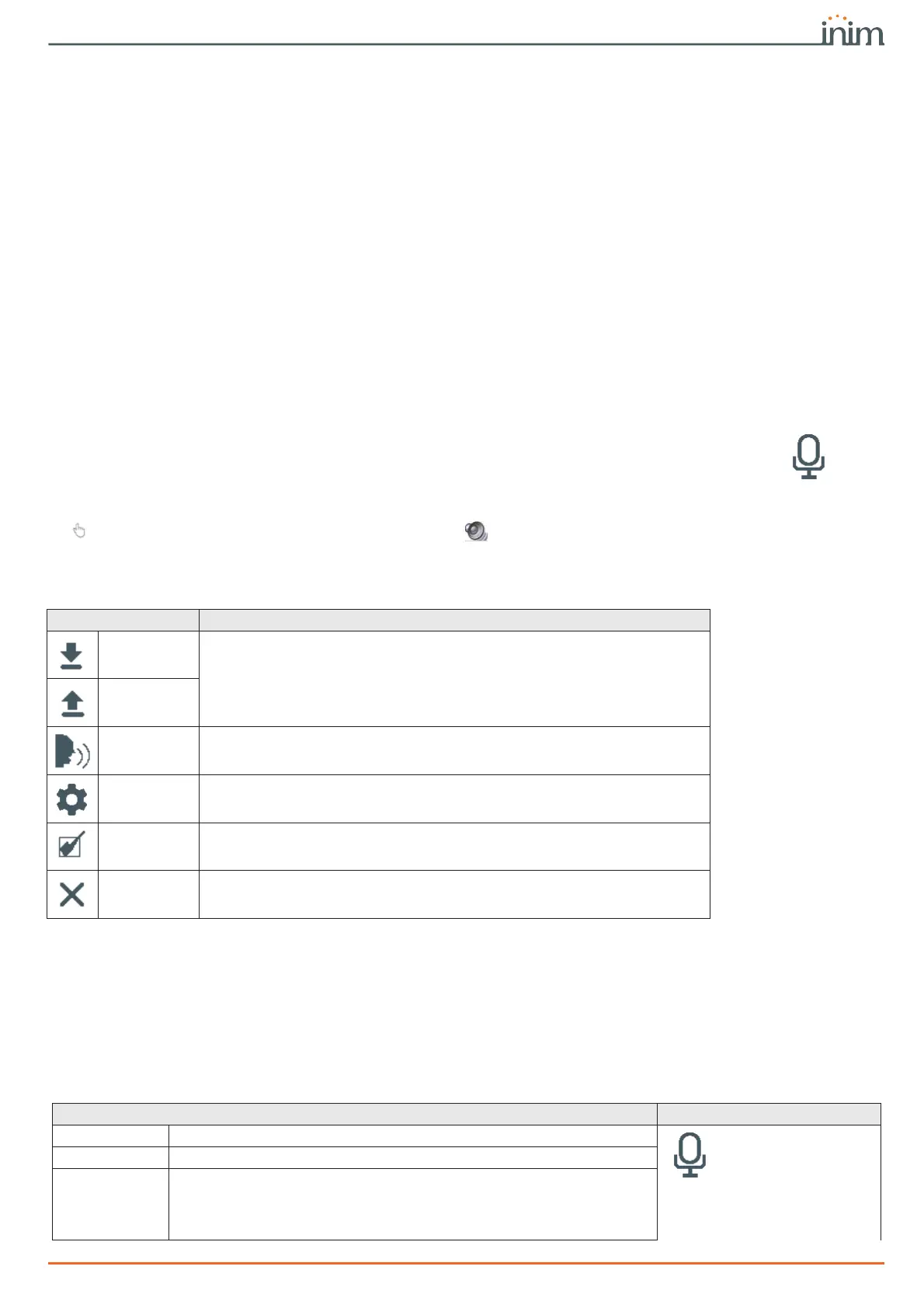
The menu bar of these sections has the following buttons:
Via keypad
Type-in Code
(Installer)
, PROGRAMMING Messages
This programming field will allow you to select the single message. Afterwards it will possible
to listen to, record or delete the recording.
14-1
Programming single voice
message
Table 14-1: Voice messages, menu bar
Button Function
Import
Keys to import/export the voice message programming
Export
Execute Text
to speech
Button to apply the text to speech setting to the selected messages.
The texts entered in the Text to speech section will be converted into audio files
and associated with all the messages selected in the table.
Configure
Text to speech
Button that opens a window where you can change the text to speech
settings
Invert selec-
tion
Button to invert the selection of the messages
Delete
Button to delete the selected messages
Table 14-2: Voice message parameters via software
Parameter Software section
Nr.
Message index inside the voice board memory.
Messages list
Description
This is an editable field for the message description.
Type of coding
Type of coding for the message:
• No Message, no playback, no recording
• High quality, for superior recording/playback quality
• Average quality, for recording/playback quality comparable to phone-line
quality.



 To Next Page