Programming manual
Programming terminals 47
6-6
Wireless terminals
The parameters necessary for the enrolling and programming of wireless terminals will be
shown only if the expansion to which they belong has been configured as “Wireless”.
These parameters vary depending on the type of wireless device to be configured.
6-6-1
Enrolling devices
1. Go to the expansion board field and then to the terminal concerned.
2. Configure the terminal as “Wireless”:
Via keypad
Type in Code
(Installer)
, PROGRAMMING Terminals,
select the terminal concerned
Press the number key; “Wireless” will be shown on the last line of the display (pressing
the button again will disable the wireless attribute on the terminal).
Via softwareRight click on the expansion that was previously added to the configuration and select
“Wireless” to configure it as such. The “Wireless” symbol will appear on the expansion image.
Note
If a terminal on the expansion board is configured as “wireless”, all the remaining terminals must be
configured as “wireless” terminals.
3. Enrolling the terminal:
Via keypad
Type in Code
(Installer)
, PROGRAMMING Terminals,
select the terminal concerned
, Wireless, En-
roll device
Enroll the terminal by selecting the type.
Via softwareDouble-clicking on the configured terminal will open a window where you can program the
zone. The lower part of the window shows the “Wireless section”, right-click and select the
“Wireless” option. Select the type of device, in the “Type” field, then start the guided enrolling
process by clicking-on the “Enroll” button.
4. For Air2 devices press the ENROLL button.
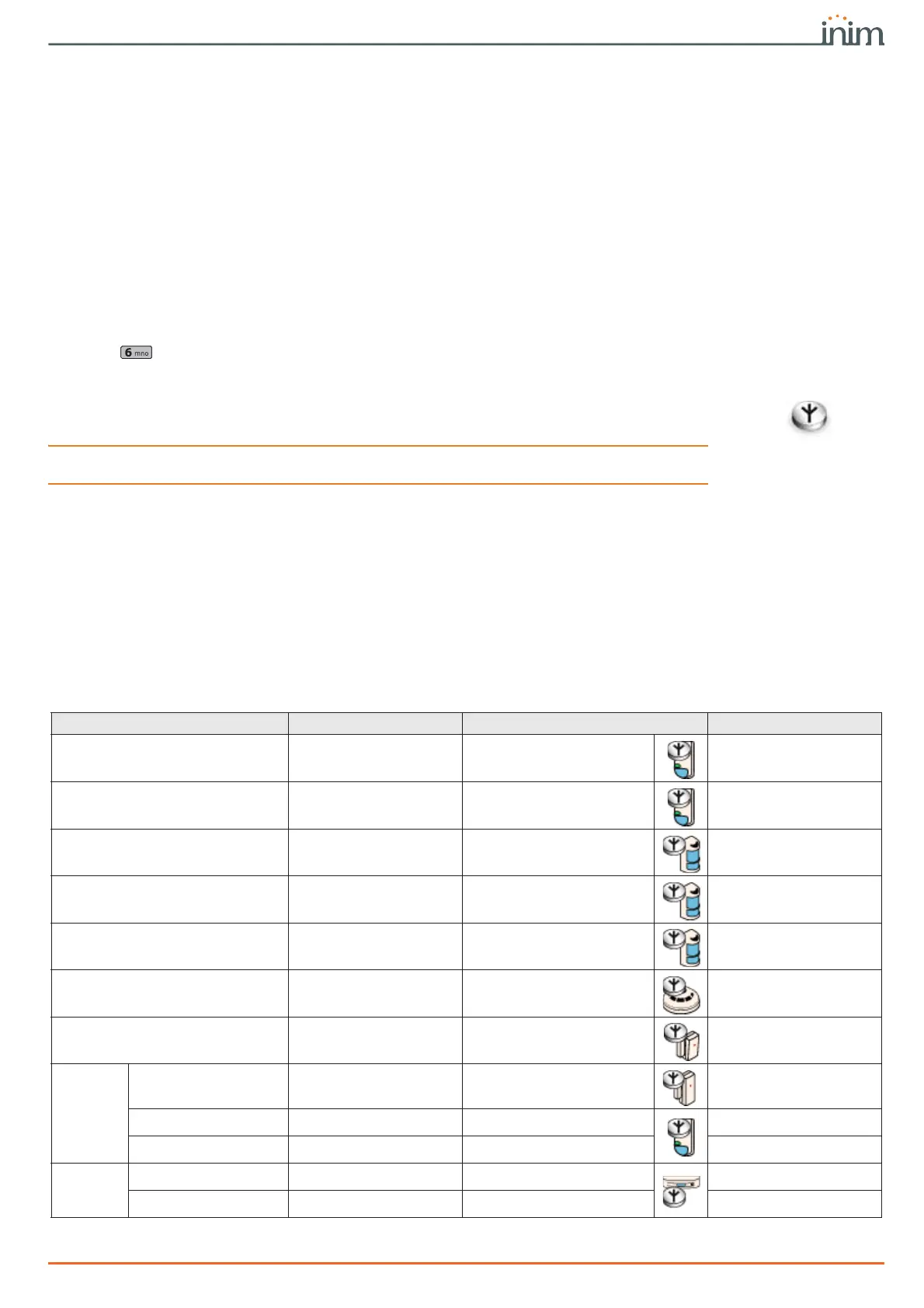
Table 6-8: Wireless terminal types
Air2 device Single/Double Via software Via keypad
XIR200W Single
Passive infrared detector
Single T detector
XDT200W Double
Dual technology detector
Dual T detector
OTT100W Single
Outdoor terminal
OutdoorDetector
ODI100W Single
Outdoor terminal
OutdoorDetector
UT100 Single
Outdoor terminal
OutdoorDetector
FD100 Single
Smoke detector
Smoke detector
MC200 Double
MC200 magnetic contact
Cont.Magn.MC200
MC300
Reed contact Single
Magnetic contact
Magnetic Contact
Terminal “T1” Single
Terminal 1 Magnetic contact
Terminal T1 MC
Terminal “T2” Single
Terminal 2 Magnetic contact
Terminal T2 MC
DT200T
Curtain detector Double
Curtain detector
Curtain detector
Detector direction Double
Directional detector
Curtain direction



 To Next Page