92 Monitoring the control panel
Anti-intrusion control panels
The “Actions” section is also available where, once a valid user code has been entered, it is
possible to change the arming status of the partition or carry out reset.
21-4
Monitoring terminals
Via software Click on the Monitoring button on the menu bar, then go to the “Zones/Outputs” section.
On selecting a partition from the section at the top, the section will divide into two parts:
• the left side will show the list of all the zones of the selected partition
• the right side will show the list of all the system outputs
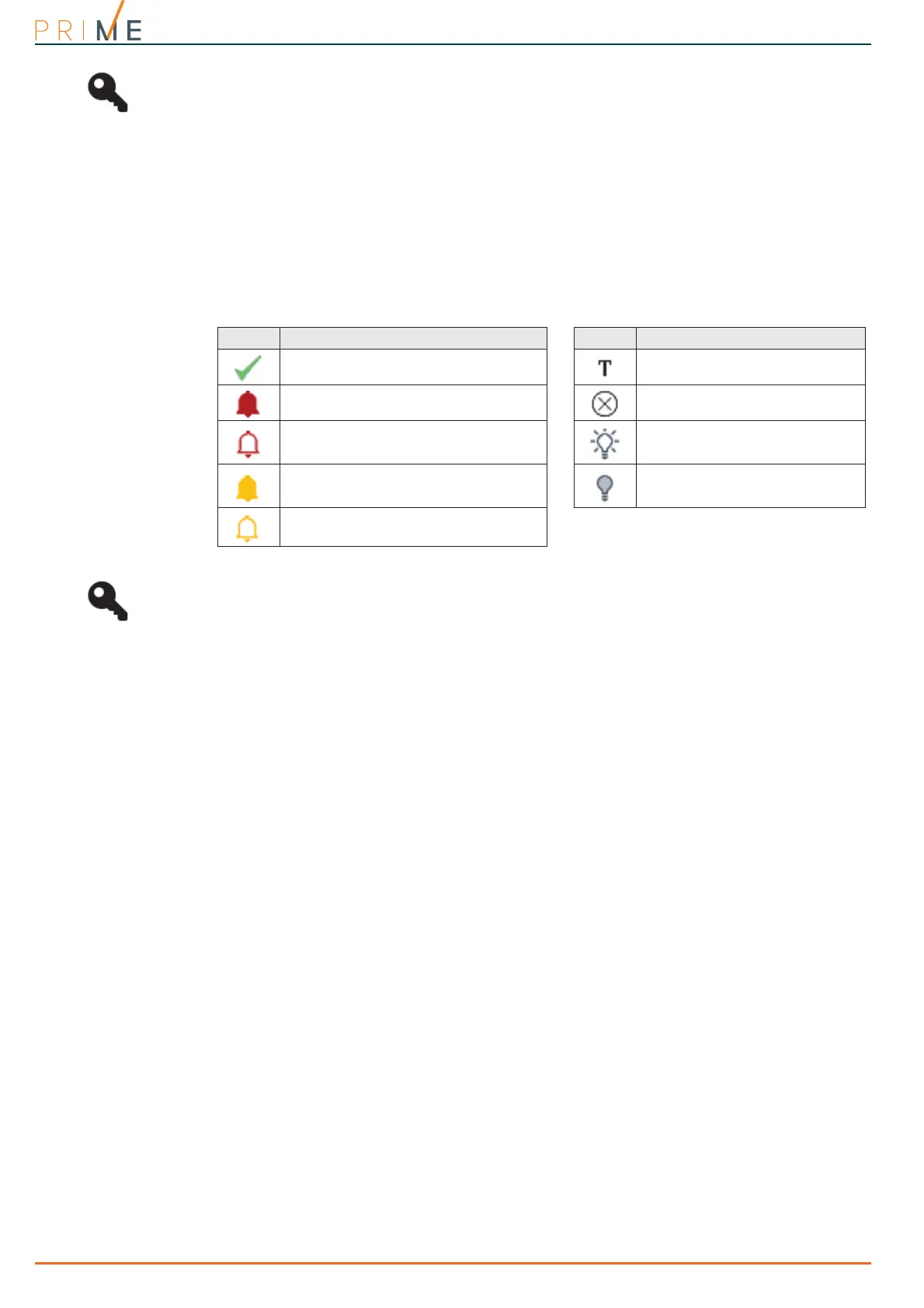
Both sections will show the status of the elements listed in accordance with the icons present:
The lists also provide a button to enable or disable the related zone, as well as a button to
activate or deactivate the related output. These operations are allowed only after entry of a
valid user code authorized to carry out these operations.
Via keypad
Type-in Code
(Installer),
PROGRAMMING User functions, View, Zone status
21-5
Monitoring timer
Via software Click on the Monitoring button on the menu bar, then go to the “Timer” section.
This section provides a grid containing all the available timer icons.
The status of each icon reflects the status of the respective timer and indicates, in real-time,
whether it is enabled or not, or whether it is currently On (operating).
21-6
Monitoring peripheral devices
Via software Click on the Monitoring button on the menu bar, then go to the “Peripherals” section.
In this section it is possible to monitor the devices connected to the I-BUS, divided according
to type:
•Keypads
•Readers
• Expansions
• Home-automation modules
• Thermostats
• Sounders/Flashers
•Isolators
•DAC peripherals
•Nexus
By selecting an item from this list, in the section alongside, all the peripherals of the selected
type will be visualized, represented by icons.
Table 21-1: Terminal status icons
Icon Status Icon Status
Zone operating normally and in stand-by
status
Zone in test mode.
Zone in alarm status Zone disabled
Zone with alarm memory Output activated
Zone tamper in progress Output deactivated
Zone with tamper memory



 To Next Page