92 Chapter 11 Settings
Primary DNS: The primary IP address of the Domain Name Server for this
network.
Secondary DNS: The secondary IP address of the Domain Name Server for
this network.
9. After setting IP address, the phone tries to register with the system if
you select this prole.
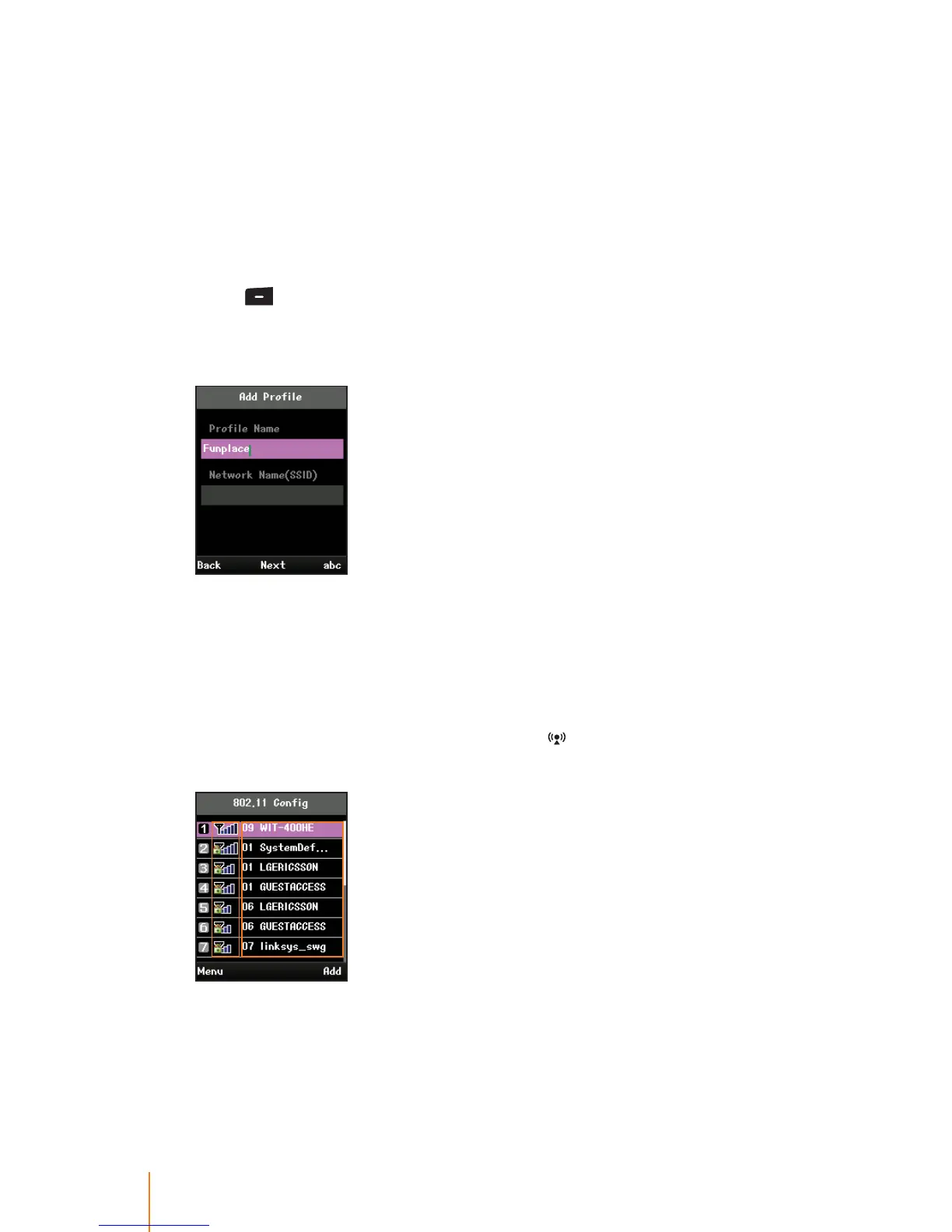
To create a new prole:
1. Press > Settings > Prole Setting.
2. Press Add (right softkey) to create the new prole.
3. To assign the name to the new prole:
Select Prole Name eld and enter a prole name to whatever you want.
4. Follow the applicable instructions in "To use phone’s default prole:"
on page 85.
To create a new prole after searching wireless LAN:
1. In standby mode, press navigation key ( ) up to search wireless
LAN around the phone.
The screen shows "Searching SSID" for a while, and then displays
existing all the wireless LANs in the phone’s neighborhood.
Left part on the screen shows the security and signal strength of
the network.



 To Next Page