90 Chapter 11 Settings
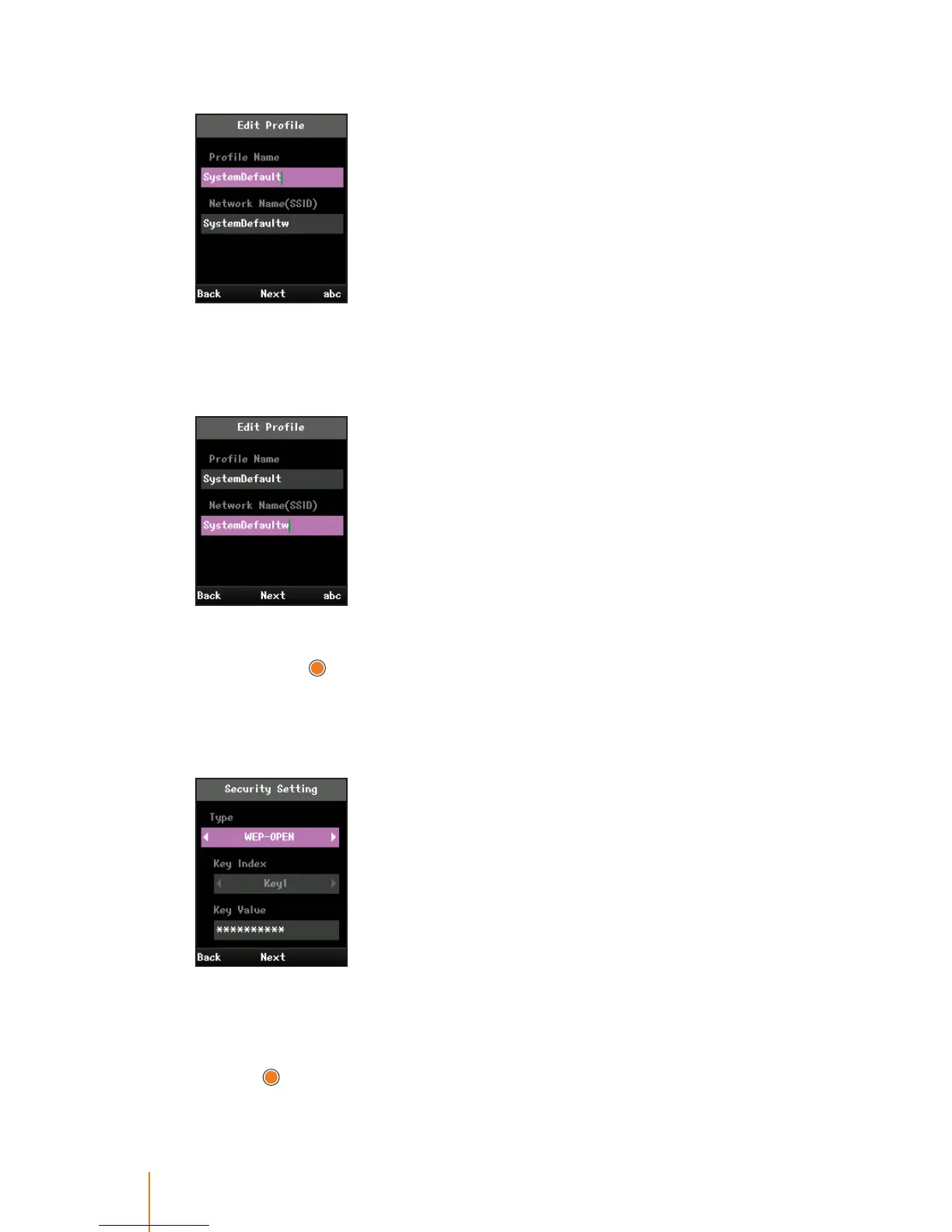
4. To edit the name to use for the default prole:
Select Prole Name eld and enter a prole name to whatever you
want.
5. To assign a prole to the wireless LAN access point:
Select Network Name(SSID) eld and enter a network name, and
then press
.
This SSID must be exactly the same as it is in an access point which
you have installed.
6. To set an encryption type to the default prole:
Select Security Setting eld and press navigation key left or right
to select an valid value NONE, WEP-OPEN, WEP-SHARED, WPA-PSK-
TKIP, WPA-PSK-AES, WPA2-PSK-TKIP, or WPA2-PSK-AES, and then
press
.



 To Next Page