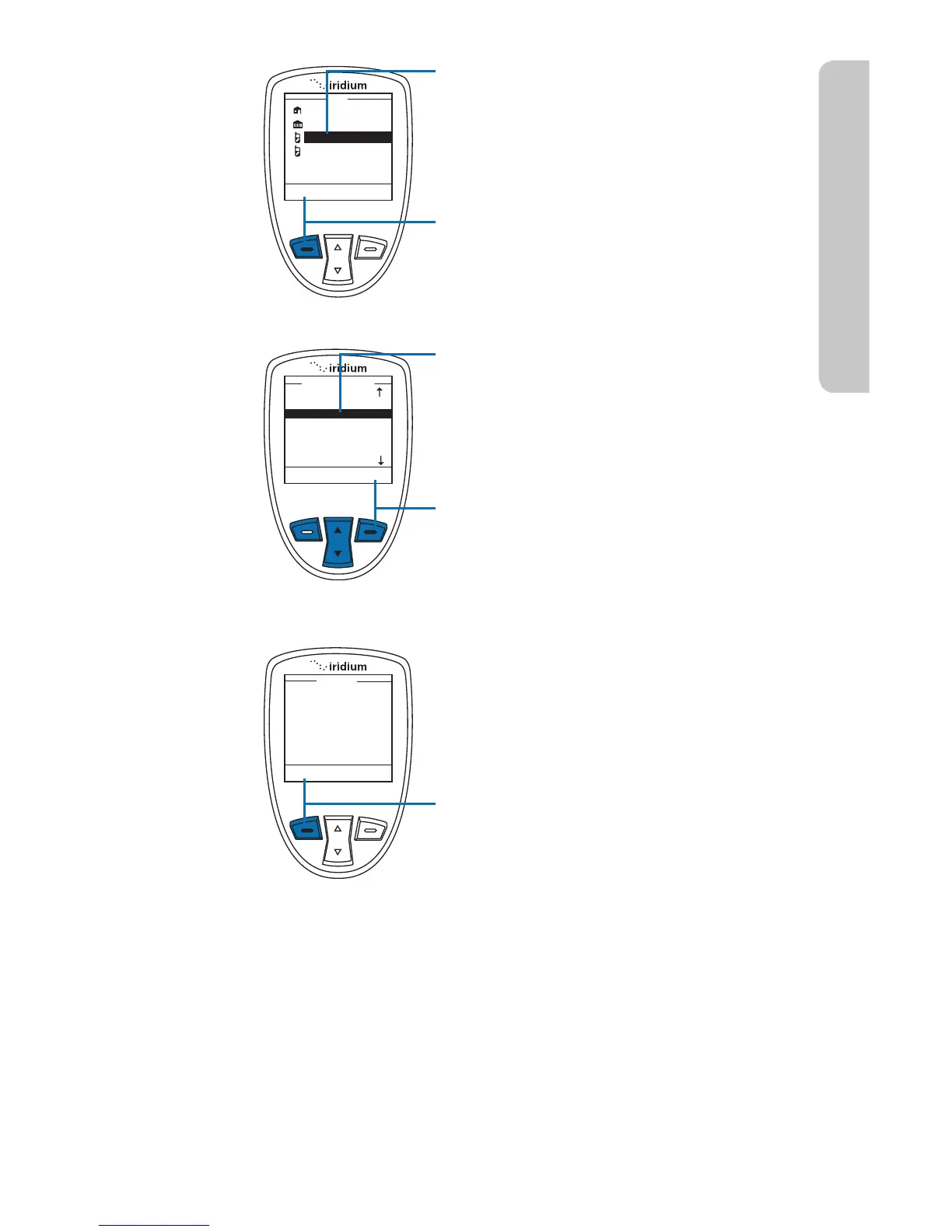
10. If the recipient has more than
one number listed, the recipient’s
information screen appears. Use
the 2-way Navi-key to scroll to the
number you would like to forward to.
11. Press the left soft key, labeled
Select. The number is added to a
recipient list.
12. The Phonebook screen appears
with the recipient’s name
highlighted. To add another
recipient, use the 2-way Navi-key,
highlight the next recipient and
repeat step 8.
13. Once all recipients have been
selected, press the right soft key,
labeled Back.
14. Press the left soft key, labeled Send.



 To Next Page