Accessory Adapter
Iridium Extreme™ User Manual 25
3: Overview
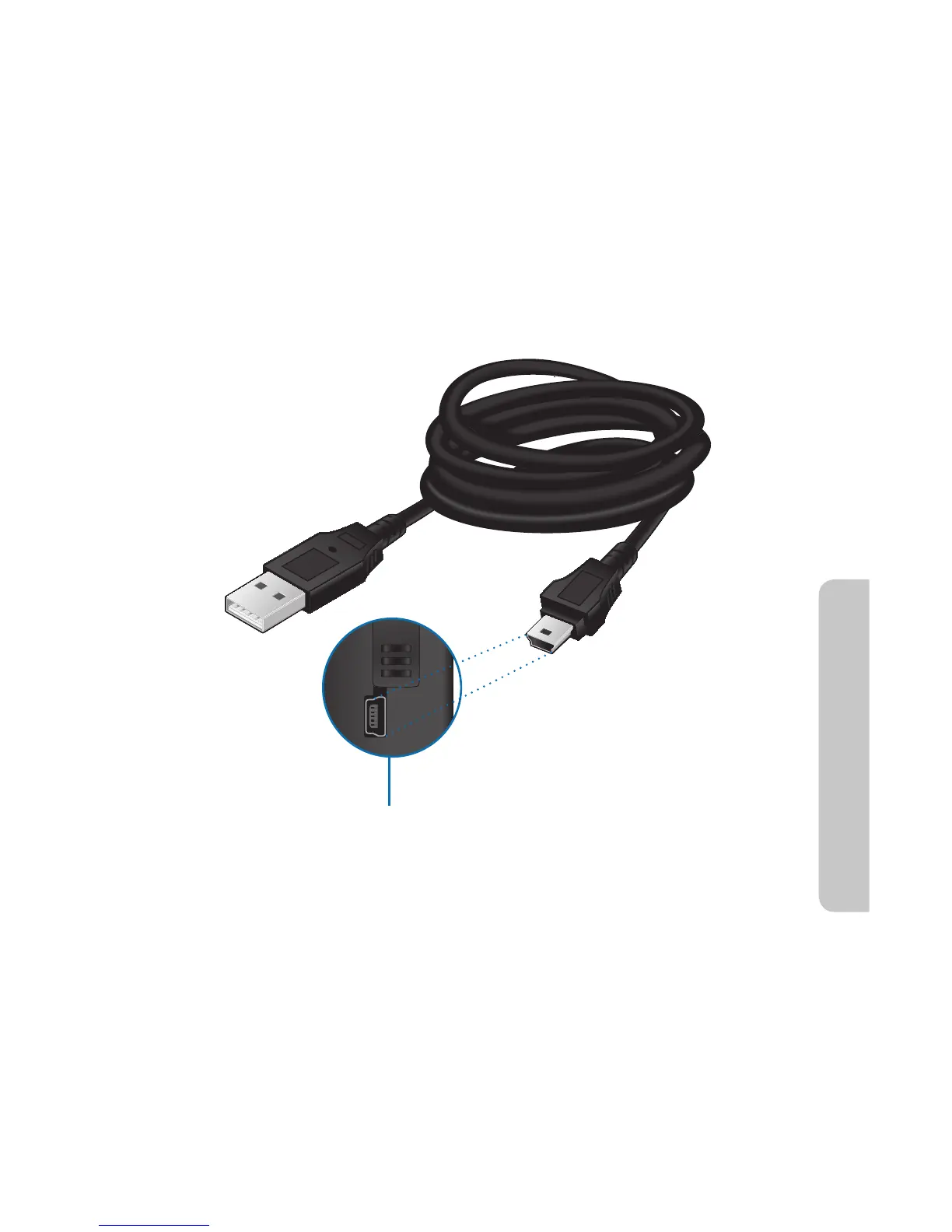
USB Data Cable
The USB data cable allows you to connect your Iridium Extreme™ phone
to a laptop in order to provide a data connection for email or web access.
Software and installation instructions are provided on your included
CD-ROM or can be obtained from your service provider. The USB Data
Cable plugs directly into the mini-USB connector on the left side of your
Accessory Adapter. Make sure your Accessory Adapter is connected to
your phone, the USB cable is attached to your laptop, and software is
installed for use. Airtime charges apply for data service usage.



 To Next Page