EasyManua.ls Logo

Iridium Extreme - Setting Call Options

Iridium Extreme
230 pages
Print Icon
To Next Page IconTo Next Page
To Previous Page IconTo Previous Page
Loading...
136 Iridium Extreme™ User Manual
13: Using the Setup Menu
Call Options
Volumes and Tones
Time & Date
Language
Backlight
Contrast
Key Setup
Setup
Select Back
Number Entry
Phone Information
Reset to defaults
Setup
Select Back
r 4FUQSFGFSFODFGPSUIFDPOWFOJFODF
key and right soft key
r 4FUZPVSQSFGJYQSFGFSFODFGPS
entering phone numbers
r 7JFXQIPOFJOGPSNBUJPO
r 3FTFUQIPOFTFUUJOHTUPEFGBVMU
Menu
My Phonebook
SIM Phonebook
Messages
Voicemail
Data Modem
Call History
Setup
Select
Back
Select
Back
Setup
Call Options
Volumes and Tones
Time & Date
Language
Backlight
Contrast
Key Setup
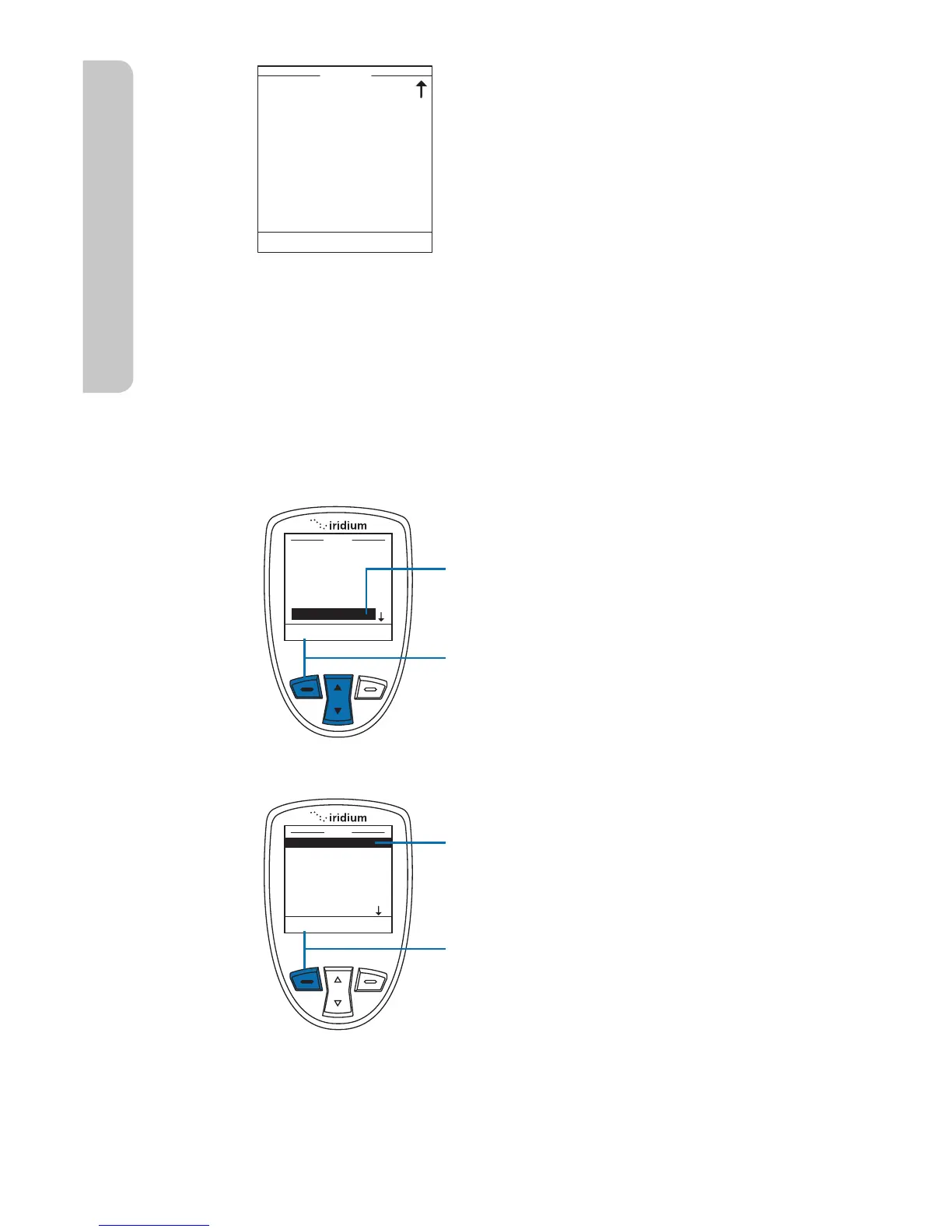
Note: The Setup menu consists of two screens. Scroll past the Key Setup
option for more menu options.
Setting Call Options
The Call Options menu allows you to enable or disable various call
capabilities.
Starting from the Main Menu:
1. Use the 2-way Navi-key to scroll
until Setup is highlighted.
2. Press the left soft key, labeled
Select.
3. Call Options is already displayed.
4. Press the left soft key, labeled
Select.


Table of Contents

Other manuals for Iridium Extreme

Related product manuals