Iridium Extreme™ User Manual 75
8: Using the Phonebooks
8: Using the Phonebooks
Organizing My Phonebook
Your satellite phone has two primary phonebooks: My Phonebook and SIM
Phonebook.
My Phonebook can store up to 100 names and numbers and is completely
editable by you. This information is stored directly on your phone. The
SIM Phonebook is provided to you by your service provider and/or
organization. The entries for the SIM Phonebook are stored directly on the
SIM card used with your phone and you cannot create them or edit them
from your phone.
Phone Memory SIM Card Memory
Personal Numbers 100 entries 155 entries
Fixed Dial Numbers No entries 40 entries
Phone Number Digits 24 20
Name Characters 24 16
Note: SIM card capacity varies depending upon the card issued by your
service provider.
Locating My Phonebook
Starting from the Main Screen:
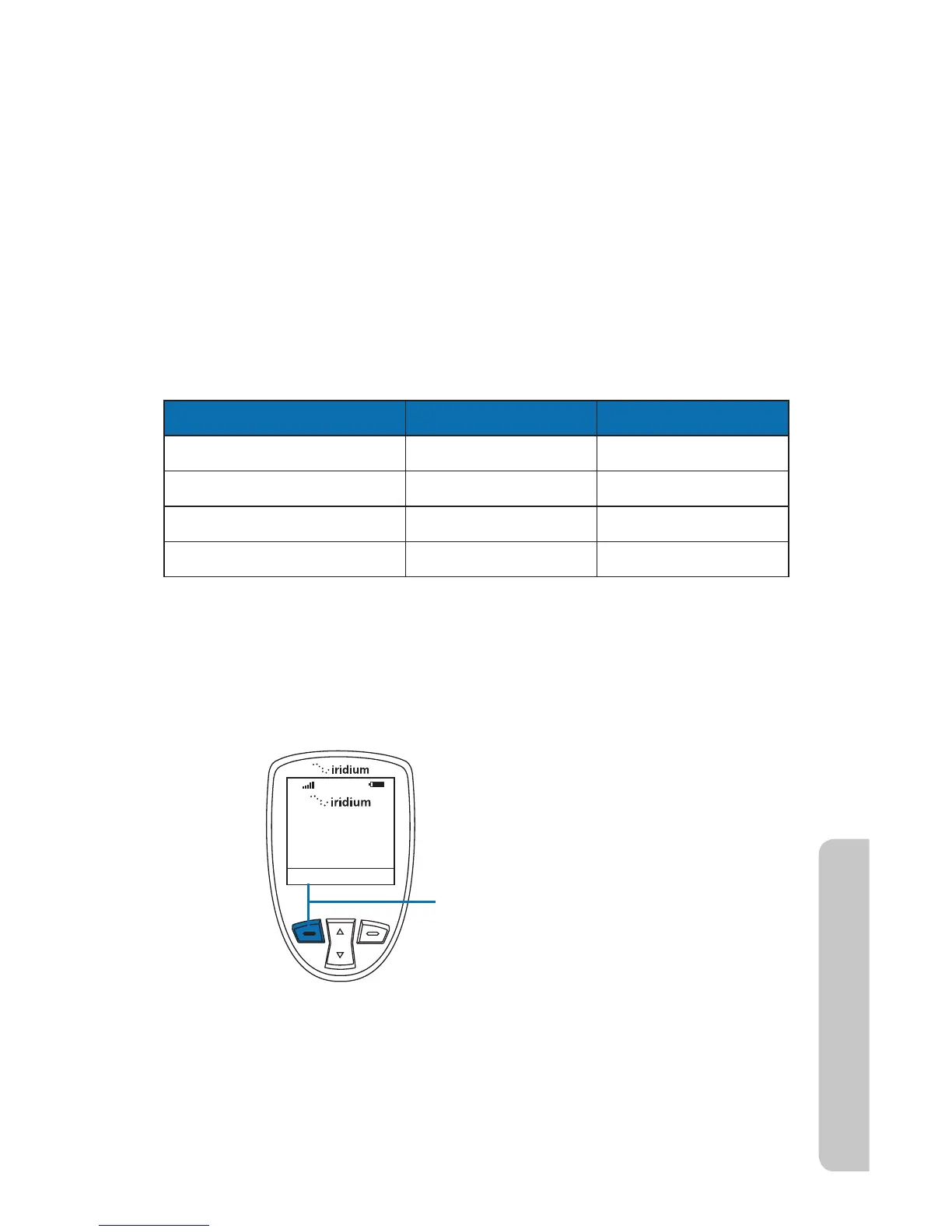
1. Press the left soft key, labeled Menu.



 To Next Page