Iridium Extreme™ User Manual 189
15: Using the Security Menu
Call Barring PIN
Call Barring may be enabled for incoming and/or outgoing calls in
the Setup, Call Options menu. When you enable Call Barring, you are
prompted for a PIN. The Call Barring PIN may be changed as follows.
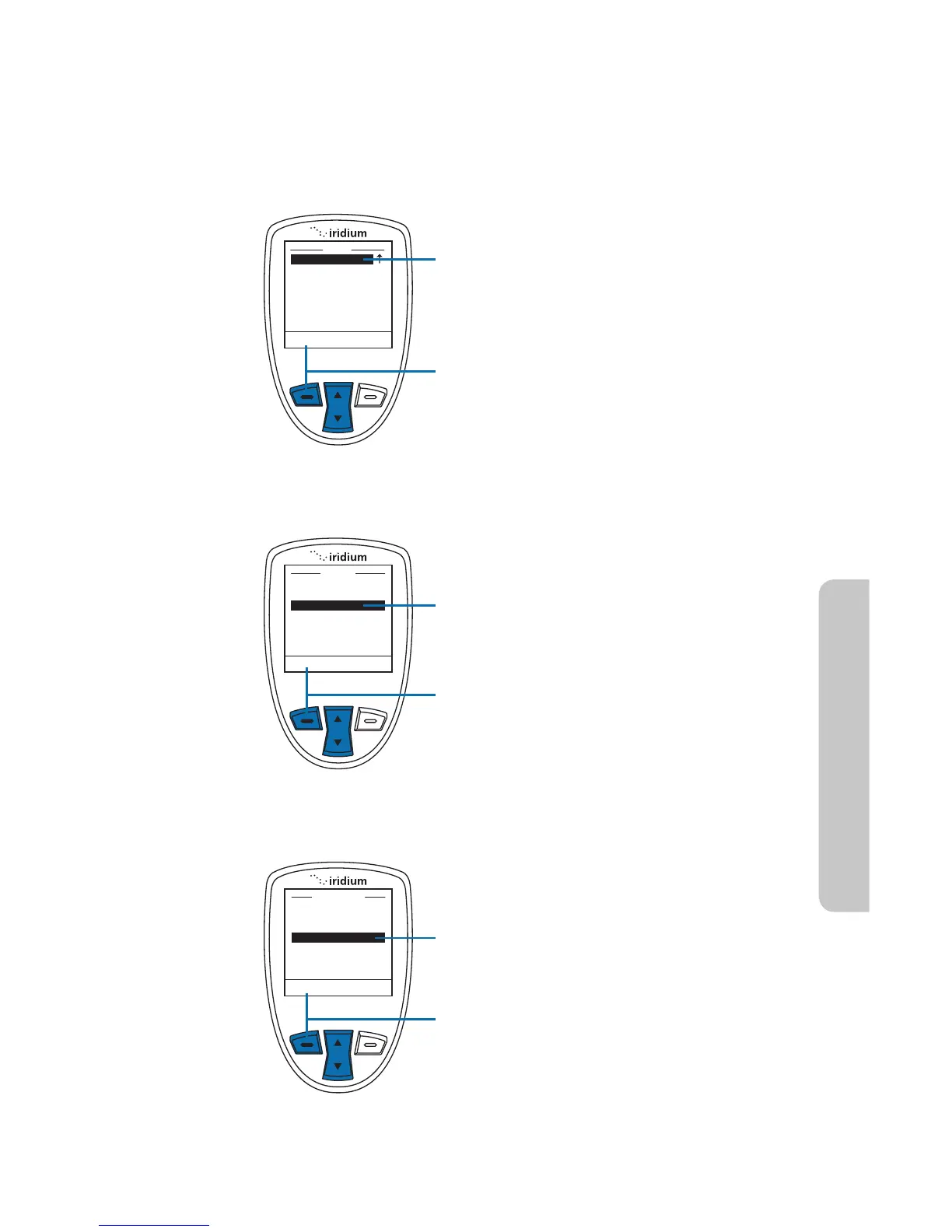
Starting from the Main Menu:
1. Use the 2-way Navi-key to scroll until
Security is highlighted.
Note: Scroll one down from Setup to
view the Security option.
2. Press the left soft key, labeled Select.
3. Use the 2-way Navi-key to scroll until
Change PIN is highlighted.
4. Press the left soft key, labeled Select.
5. Use the 2-way Navi-key to scroll until
Call barring PIN is highlighted.
6. Press the left soft key, labeled Select.



 To Next Page