Iridium Extreme™ User Manual 33
4: Getting Started
Remove and Install the Battery Pack
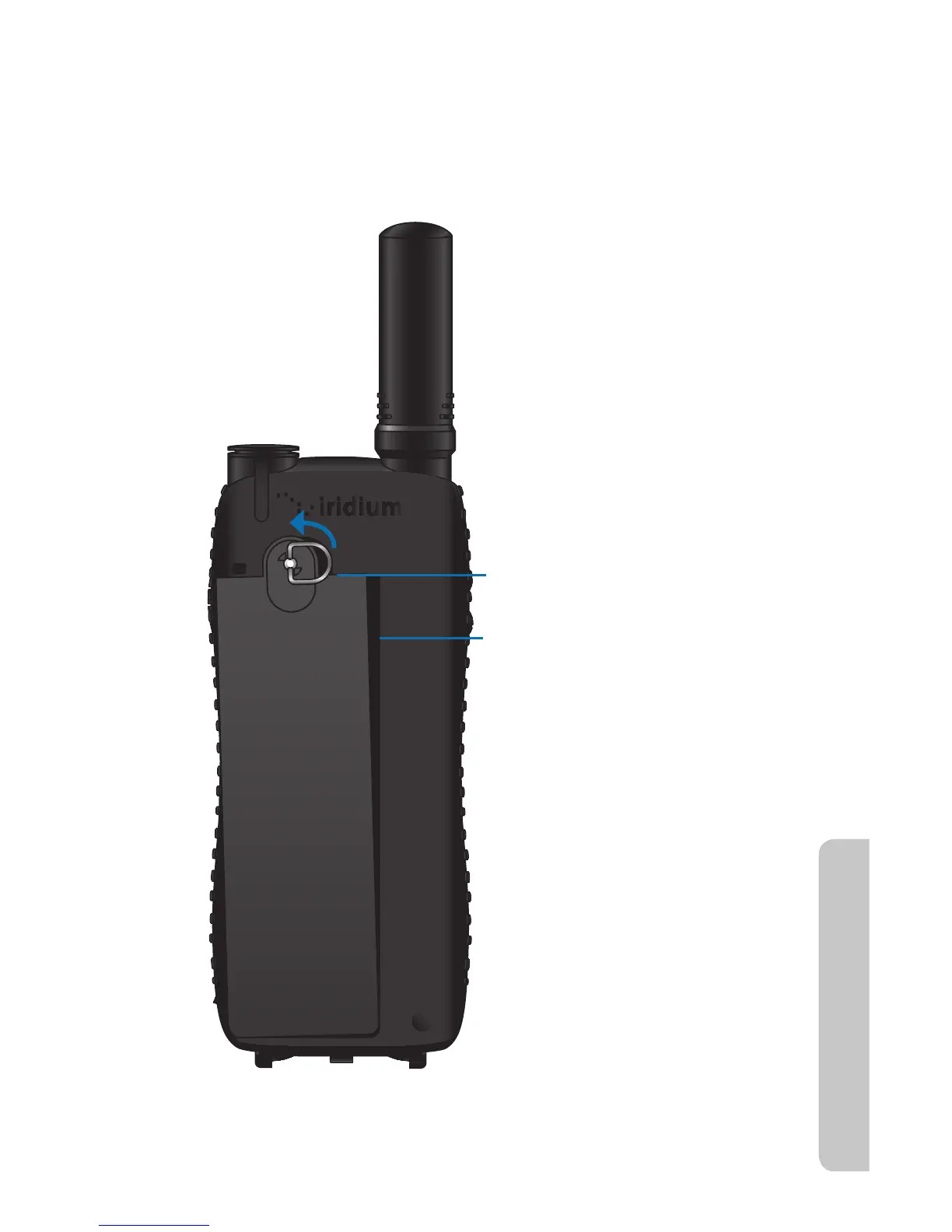
The back panel of the phone is the battery pack. You need to remove the
battery pack to insert the SIM card or replace the battery.
To Remove the Battery Pack
1. Lift D-ring up and rotate
counterclockwise 90 degrees
2. Pull D-ring forward and remove
battery pack



 To Next Page