20 Iridium Extreme™ User Manual
3: Overview
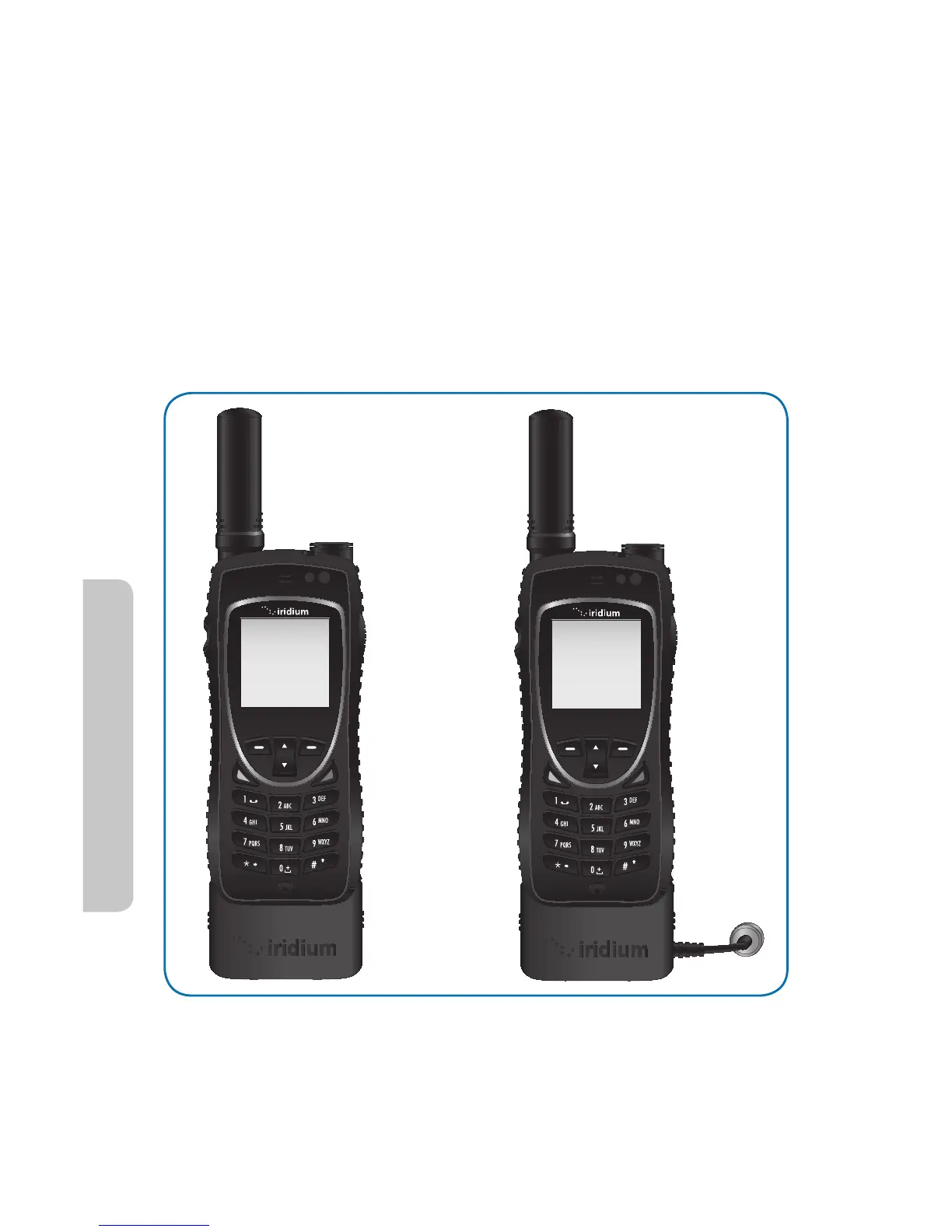
Installation of the adapter
r *OPSEFSUPDIBSHFVTFUIF64#QPSUPSDPOOFDUBOFYUFSOBMBOUFOOBUIF
appropriate adapter must rst be selected and attached to the bottom
of the phone.
r 1SJPSUPJOTUBMMBUJPOPQFOZPVSQIPOFTBDDFTTPSZDPOOFDUPSDPWFS
on the bottom of your phone and move it to the back of your phone,
securing it to the rear retaining features.
r 4FMFDUUIFBQQSPQSJBUFBEBQUFSBOEPSJFOUJUXJUIUIFCPUUPNPGUIF
phone so the Iridium brand is facing forward. Then press the adapter
up until the side clasps are locked into place and the adapter is securely
fastened to your phone.
Use of the adapter
r 0ODFUIFBQQSPQSJBUFBEBQUFSJTJOTUBMMFEPOUIFQIPOFZPVNBZOPX
connect the charging, USB data, or external antenna to your phone.
aA
aA



 To Next Page