Iridium Extreme™ User Manual 155
13: Using the Setup Menu
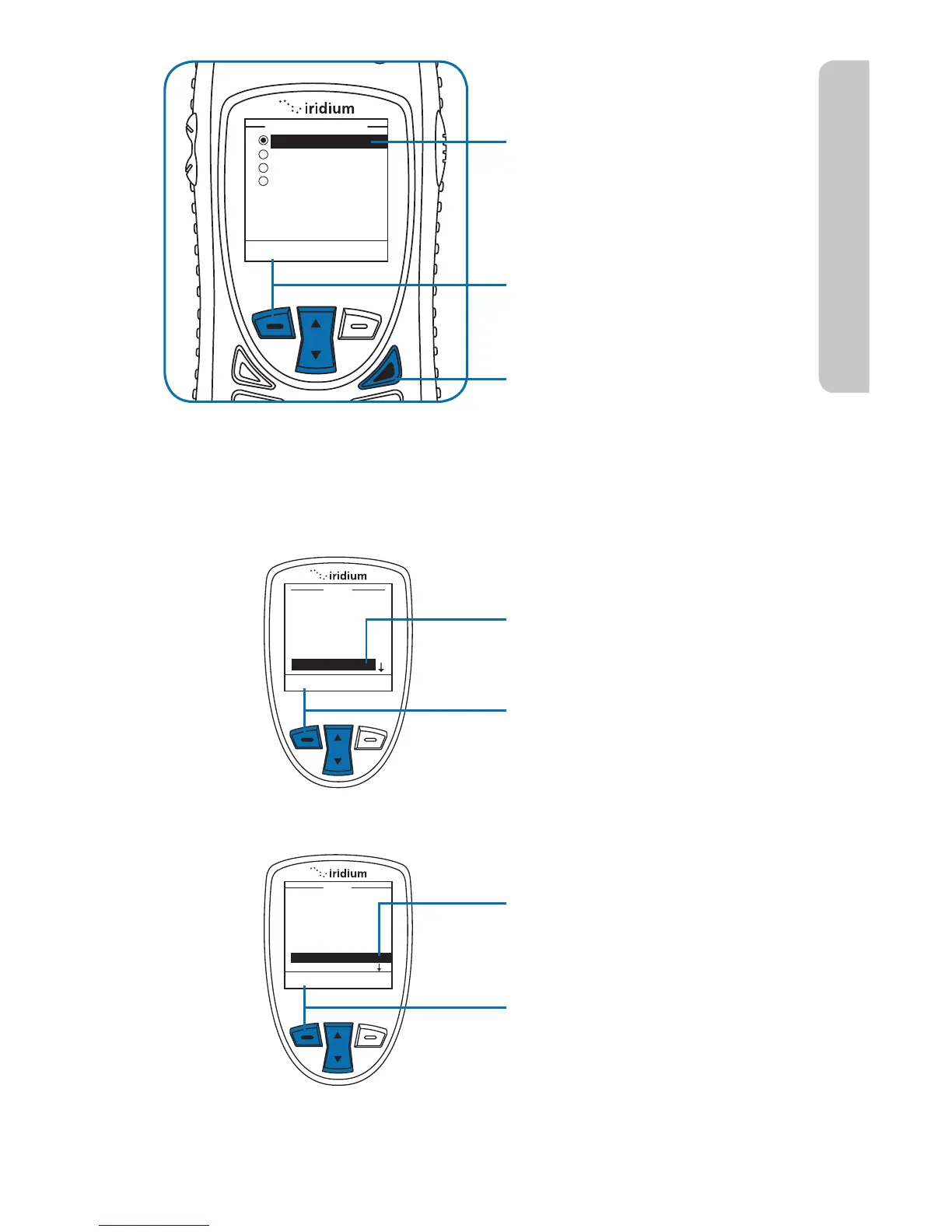
7. Use the 2-way Navi-key to
scroll until the desired action
is highlighted.
8. Press the left soft key,
labeled Select.
9. Press the right soft key
labeled Back to return to the
Main Screen.
No Action
Start Call
End Call
Redial
Convenience Key
Select Back
Setup the Right Soft Key Function
Menu
My Phonebook
SIM Phonebook
Messages
Voicemail
Data Modem
Call History
Setup
Select
Back
Starting from the Main Menu:
1. Use the 2-way Navi-key
to scroll until Setup is
highlighted.
2. Press the left soft key,
labeled Select.
3. Use the 2-way Navi-key
to scroll until Key Setup is
highlighted.
4. Press the left soft key,
labeled Select.
Select
Back
Call Options
Volume and Tones
Time & Date
Language
Backlight
Contrast
Key Setup
Setup



 To Next Page