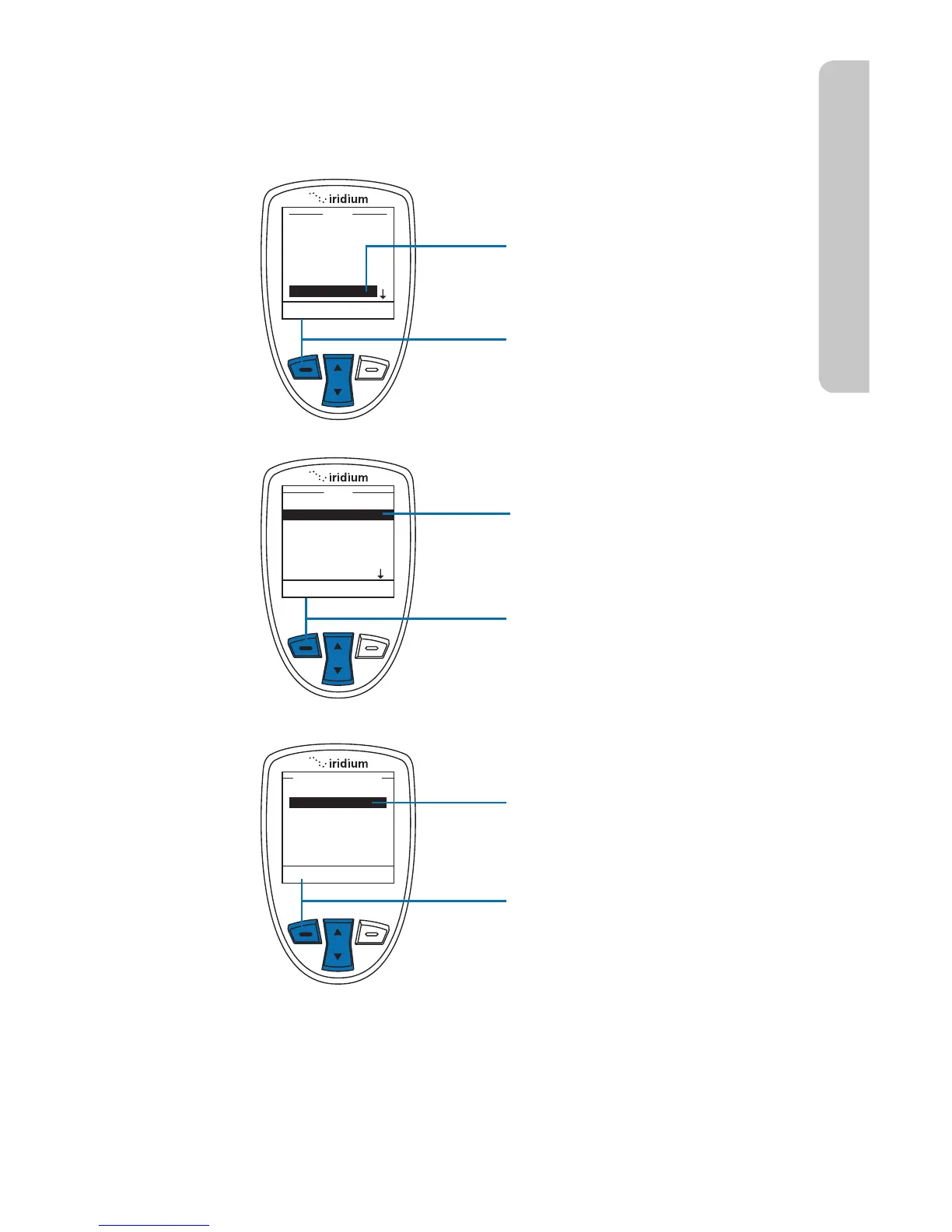
Adjust the Speaker Volume
This capability adjusts the volume of the speaker. The phone sounds the
new volume level as you adjust it.
Starting from the Main Menu:
1. Use the 2-way Navi-key
to scroll until Setup is
highlighted.
2. Press the left soft key,
labeled Select.
3. Use the 2-way Navi-key to
scroll until Volumes and
Tones is highlighted.
4. Press the left soft key,
labeled Select.
5. Use the 2-way Navi-key to
scroll to Speaker Volume.
6. Press the left soft key,
labeled Select.



 To Next Page