Iridium Extreme™ User Manual 143
13: Using the Setup Menu
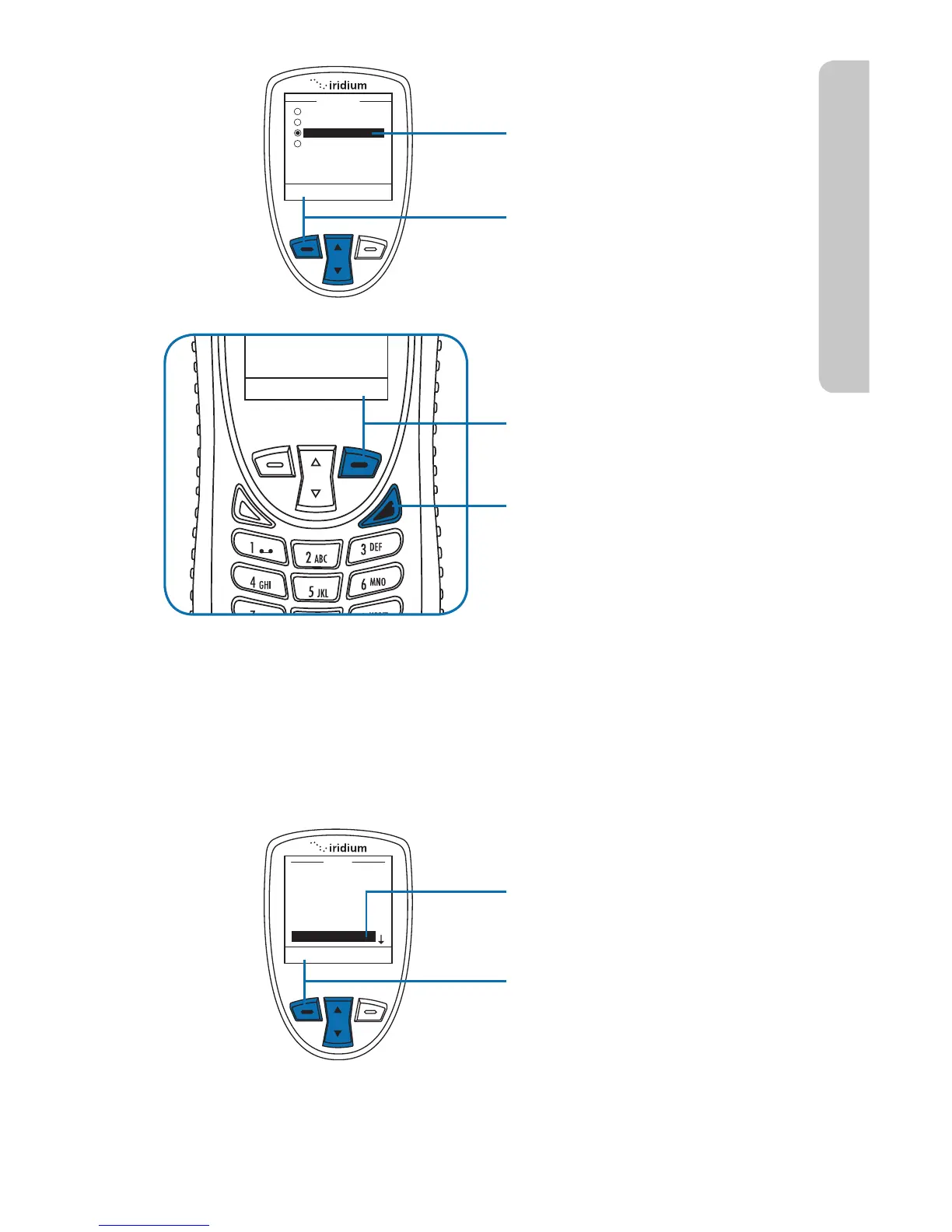
7. Use the 2-way Navi-key to
scroll to the desired tone.
8. Press the left soft key,
labeled Select.
9. Press the right soft key
labeled Back to return to
the previous menu.
10. Press the red key to return
to the Main Screen.
Setting the Keypad Tone
This capability selects the keypad tone. You can select to have a single
tone, DTMF tones or no tones when the keypad is pressed.
Starting from the Main Menu:
1. Use the 2-way Navi-key
to scroll until Setup is
highlighted.
2. Press the left soft key,
labeled Select.



 To Next Page