Iridium Extreme™ User Manual 117
11: Using the Data Modem Menu
11: Using the Data Modem Menu
In order to use the Iridium Extreme™ as a modem for your computer, you
must first follow the installation instructions provided on the CD-ROM
included with your phone or use the instructions provided by your service
provider. The data modem menu is not required to initiate or use the
phone as a modem for data services, it only reports the connection status
of the USB. The instructions provided are optional and are to be followed
if desired prior to plugging in the USB cable to the phone and to your
computer.
Locating the Data Modem Menu
Note: All instructions for the Data Modem menu start from the Main
Menu as shown.
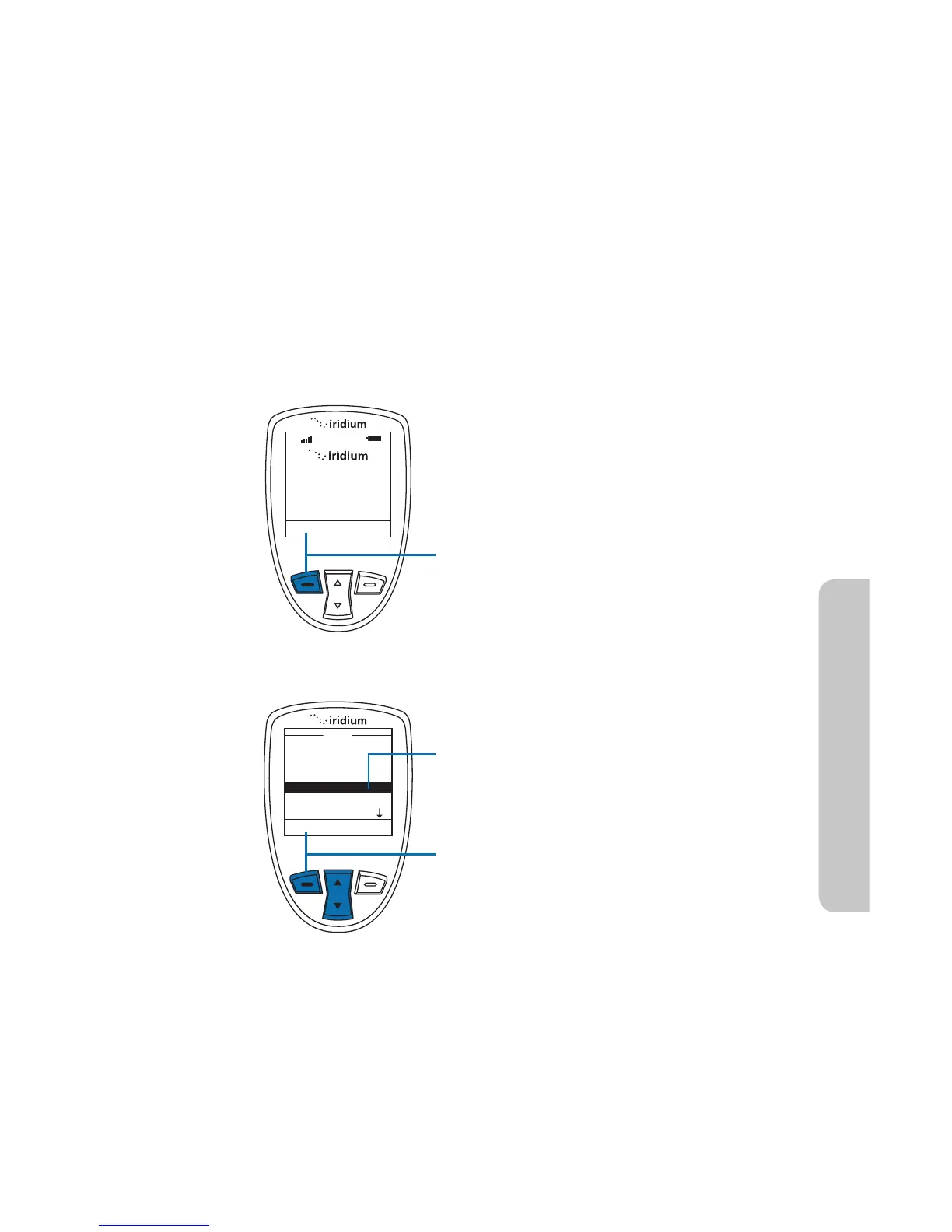
Starting from the Main Screen:
1. Press the left soft key, labeled Menu.
2. The Main Menu is displayed. Use the
2-way Navi-key to scroll until Data
Modem is highlighted.
3. Press the left soft key, labeled Select.



 To Next Page