6: Traditional Text Entry
Iridium Extreme™ User Manual 59
6: Traditional Text Entry
Entering Characters
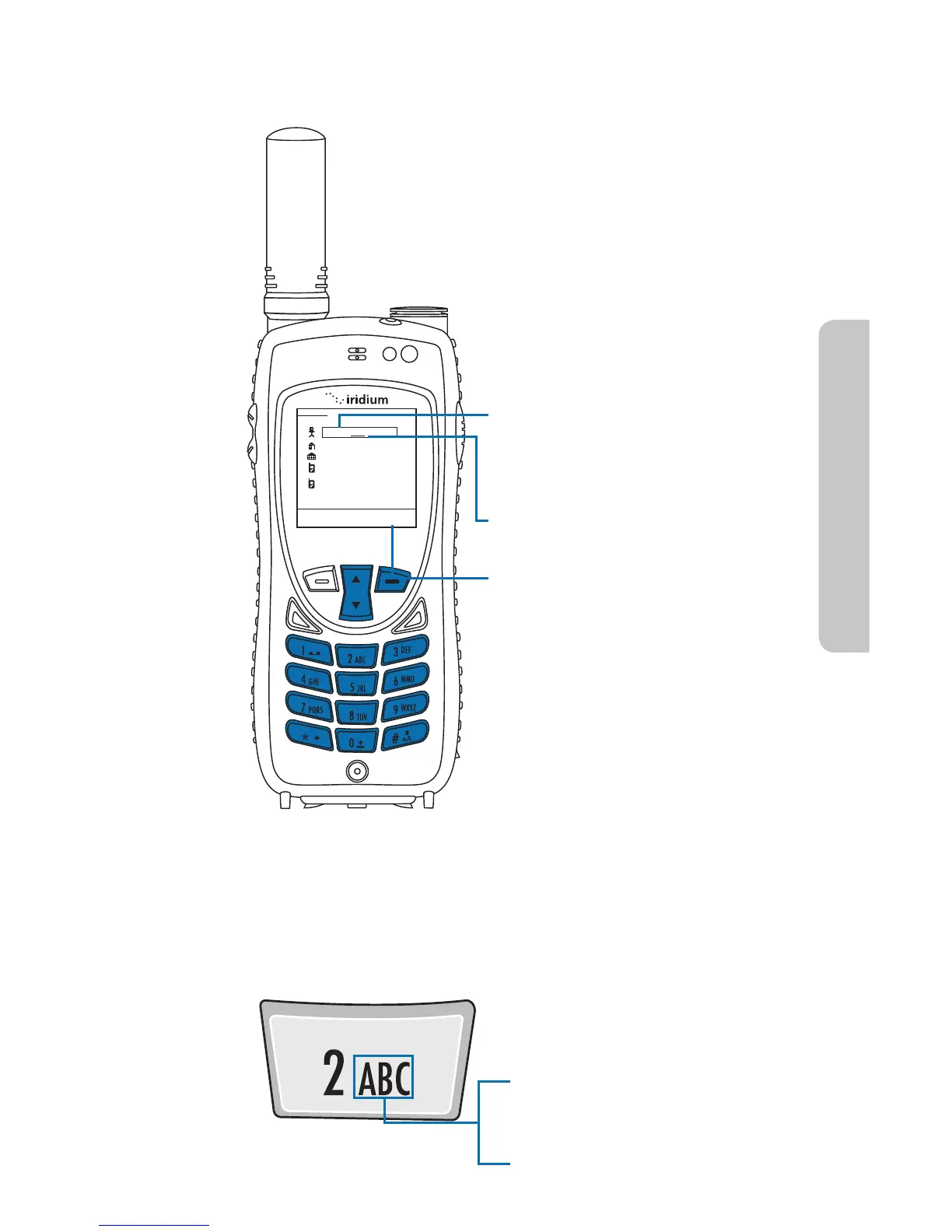
Many of the menu screens have elds where you need to enter
information such as names and addresses. To enter this information you
need to use the keys on the keypad. Each key represents a set of letters.
Save Clear
New Entry
@
Bob
For Example: Use the number 2
key for letters A, B, and C.
Press 1 time for A
Press 2 times for B
Press 3 times for C
To enter characters via traditional
method:
1. Enter a character by pressing
the appropriate keys on the
keypad. See keypad guide
below.
2. The cursor moves to the next
character position.
3. To delete a character press the
Right Soft Key, labeled Clear.
4. Repeat steps 1 and 2 as many
times as necessary.



 To Next Page