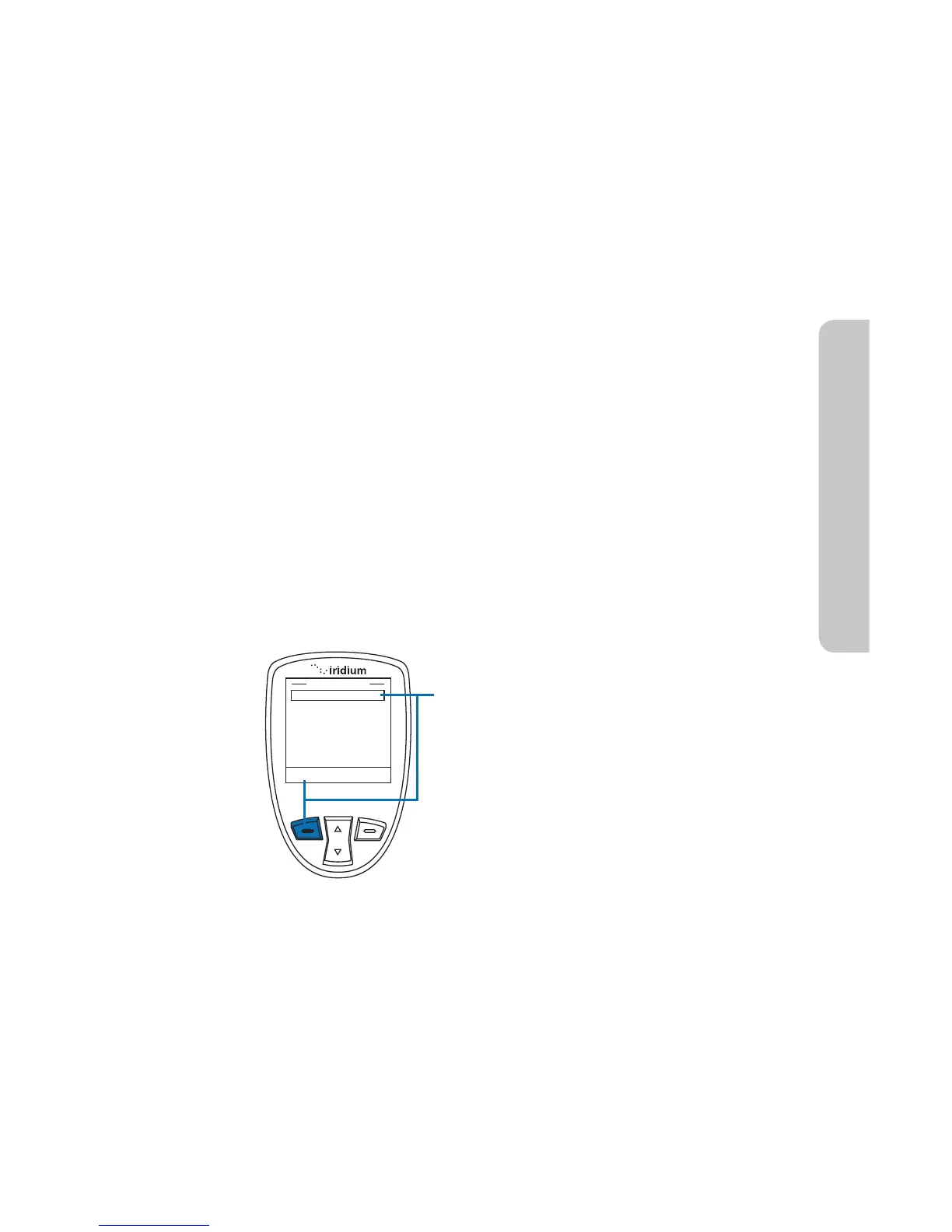
Phonebook listing and press the left
option key, labeled Select.
Once the My Phonebook listing is
selected, you will need to use the 2-way
Navi-key to highlight which address to
use and then press the left option key,
labeled Select.
Once your recipient has been added, it
will appear in your Message Recipient
listing.
To program a new Call Recipient, type
in the desired number and press the left
soft key, labeled Save.
14: GPS & Location Based Services
Iridium Extreme™ User Manual 171
Call Recipient
In the Emergency Options menu, Call Recipient will allow you to
program one (1) contact that will receive an Emergency Mode phone call.
In order for this feature to operate, “Message and Call” or “Phone Only”
needs to be selected in Emergency Actions.
The default setting for Message Recipient is blank, meaning that a call
recipient needs to be added in order to notify a designated contact in the
event of an emergency.
Note: a + sign is automatically added at the beginning of the dialing
string to automatically insert the international access code, therefore 00
is not required. The call recipient number must include the country code
and number (ex. +12125551212) or emergency number (ex. +911). Note
that Iridium only supports 911 in the US and 000 in Australia and these
numbers will not work in other geographies.



 To Next Page