104 Iridium Extreme™ User Manual
9: Using the Messages Menu
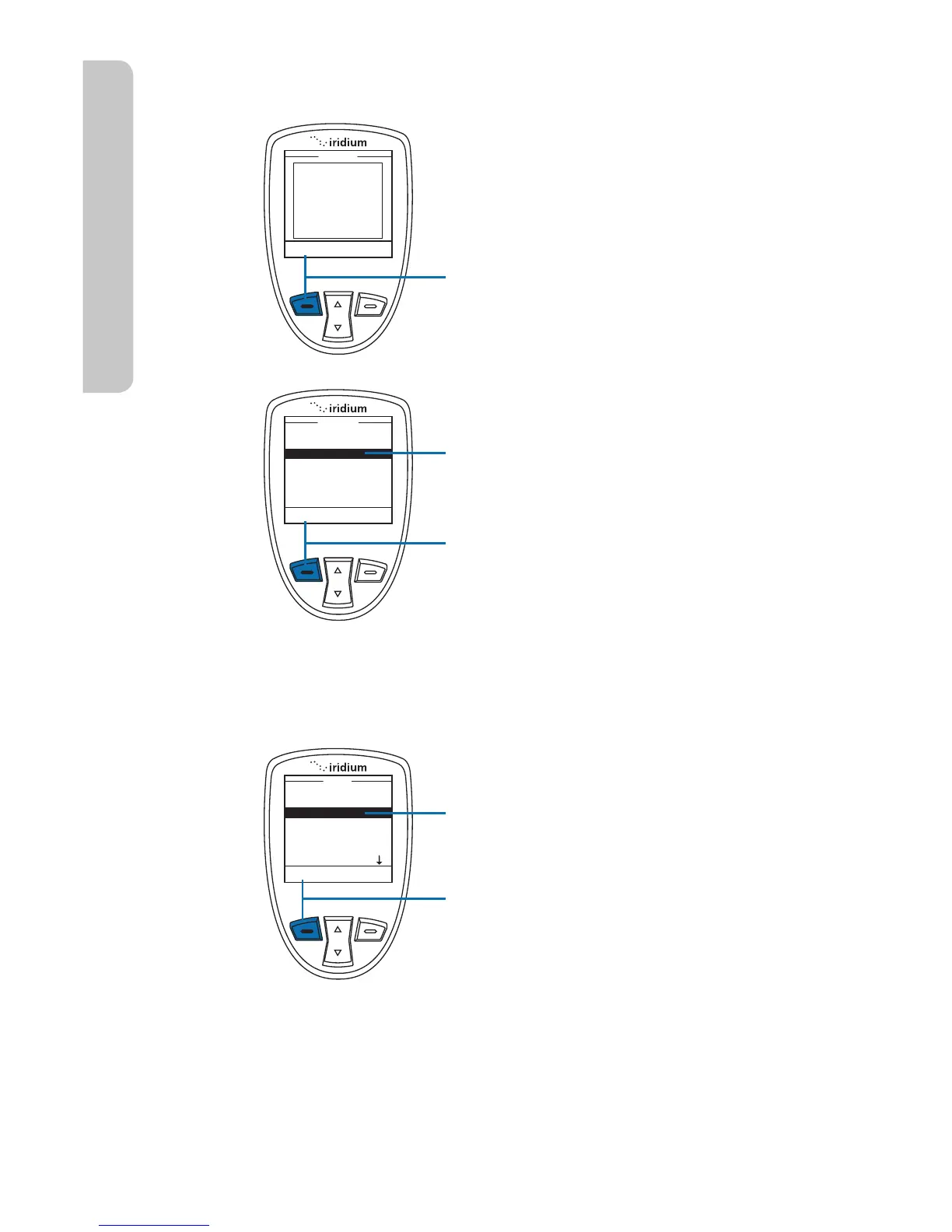
Call a Number from a Received Message
While reading the Message Screen:
1. Press the left soft key, labeled
Options.
2. Use the 2-way Navi-key to scroll
until Call is highlighted.
3. Press the left soft key, labeled
Select.
Delete a Message
Start at the Main Menu with Messages
highlighted:
1. Press the left soft key, labeled
Select.



 To Next Page