automatically as frequently as you
designated setting.
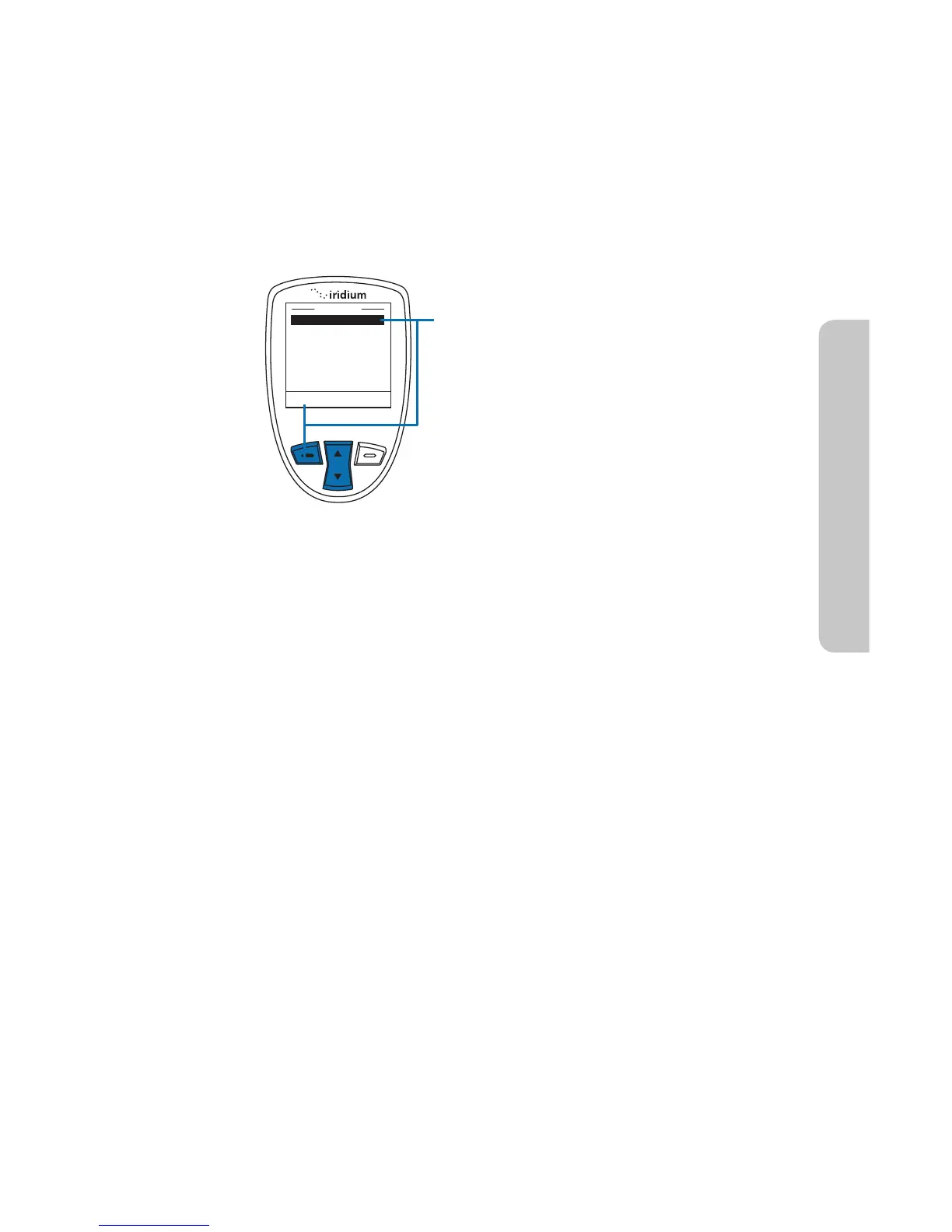
From this screen, you have the option to
Share your location with other people
by sending it in a message. To Share,
press the left option key, labeled Share.
If Share is selected, the Share Location
Options will appear. The available
options are:
r Quick GPS – to send your location to
your preconfigured list of up to five
(5) contacts
r New message – to append your
location to a new message, allowing
you to add additional text and then
address the message to a new or
existing contact.
To Share your location, use the 2-way
Navi-key to select your desired Share
method and press the left option key,
labeled Select.
14: GPS & Location Based Services
Iridium Extreme™ User Manual 177
Online Portal Integration with 3
rd
Parties
Your Iridium Extreme™ also supports integration with 3
rd
party online
portals using short burst data (SBD). These 3
rd
party online portals provide
the ability to track your phone’s location online, see location history, two-
way message, set-up geofences, and coordinate scheduled check-ins. This
capability is helpful if you are managing a fleet of phones and need to
monitor workflow and/or safety with a solution that provides more robust
capabilities than standard messaging. For more information about 3
rd
party online portal integration, contact your service provider.



 To Next Page