Iridium Extreme™ User Manual 129
12: Using the Call History Menu
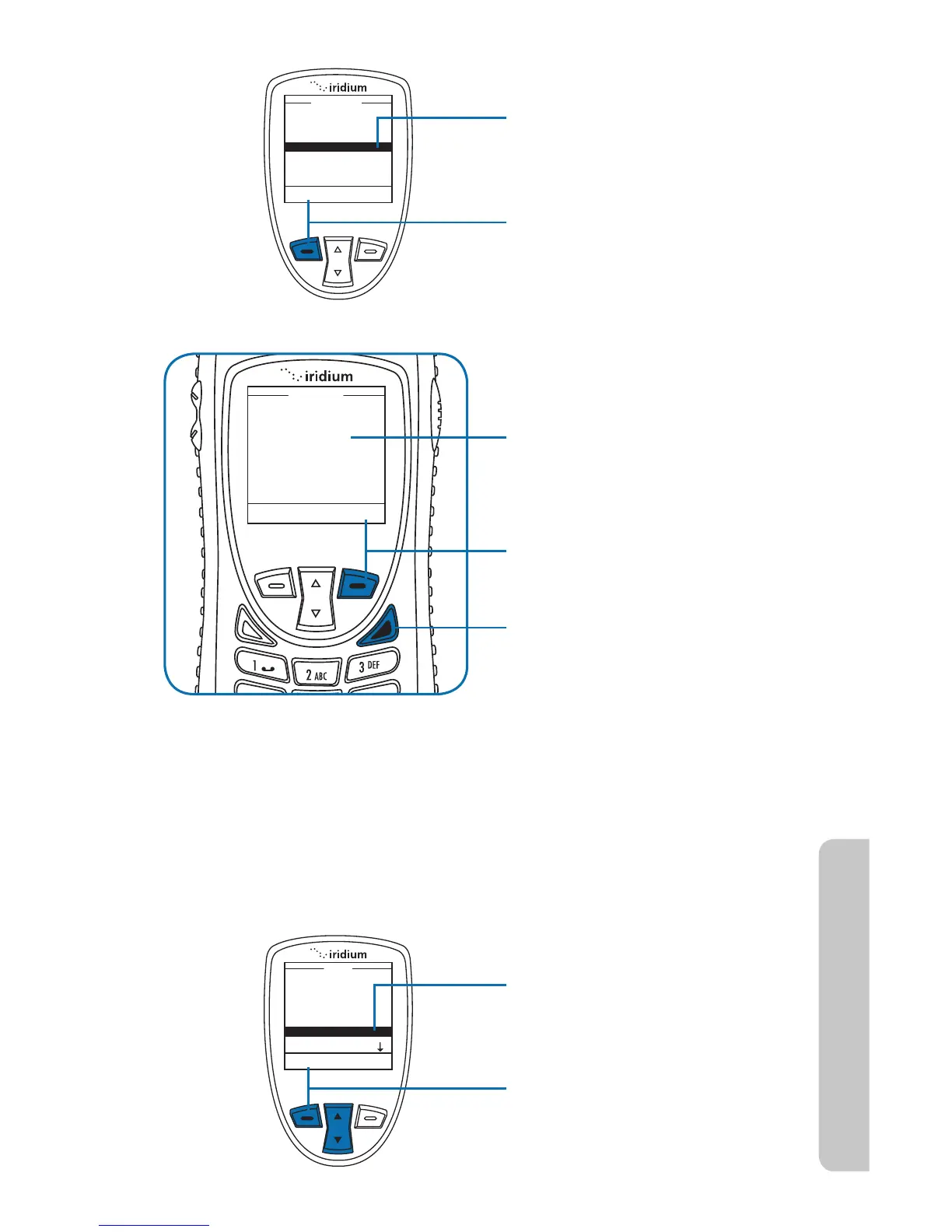
3. Use the 2-way Navi-key to
scroll until Call Meters is
highlighted.
4. Press the left soft key,
labeled Select.
The total time of all calls is
displayed.
7. Press the right soft key
labeled Back to return to the
previous menu.
8. Press the red key to return to
the Main Screen.
Note: The Lifetime timer can not be reset.
Showing the In-call Display
This capability enables or disables the call timer that displays the amount
of time that has passed since placing a specific call.
Starting from the Main Menu:
1. Use the 2-way Navi-key to
scroll until Call History is
highlighted.
2. Press the left soft key,
labeled Select.



 To Next Page