158 Iridium Extreme™ User Manual
13: Using the Setup Menu
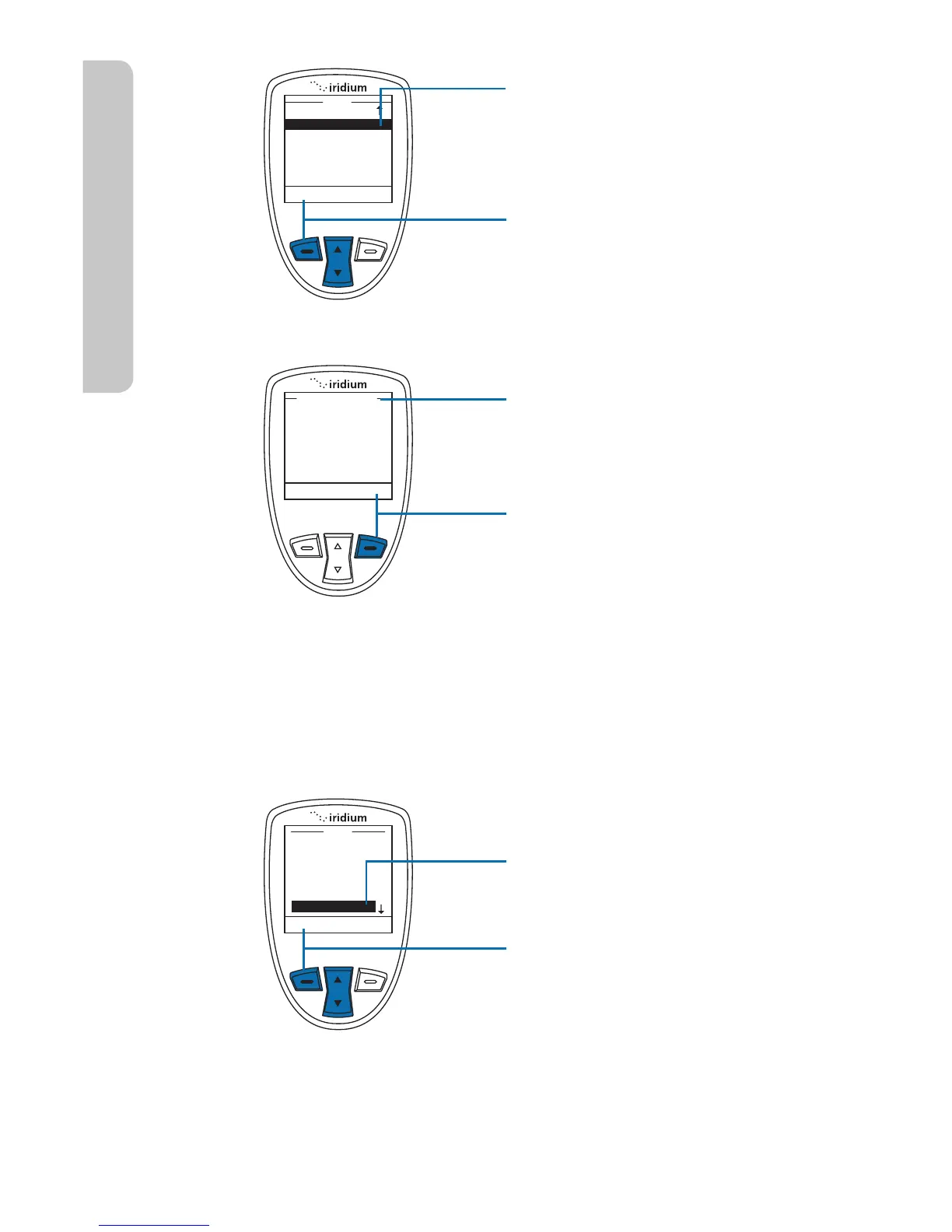
3. Use the 2-way Navi-key
to scroll past the Key
Setup option until Phone
Information is highlighted.
4. Press the left soft key,
labeled Select.
Information regarding your
phone appears on the display.
5. Press the right soft key,
labeled Back to return to the
Setup menu.
Reset Phone Options to Factory Defaults
This capability resets all settings to their original default settings.
Starting from the Main Menu:
1. Use the 2-way Navi-key
to scroll until Setup is
highlighted.
2. Press the left soft key,
labeled Select.



 To Next Page