Iridium Extreme™ User Manual 187
15: Using the Security Menu
Change the SIM Card PIN2 Code
Your SIM card PIN2 code is used to access fixed dialing settings. This four-
to eight-digit code is issued to you when you subscribe to the capability.
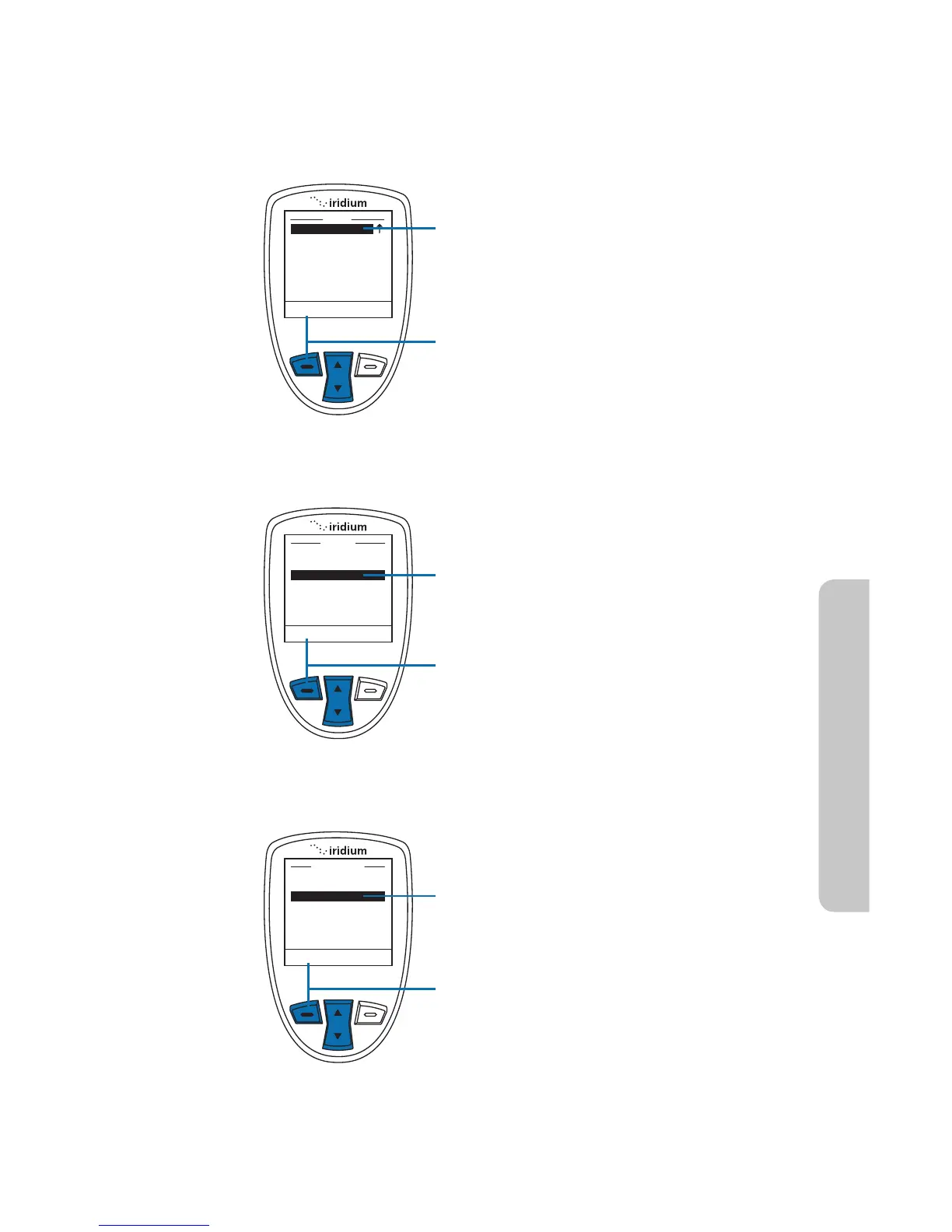
Starting from the Main Menu:
1. Use the 2-way Navi-key to scroll until
Security is highlighted.
Note: Scroll one down from Setup to
view the Security option.
2. Press the left soft key, labeled Select.
3. Use the 2-way Navi-key to scroll until
Change PIN is highlighted.
4. Press the left soft key, labeled Select.
5. Use the 2-way Navi-key to scroll until
SIM PIN 2 is highlighted.
6. Press the left soft key, labeled Select.



 To Next Page