154 Iridium Extreme™ User Manual
13: Using the Setup Menu
Using the Key Setup Menu
This capability selects the function of the convenience key and the
right soft key when the Main Screen is displayed. The default function
is to display the Help screen which is useful for new users; however the
function can be changed to access the phonebook.
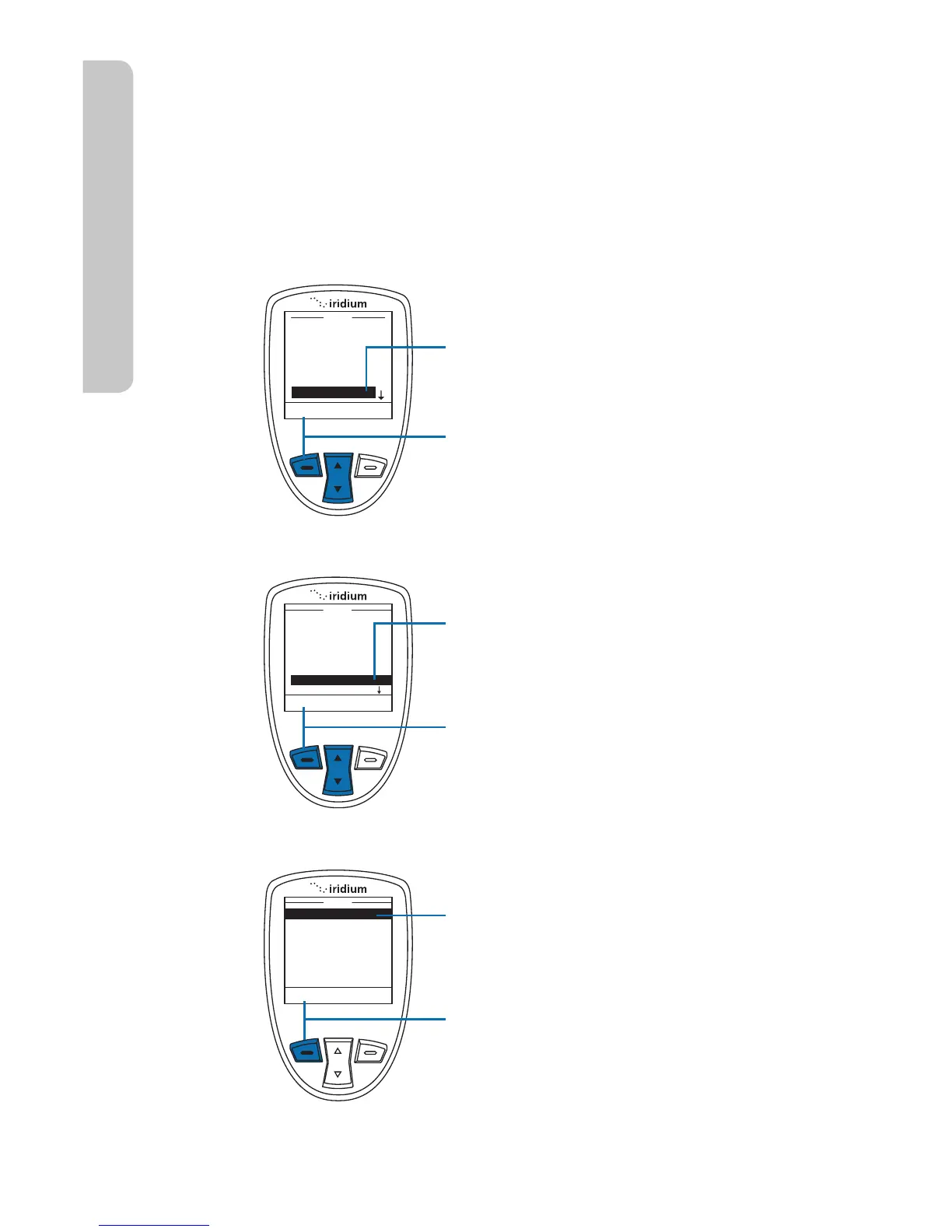
Setup the Convenience Key Function
Starting from the Main Menu:
1. Use the 2-way Navi-key to scroll
until Setup is highlighted.
2. Press the left soft key, labeled
Select.
3. Use the 2-way Navi-key to scroll
until Key Setup is highlighted.
4. Press the left soft key, labeled
Select.
5. Convenience Key is highlighted.
6. Press the left soft key, labeled
Select.



 To Next Page