6: Traditional Text Entry
62 Iridium Extreme™ User Manual
Entering Numbers and Symbols into Text
There may be times when you need to add numbers into a message that
you are writing. For example, to send someone a phone number as part of
a text message.
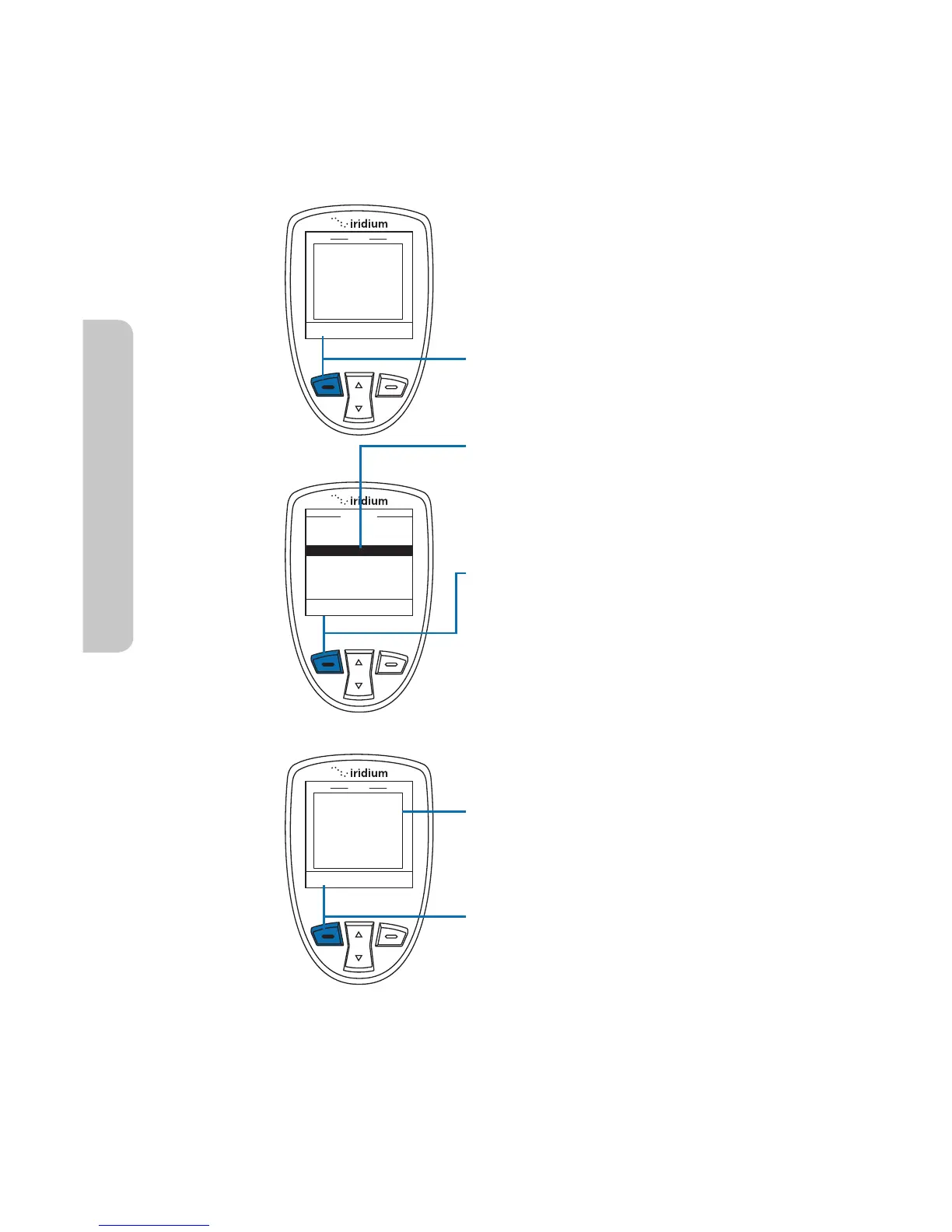
Starting from a text entry field:
1. Press the left soft key labeled
Options.
2. The Options screen appears.
Using the 2-way Navi-key scroll
until Enter digits is highlighted.
3. Press the left soft key labeled
Select.
4. The original text now appears,
but you are in the number entry
mode.
5. Press the left soft key labeled
Options.



 To Next Page