6: Traditional Text Entry
Iridium Extreme™ User Manual 63
Note: Use this same procedure for entering symbols into text by choosing
Insert symbol in the Options menu. You can also press the *key as a
shortcut for accessing the symbol menu (see “Entering Punctuation” on
page62).
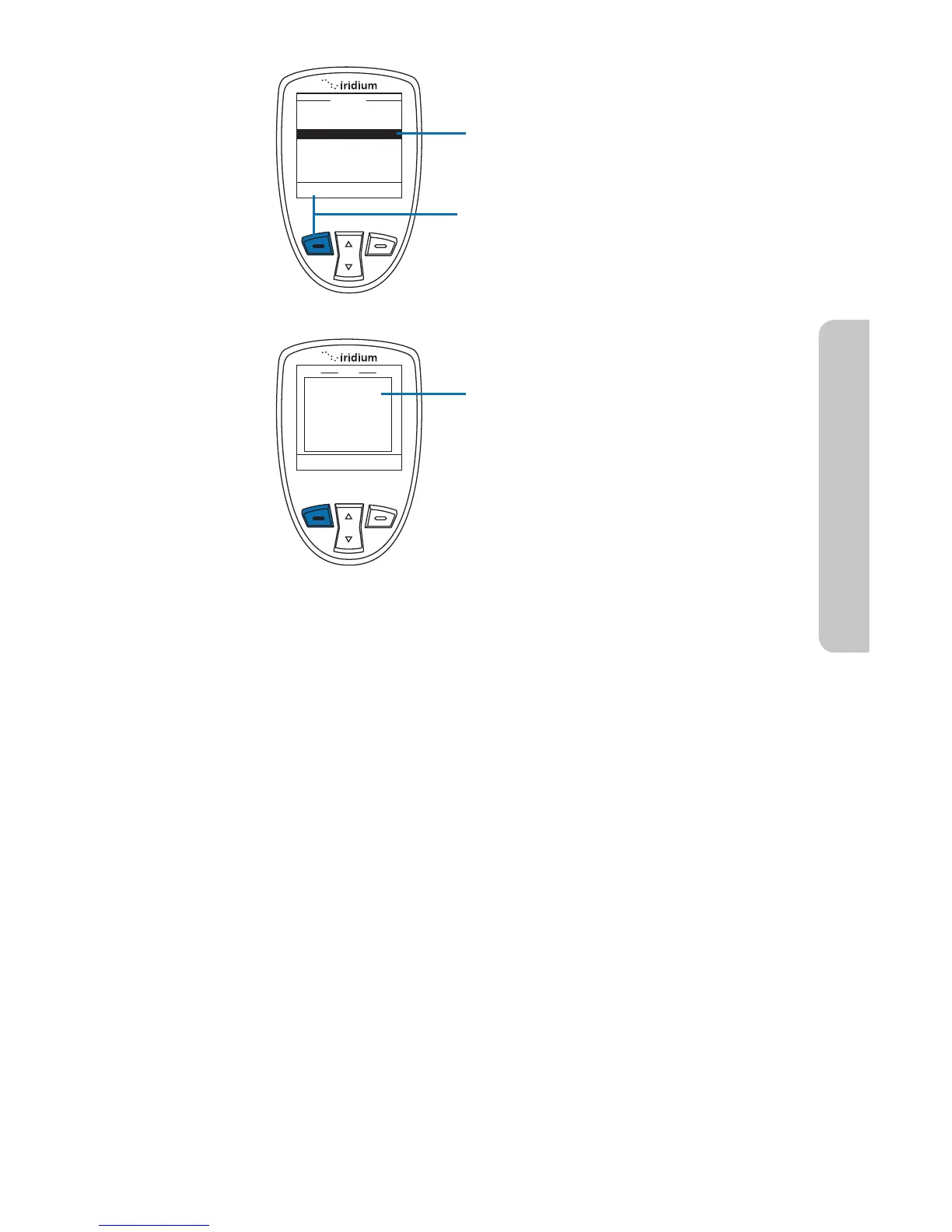
6. The Options screen appears.
Using the 2-way Navi-key scroll
until Enter letters is highlighted.
7. Press the left soft key labeled
Options.
8. The original text screen now
appears and you can continue to
enter text in the letter entry mode.
Select
Back
Options
Send
Insert symbol
Enter letters
Save as draft
Exit
abc
New
145
Options
Clear
You can reach me
at 111-222-3333
tomorrow morning



 To Next Page