Iridium Extreme™ User Manual 179
15: Using the Security Menu
15: Using the Security Menu
Important: Do not change the PIN/PUK/SIM settings unless you have your
original settings available. Your phone and/or SIM card may be disabled if
you don’t know the correct code and enter it incorrectly three times. If a
PIN becomes blocked, you must enter a Personal Unblocking Key (PUK) to
restore the SIM to service which is obtained from your service provider.
Locating the Security Menu
Note: All instructions for the Security menu start from the Main Menu as
shown.
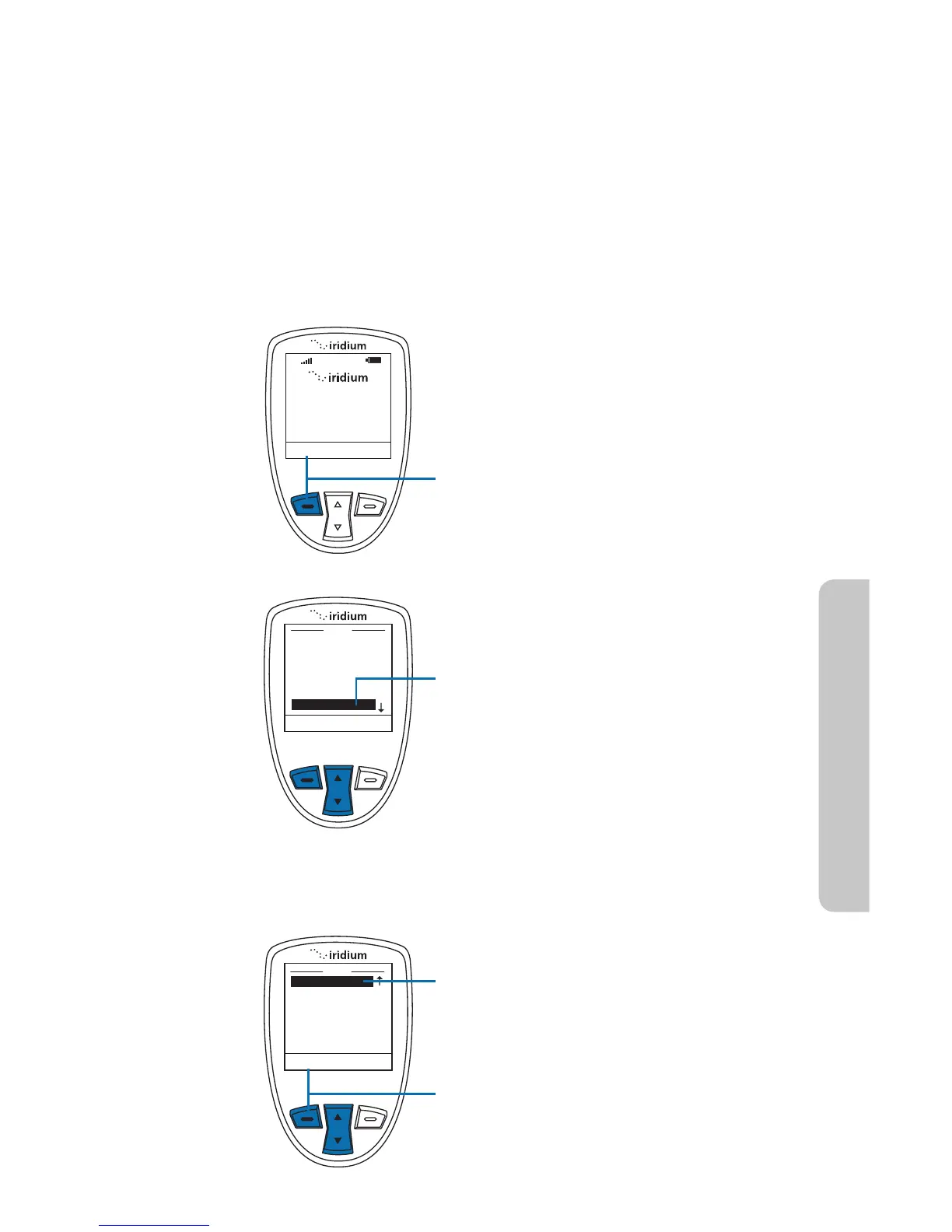
Starting from the Main Screen:
1. Press the left soft key, labeled Menu.
2. The Main Menu is displayed. Use
the 2-way Navi-key to scroll until
Security is highlighted.
Note: Scroll one down from Setup to
view the Security option.
3. Press the left soft key, labeled Select.



 To Next Page