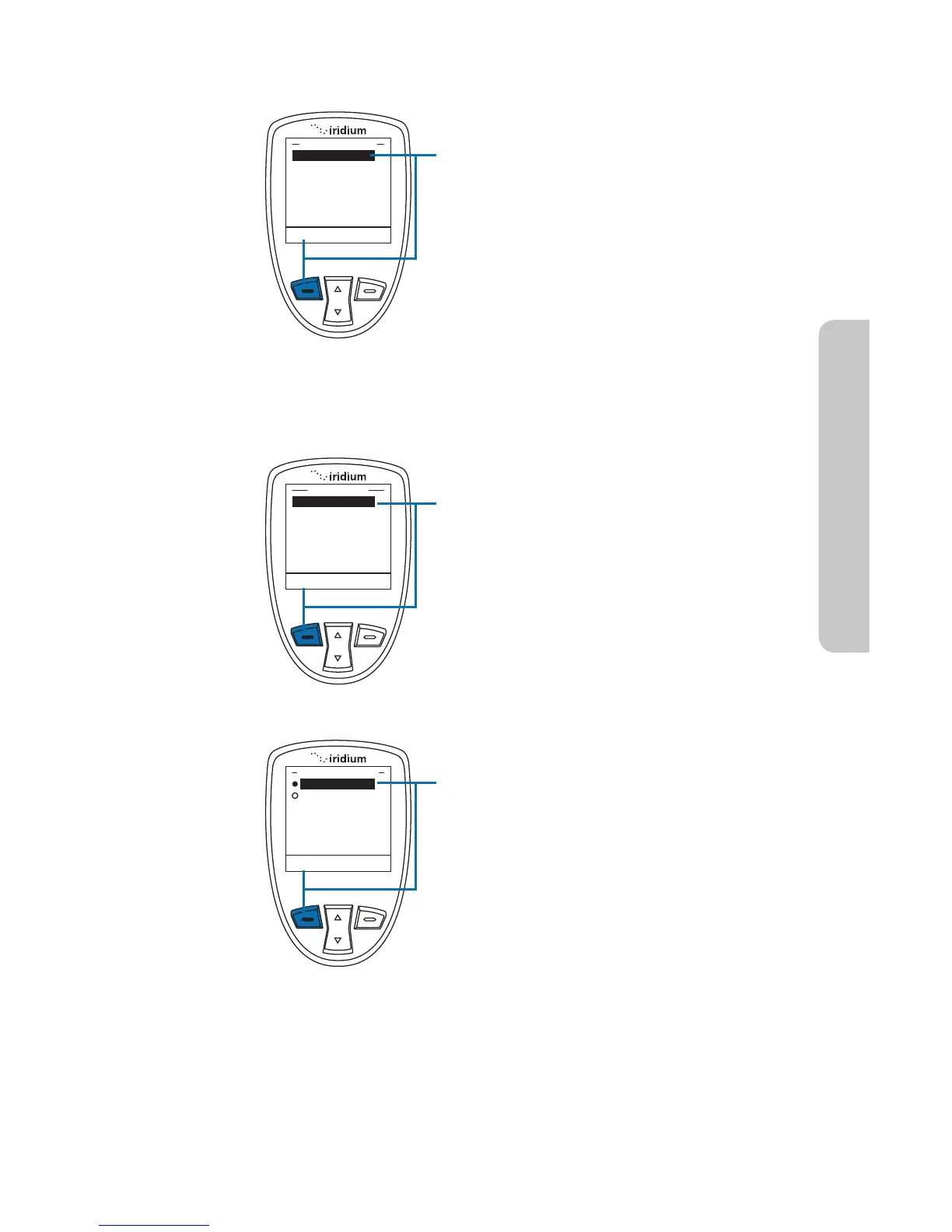
Use the GPS Options menu to configure
the basic GPS settings on your handset.
Through this menu you can lock GPS
settings, set the GPS refresh frequency
rate, and turn GPS On or Off.
1. Press the left soft key, labeled Select
Within the GPS Options menu, enable
the GPS Settings Lock to prevent
modifications to GPS settings unless the
GPS Settings Lock PIN is entered.
1. Press the left soft key, labeled Select.
The default setting for GPS Settings
Lock is Disabled. To enable GPS
Settings Lock, move the 2-way
Navi-key until the Enabled option is
highlighted
2. Press the left soft key, labeled Select.
14: GPS & Location Based Services
Iridium Extreme™ User Manual 163
Using the GPS Options Menu
GPS Settings Lock



 To Next Page