36 Iridium Extreme™ User Manual
4: Getting Started
2. A warning tone (two double beeps) sounds.
Note: To help maintain the best battery and phone performance, recharge
your battery as soon as possible after you receive the low battery warning.
Start-up Procedure
Power on Message
Once your phone is on, one of the following messages may appear.
Message Directive
Bad Card See Supplier. Your SIM card has been damaged or
incorrectly issued. Contact your service provider for
information.
1. Insert your SIM card if necessary.
2. Turn the phone on by pressing
and holding the On/Off button
for 5 seconds.
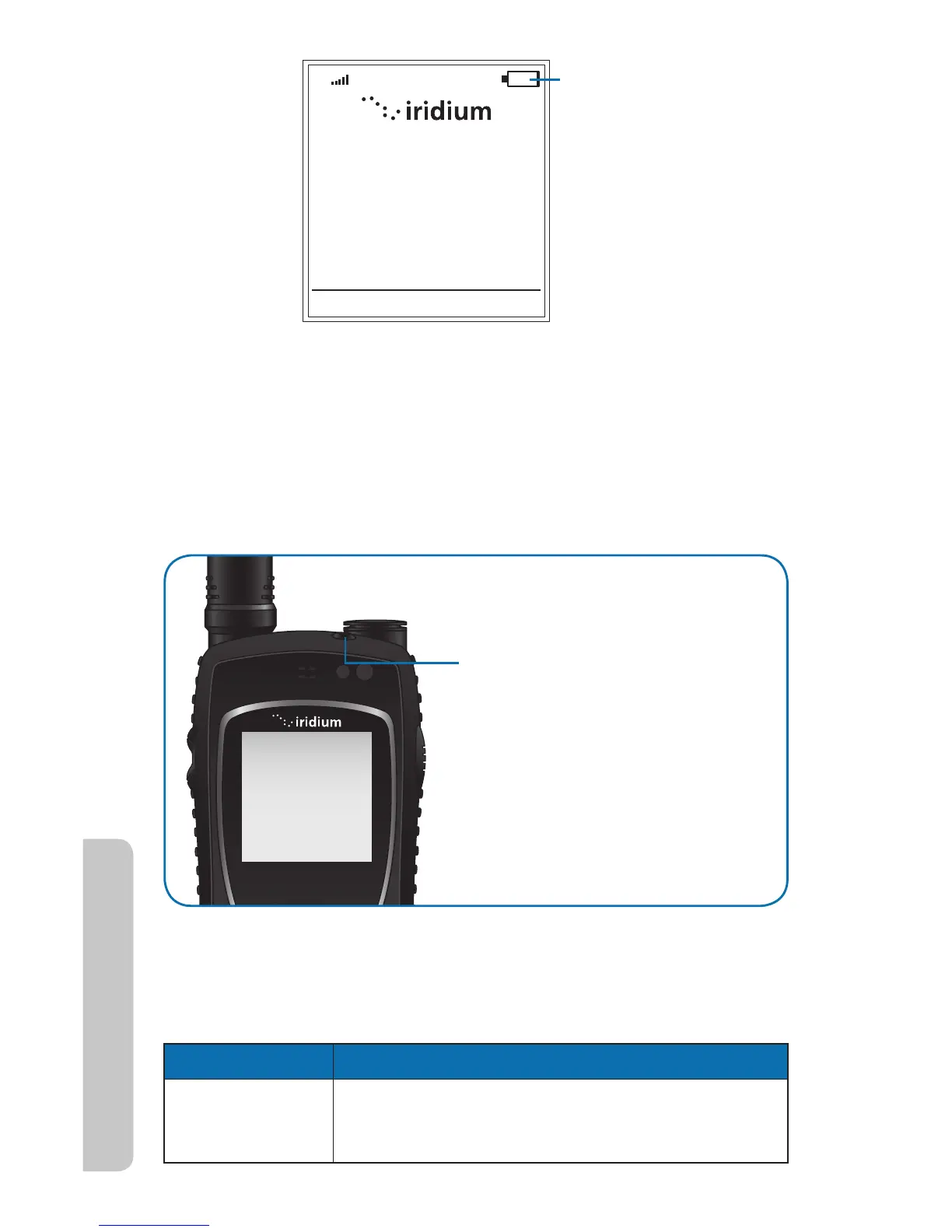
When you turn your phone’s
power on, the display screen
goes through a short animated
sequence.
Battery icon



 To Next Page