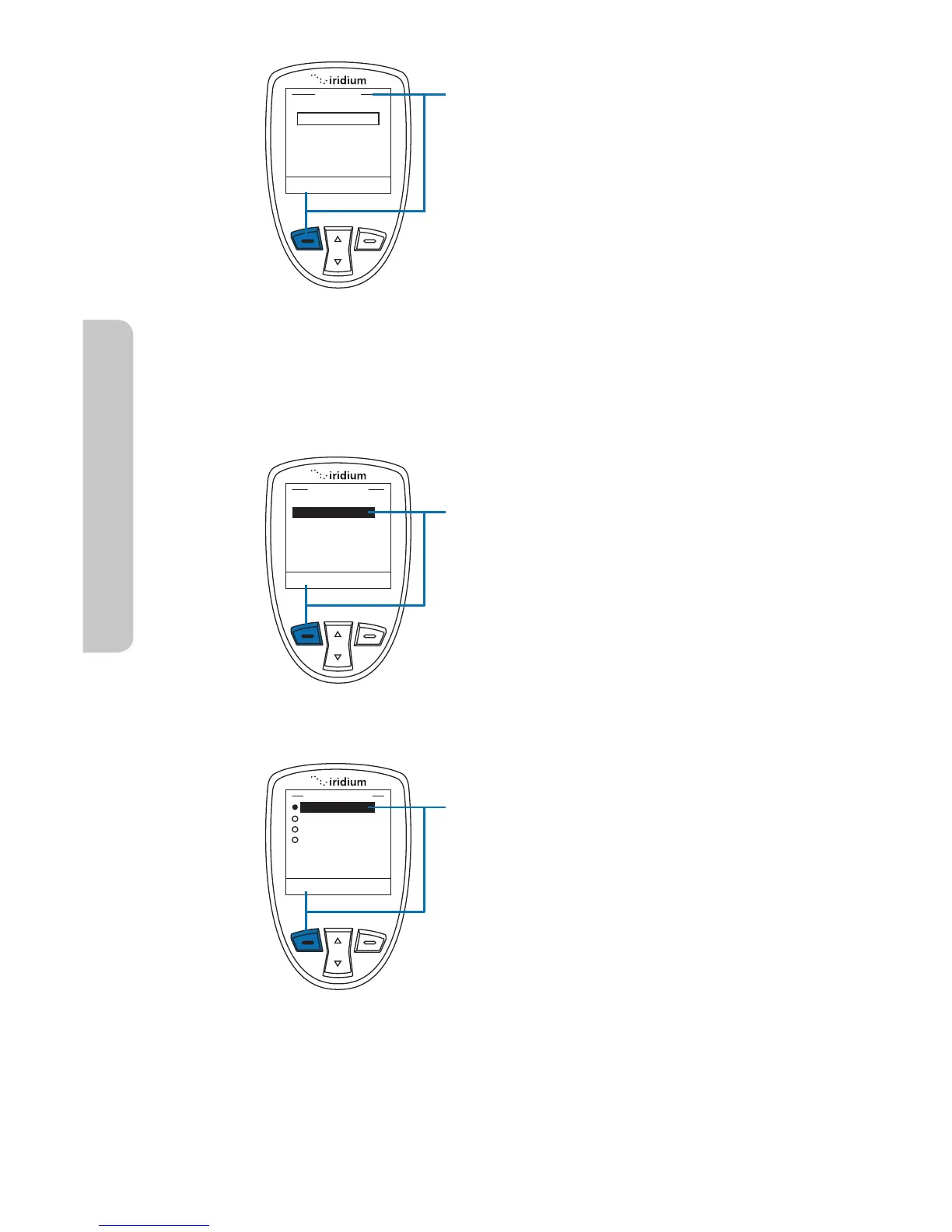
To modify the GPS Settings Lock, you
will be prompted to enter the GPS
Settings Lock PIN. The default GPS
Settings Lock PIN is 3333 and can
be modified in the Security Menu by
navigating to Change PINs and then
GPS Settings Lock.
3. Once the default or personalized
GPS Settings Lock PIN is entered,
press the left soft key, labeled OK.
Within the GPS Options menu, the
GPS Update Options will allow you
to set how frequently a GPS position
is updated for viewing the Current
Location on the phone screen. To
access Update Options, use the 2-way
Navi-key to scroll and highlight this
feature.
1. Press the left soft key, labeled
Select.
Within the Update Options menu, the
options are provided to have the GPS
location updated One Time, Real Time,
every 5 minutes, or every 10 minutes.
To modify this setting, use the 2-way
Navi-key to scroll and highlight the
desired update rate.
2. Press the left soft key, labeled
Select.



 To Next Page