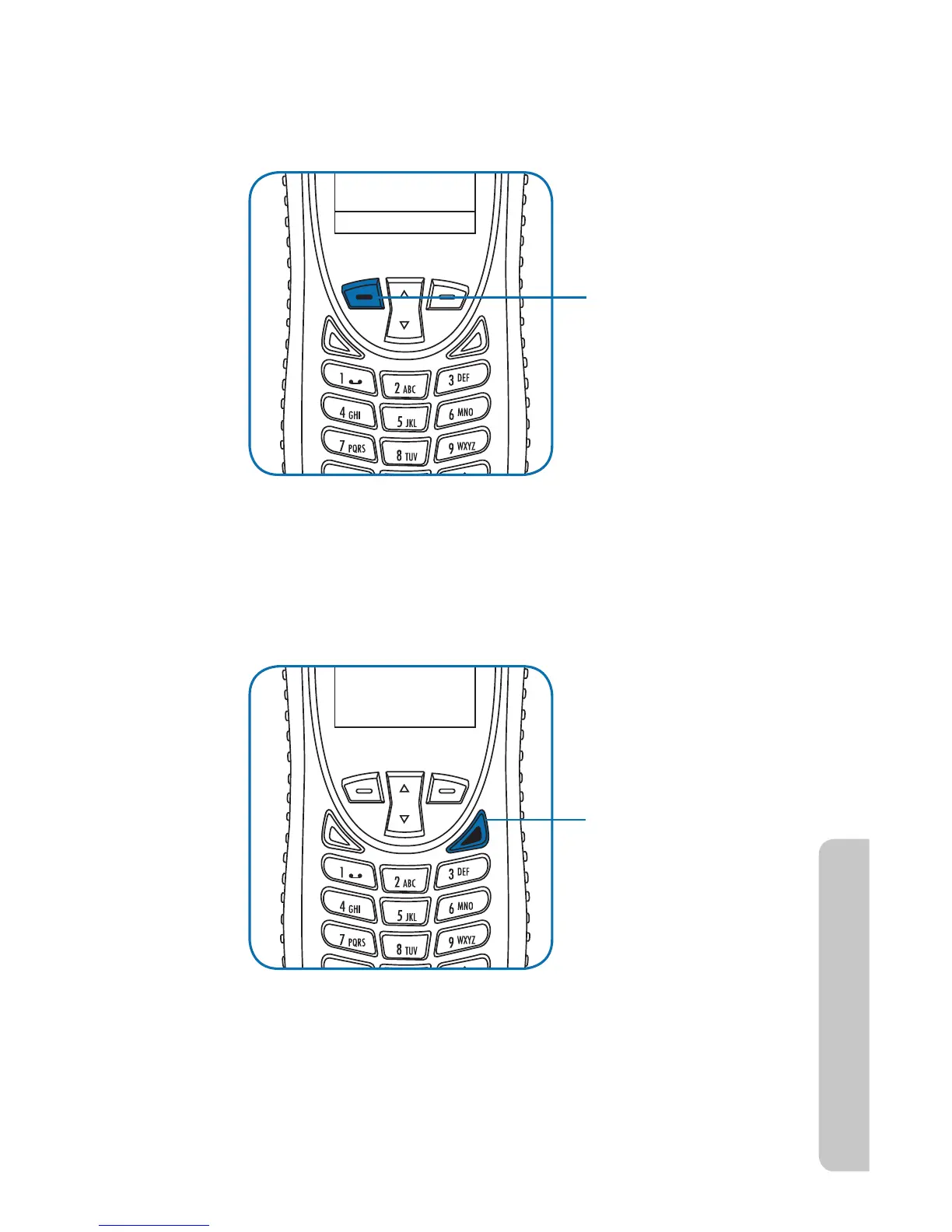
To mute the call:
Press the left soft key.
To un-mute the call:
Press the left soft key
again.
To use speaker
phone: Press the right
soft key.
To switch back to the
earpiece: Press the
right soft key again.
Iridium Extreme™ User Manual 47
4: Getting Started
Muting a Call
For privacy during a call, use the mute feature. You hear the party on the
other end, but they do not hear you.
Speaker Phone
To allow the call to be shared with other people within close proximity to
your phone, use the speaker phone feature. In this mode the speaker in
the rear of the phone is used instead of the normal earpiece/receiver.
Speaker Volume
The speaker volume can be adjusted either while on a call or with the
Volume and Tones menu located under the Setup menu.
1. Increase the speaker volume by pressing the upper volume control



 To Next Page