6: Traditional Text Entry
Iridium Extreme™ User Manual 61
Entering Punctuation
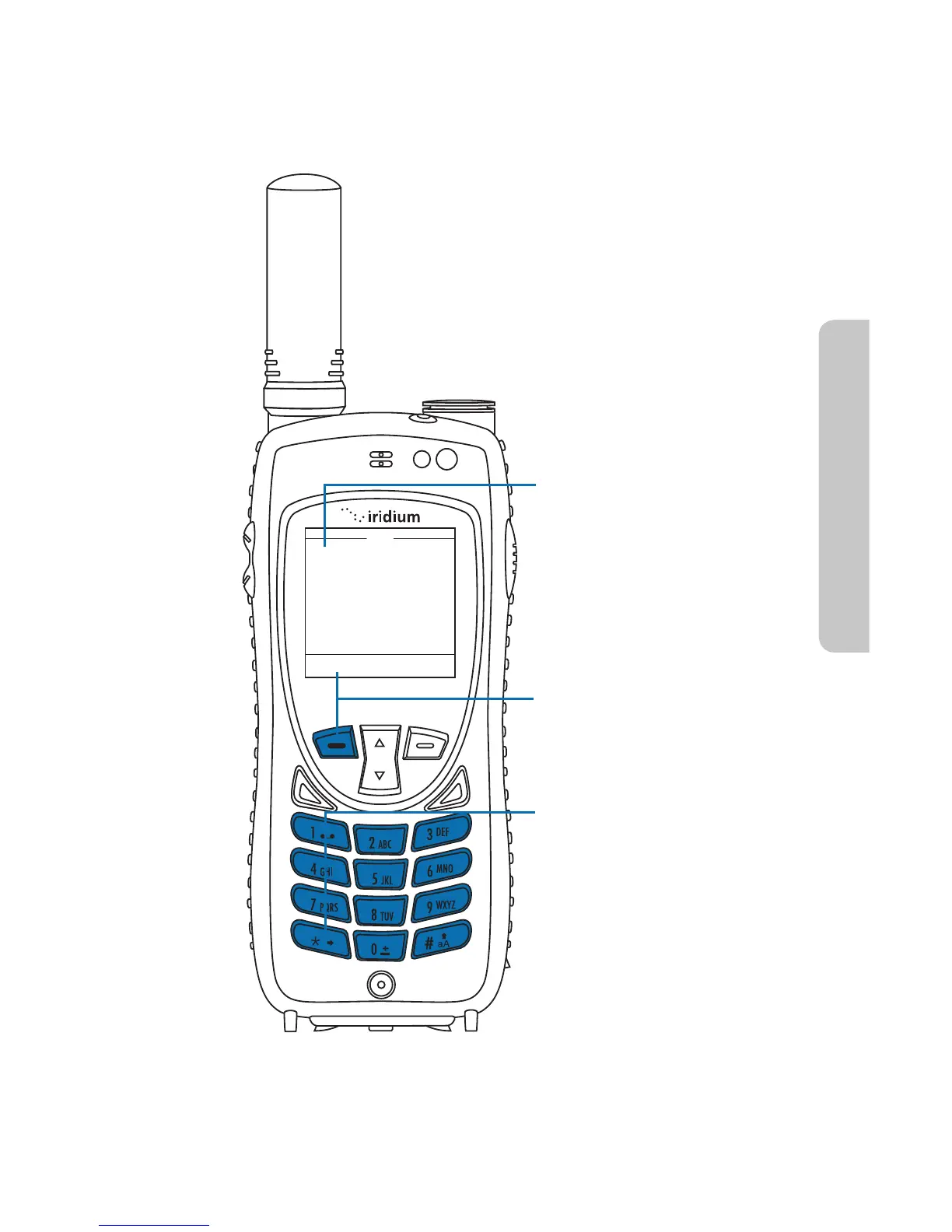
Pressing * (star) key takes you to a symbols menu with a list of the most
commonly used punctuation marks and symbols.
Select Back
Edit
.
@
/
,
!
?
;

$
?
*
%
&
(
)
[
]
{
}
:
˜
-
\
-
“
#
I
<
ç
è
ē
ê
ë
ò
ó
ö
ù
ú
>
+
=
à
á
Using the 2-way Navi key,
cycle through the screen
until you reach the desired
symbol.
Press the Left Soft Key
labeled Select.
Press the Star key to open
the symbols menu.



 To Next Page