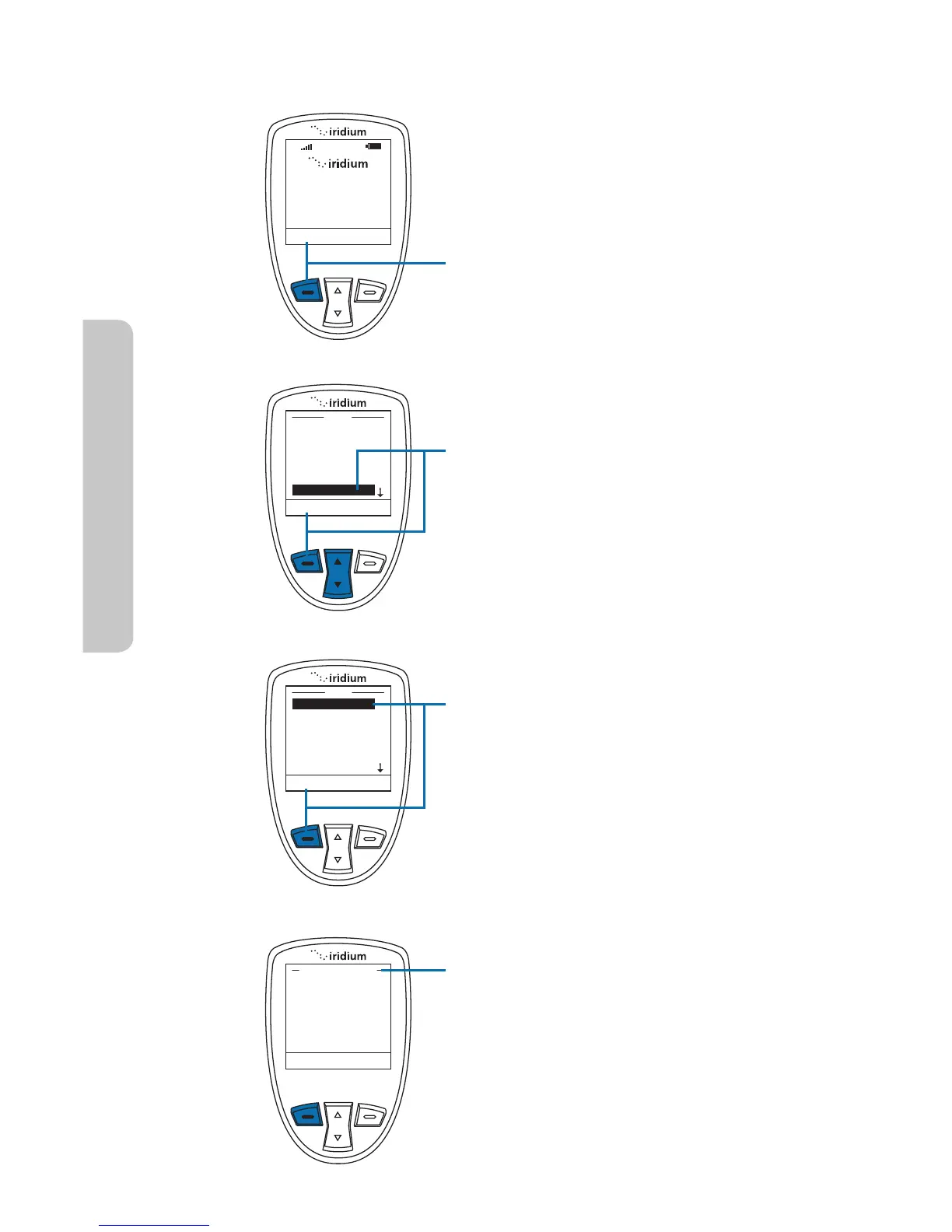
Starting from the main screen:
1. Press the left soft key, labeled
Menu.
2. The Main Menu is displayed. Use the
2-way Navi-key to scroll until Setup
is highlighted.
Press the left soft key to select
Setup.
3. With Location Options highlighted
press the left soft key, labeled
Select to enter the Location
Options menu.
4. Within the Location Options menu
are GPS Options, Emergency
Options, Message Options, Format,
and Current Location.
14: GPS & Location Based Services
162 Iridium Extreme™ User Manual
Locating Location Options



 To Next Page