Iridium Extreme™ User Manual 131
12: Using the Call History Menu
Setting Audible Call Timers
This capability lets the phone watch the clock for you. At a set time or
interval, the call timers produce a beep that only you can hear. You can
choose No Alert, Single Alert or Repetitive Alert.
Set the Single Alert Timer
Starting from the Main Menu:
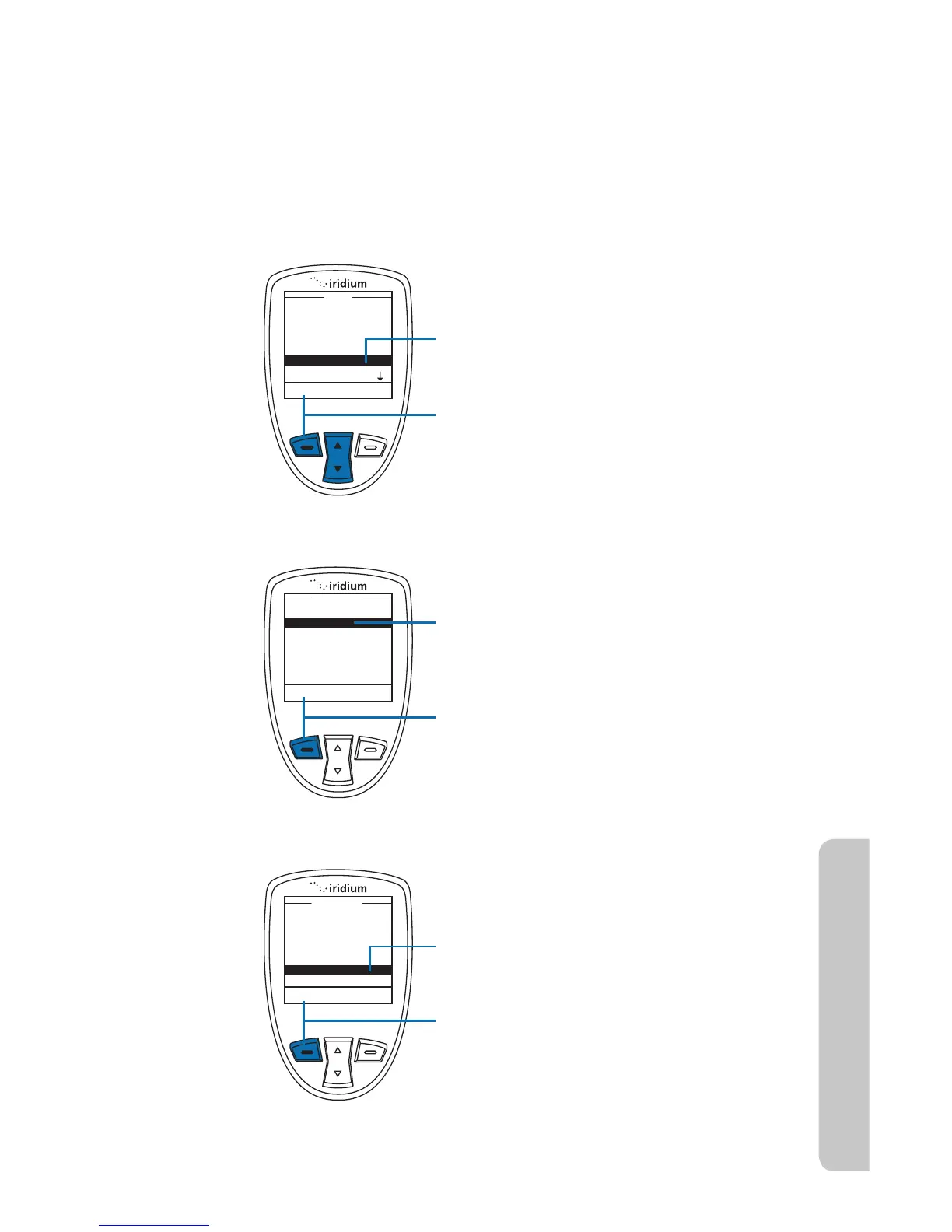
1. Use the 2-way Navi-key to scroll until
Call History is highlighted.
2. Press the left soft key, labeled Select.
3. Use the 2-way Navi-key to scroll until
Call Meters is highlighted.
4. Press the left soft key, labeled Select.
5. Use the 2-way Navi-key to scroll until
Audible timers is highlighted.
6. Press the left soft key, labeled Select.



 To Next Page