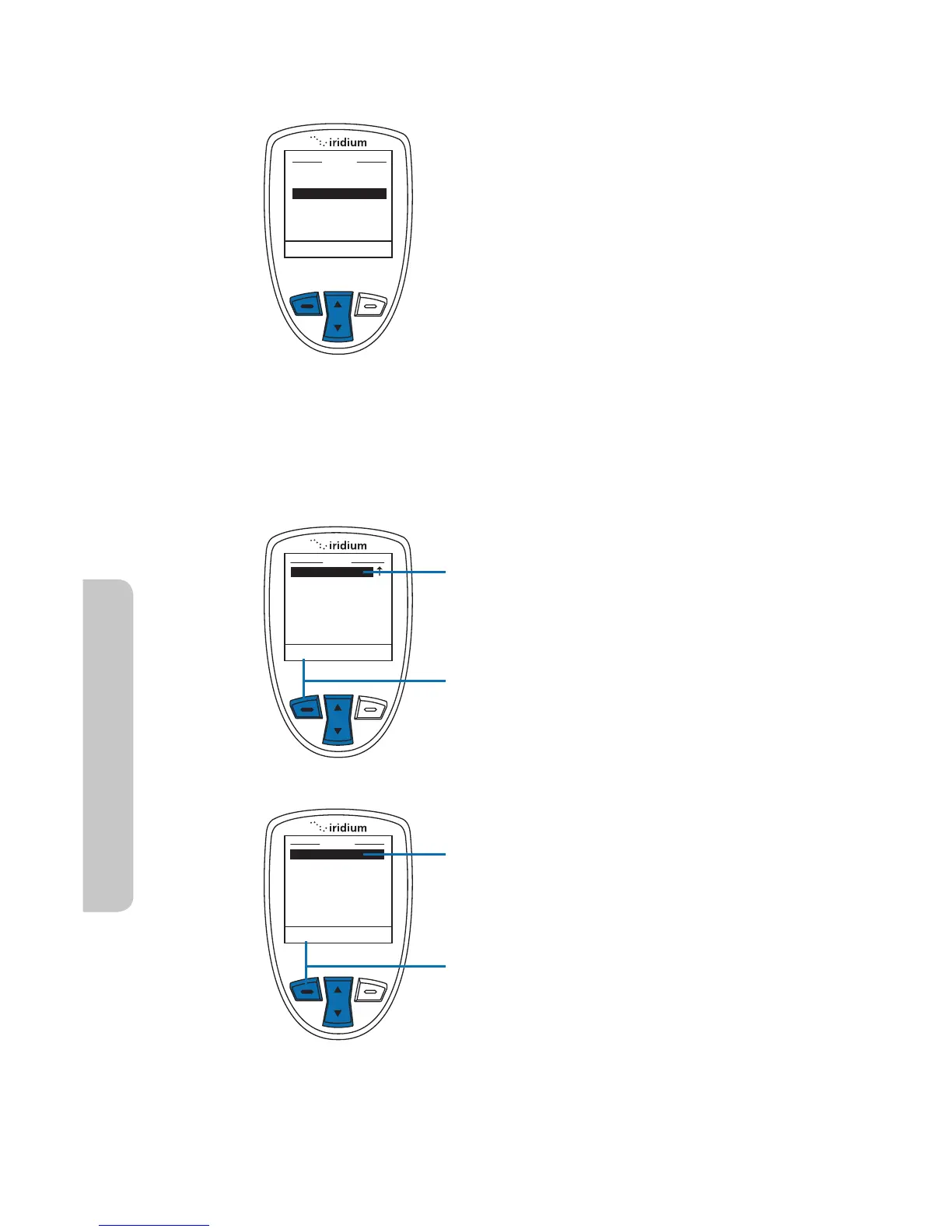
About the Security Menu
You can perform the following
functions using the Security menu:
r -PDLBOEVOMPDLUIFQIPOF
r &OBCMFBOEEJTBCMFUIF4*.MPDL
r $IBOHF1*/BOECMPDL1*/DPEFT
Locking and Unlocking Your Phone
This capability helps prevent unwanted use of your phone.
Starting from the Main Menu:
1. Use the 2-way Navi-key to scroll
until Security is highlighted.
Note: Scroll one down from Setup to
view the Security option.
2. Press the left soft key, labeled
Select.
3. The Phone lock option is
highlighted. If not, use the 2-way
Navi-key to scroll until it is.
4. Press the left soft key, labeled
Select.



 To Next Page