Iridium Extreme™ User Manual 77
8: Using the Phonebooks
Add a New Entry to My Phonebook
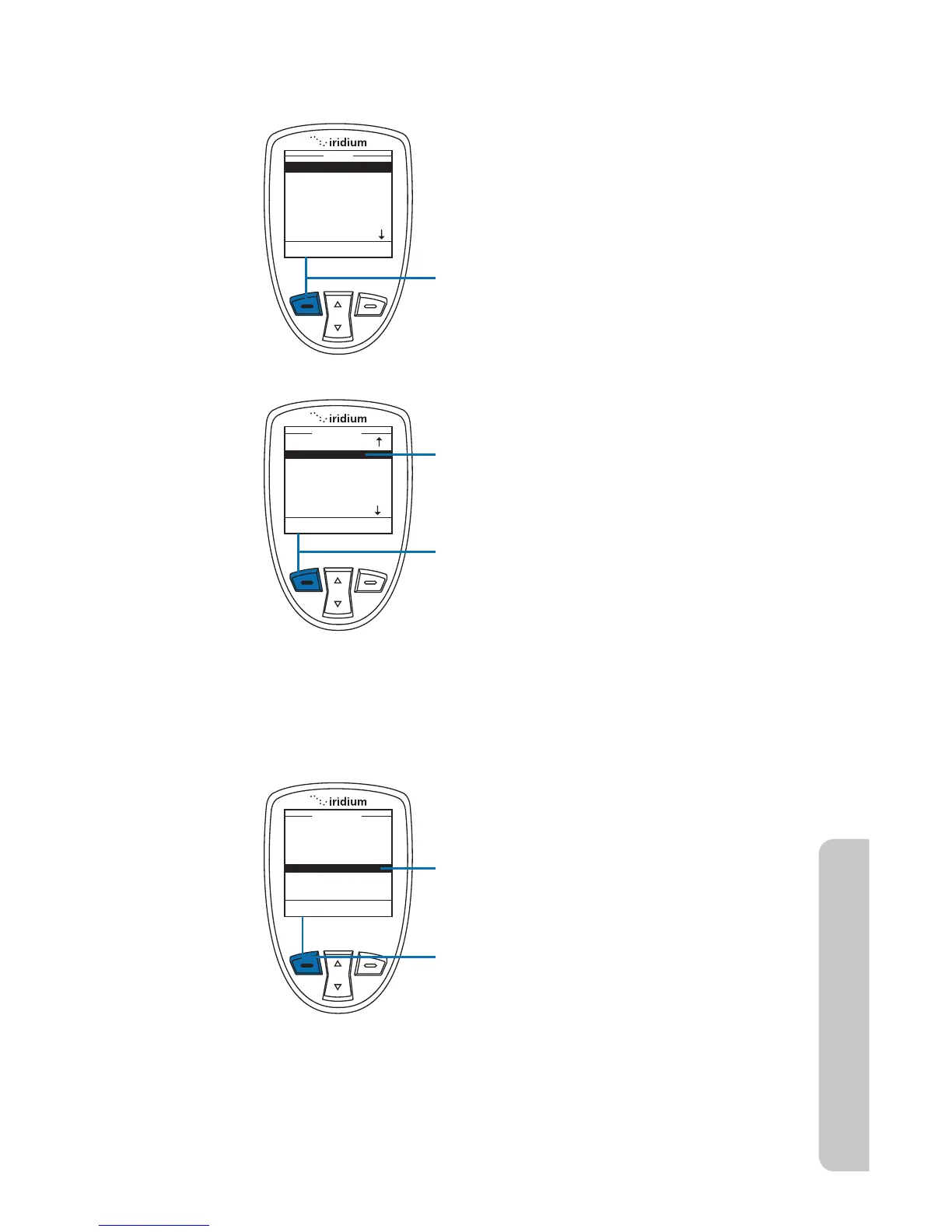
Note: If there are no entries Empty will be displayed on this screen. If
entries are present press the left soft key while highlighting any contact.
4. Use the 2-way Navi-key until the New
option is highlighted.
5. Press the left soft key, labeled Select
to proceed.
To add information to the Phonebook,
use the New option. Start at the Main
Menu, with My Phonebook highlighted:
1. Press the left soft key, labeled Select.
2. The Phonebook is displayed.
3. Press the left soft key, labeled
Options.



 To Next Page