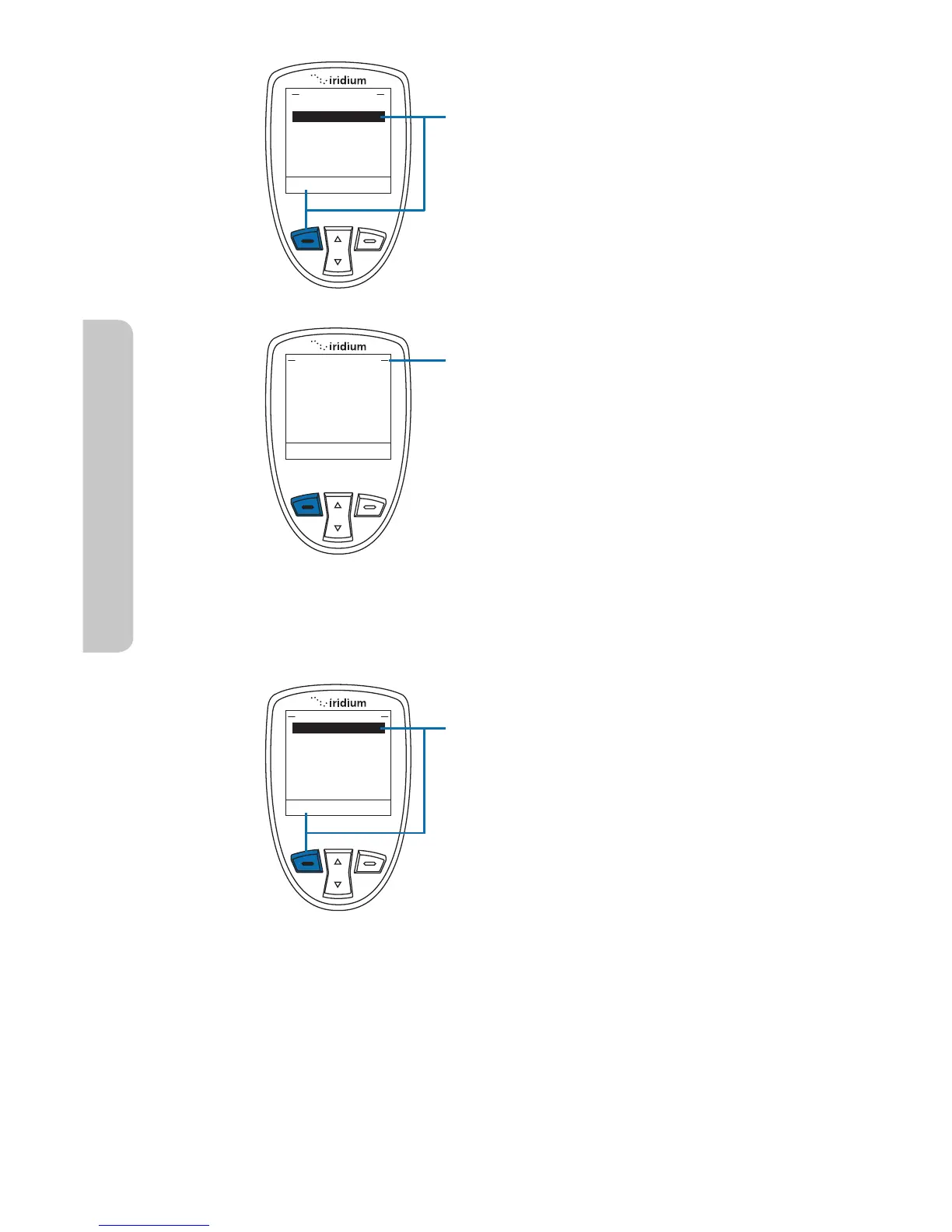
To access Emergency Options,
access Location Options and scroll
down with the 2-way Navi-key until
Emergency Options is highlighted.
Press the left soft key, labeled Select.
Within the Emergency Options menu
are Emergency Mode, Emergency
Actions, Emergency Beep, Message
Recipient, and Call Recipient.
In the Emergency Options menu, the
Emergency Mode allows you to initiate
an emergency call and/or message to
your programmed contacts. The more
direct way to initiate Emergency Mode
is to press the red SOS button located
on the top of your phone.
If Emergency Mode is active, this
menu item can be used to cancel
Emergency Mode. When Emergency
Mode is activated, the option to cancel
Emergency
To initiate Emergency Mode from the
menu, highlight “Emergency Mode”
and press the left soft key, labeled
Select.



 To Next Page