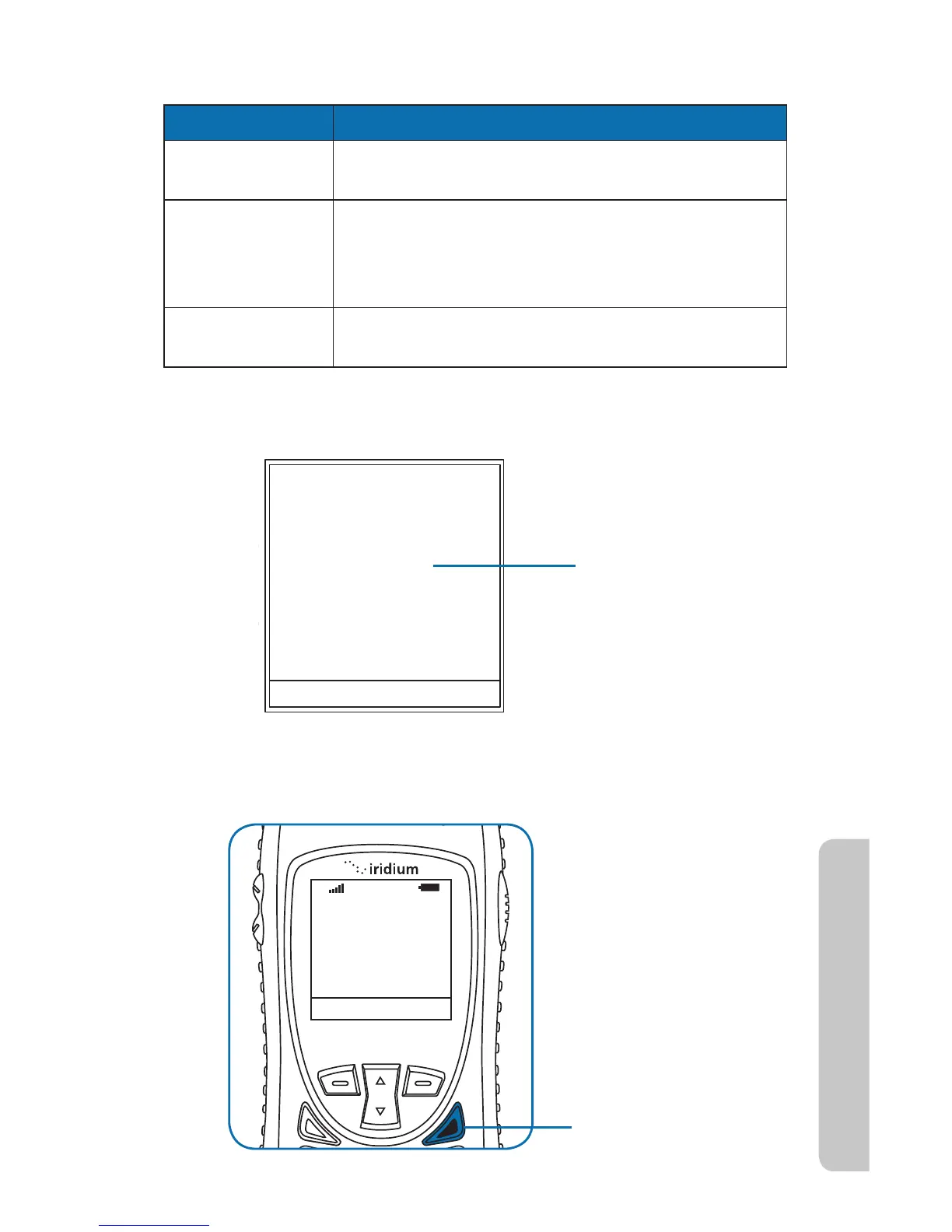
Press the red key.
Iridium Extreme™ User Manual 41
4: Getting Started
If the call does not connect, one of the following messages appears.
Message Directive
Busy Try Later Or
Please Try Later
The phone is unable to access the network. Try
again in a few minutes
Could not
place call. No
connection to
the network
The phone is unable to access the network.
Restricted Area The phone is unable to access the network. Move
to an area where calls are allowed.
Note: If you have disabled the timer, Connected display.
End a Call



 To Next Page