112 Iridium Extreme™ User Manual
9: Using the Messages Menu
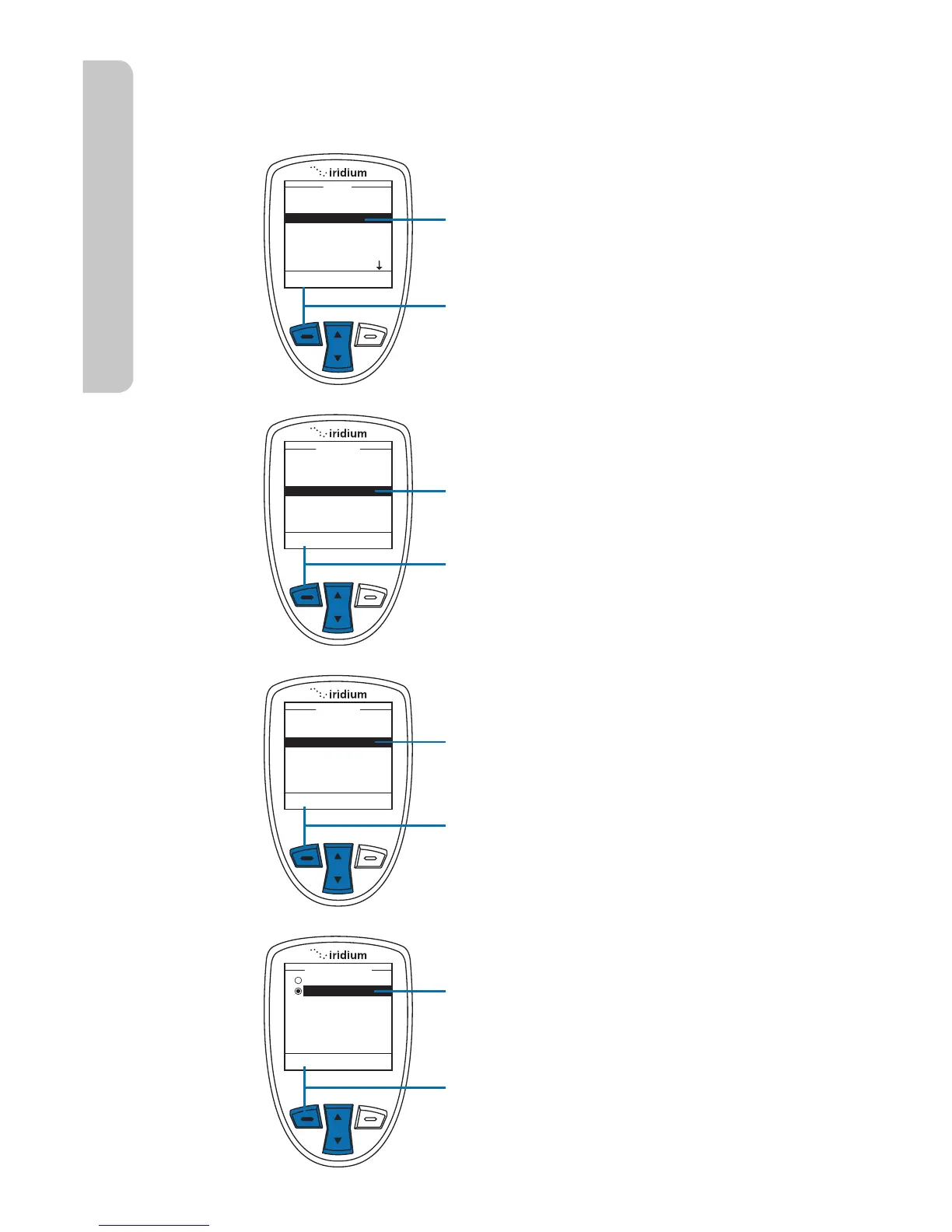
Select Delivery Reports
Use this capability to enable or disable message delivery reports.
Start at the Main Menu with Messages
highlighted:
1. Press the left soft key, labeled
Select.
2. Use the 2-way Navi-key to scroll until
the Settings option is highlighted.
3. Press the left soft key, labeled
Select.
4. Use the 2-way Navi-key to scroll
until the Delivery Reports option is
highlighted.
5. Press the left soft key, labeled
Select.
6. Use the 2-way Navi-key to turn the
Delivery Report OFF or ON.
7. Press the left soft key, labeled
Select. The screen returns to the
Settings menu.



 To Next Page